
A comprehensive business management solution, right in QuickBooks Desktop

Desktop Enterprise accounting
Customize your accounting solution with everything in one place—inventory management, reporting, pricing rules, job costing, payroll, time tracking, and more.

Payroll & accounting in one place
With Desktop Payroll built in, you can pay employees in the same place you manage your accounting—automatically syncing your payroll data with your books.

Easy payments and bookkeeping
Save an average of 18% on QuickBooks Desktop Payments fees as a Desktop Enterprise customer.1 Accept cards, ACH, Apple Pay, and Google Pay.

Track time your way
With QuickBooks Time Elite, employees can track time on the go, on a job, or from wherever they work.** Data syncs seamlessly to your job costs and payroll for improved efficiency and fewer errors.**

Run your business from anywhere
Add cloud hosting to Desktop Enterprise to take your productivity and collaboration to the next level by letting your team work from anywhere.**

One home for all your data
Get a single source of truth when you connect your favorite apps. Access over 200 industry-specific apps, including Webgility, Expensify, Method: CRM, and more.

Help when you need it with Priority Circle
Desktop Enterprise includes Priority Circle, giving you on-demand training and premium support, via phone or live chat.**

Get real-time updates from the field
With Intuit Field Service Management, connect your office and service technicians for greater productivity.** Improve scheduling, invoicing, job management—and your bottom line.
8 out of 10 QuickBooks Desktop Enterprise customers surveyed agree that using Desktop Enterprise improves their company bottom line.2
8 out of 10 QuickBooks Desktop Enterprise customers surveyed agree that using Desktop Enterprise improves their company bottom line.2
Discover more integration, automation, and productivity within Desktop

Manage multiple companies with ease
Desktop Enterprise lets you easily track and manage intercompany transactions using a single dashboard.** You can also create intercompany transactions reports, with the ability to filter by date range, for better insight into completed historical intercompany transactions.**

Get deeper insights
Desktop Enterprise includes Advanced Reporting, the most powerful reporting tool for QuickBooks. See the data you want, how you want it, with customizable, built-in reports—or create your own.

With Advanced Inventory,** you can track inventory across warehouses right down to the specific bin or pallet with intuitive, multi-level categorization.** Automate inventory management and reduce costly errors that can cut into your margins.

Desktop Enterprise automates many of the steps between receiving sales orders and delivering them to customers.** Fulfill orders faster by sending pick/pack instructions to mobile barcode scanners.** Print shipping labels with pre-filled company and customer information right inside QuickBooks Desktop.**
Simplify the complexity of pricing with customizable and automated price rules. Advanced Pricing in Desktop Enterprise gives you the control, flexibility, and options you need to set prices and maximize profits.**

Desktop Enterprise gives contractors and professional service firms up-to-the-minute information, so you can stay on track and react quickly when job costs cut into profits.
QuickBooks Desktop, tailored for your industry
Get a version of Desktop Enterprise with Desktop Payroll, Payments, and more, made for your industry and your specific business needs.
Manufacturing
Produce, manage, and distribute your products more efficiently right in QuickBooks Desktop Enterprise.
Wholesale & Distribution
Streamline your purchasing, distribution, inventory, and sales order fulfillment.**
Contractors
Powerful job cost tracking and customizable reports help increase productivity.
Hear how Desktop Enterprise helps businesses like yours

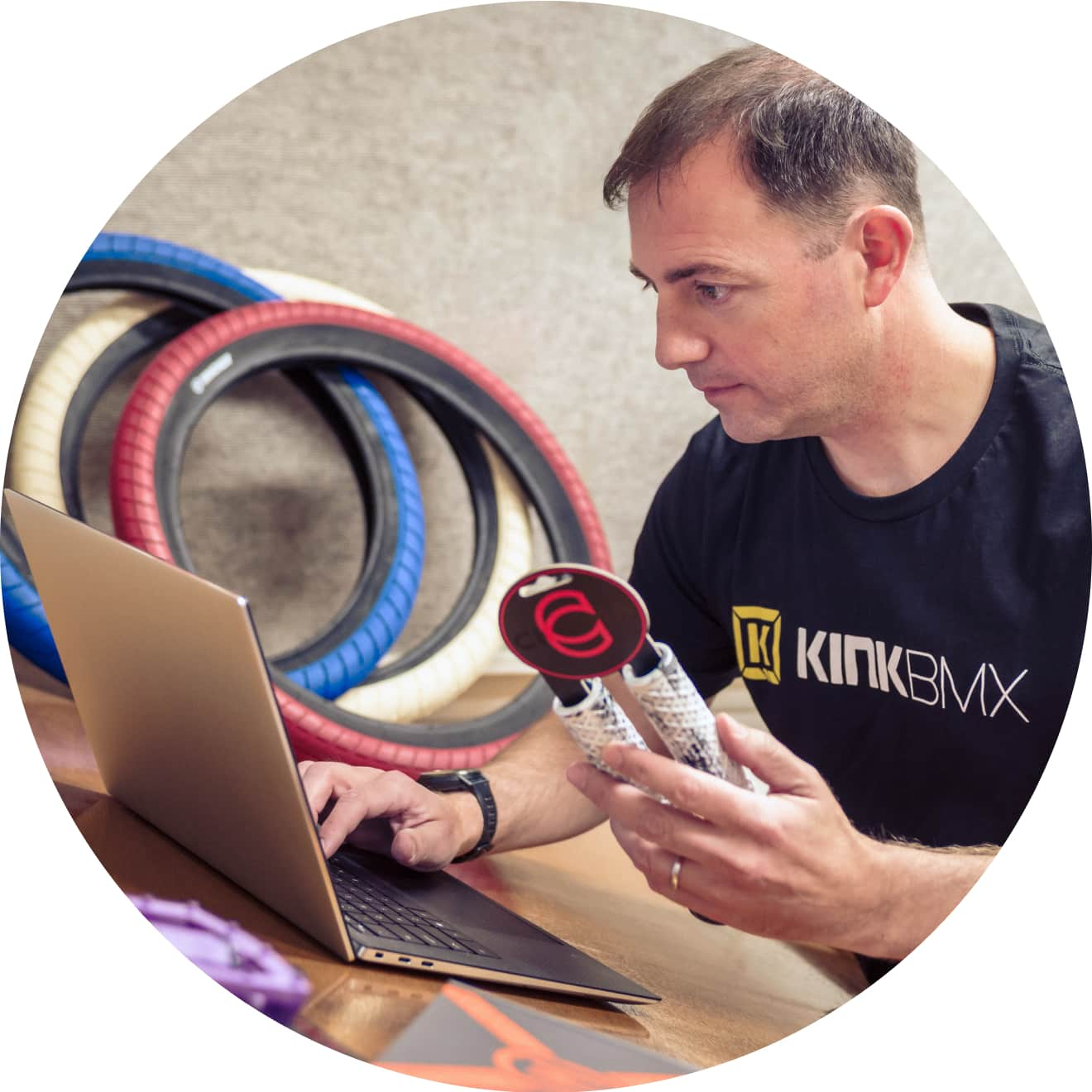
“Collecting all the hours and actually paying employees is really simple... It's pretty much a quick couple of clicks and it's done. We've tried lots of different payroll methods, but QuickBooks made it easy.”
Zack P., Kink BMX
“I think Advanced Inventory really is helpful. It just keeps us organized and it makes it easier because we have about 2000 individual parts out in our warehouse. It's been a big timesaver and [helps with] accuracy as well.”
Zack P., Kink BMX
“Collecting all the hours and actually paying employees is really simple... It's pretty much a quick couple of clicks and it's done. We've tried lots of different payroll methods, but QuickBooks made it easy.”
Zack P., Kink BMX
“I think Advanced Inventory really is helpful. It just keeps us organized and it makes it easier because we have about 2000 individual parts out in our warehouse. It's been a big timesaver and [helps with] accuracy as well.”
Zack P., Kink BMX
Real QuickBooks customer paid for their time




