
BLACK FRIDAY SALE 70% OFF QuickBooks for 3 months* Ends 11/29

Buy now
Switch to QuickBooks and 70% off for 3 Months
Feb 23, 2023 3:06 PM UTC
Question

Migrate Quickbooks Desktop Premier 2014 CA to Quickbooks Online

Hi,


I want to migrate from desktop premier 2014 CA to Online, but cannot.
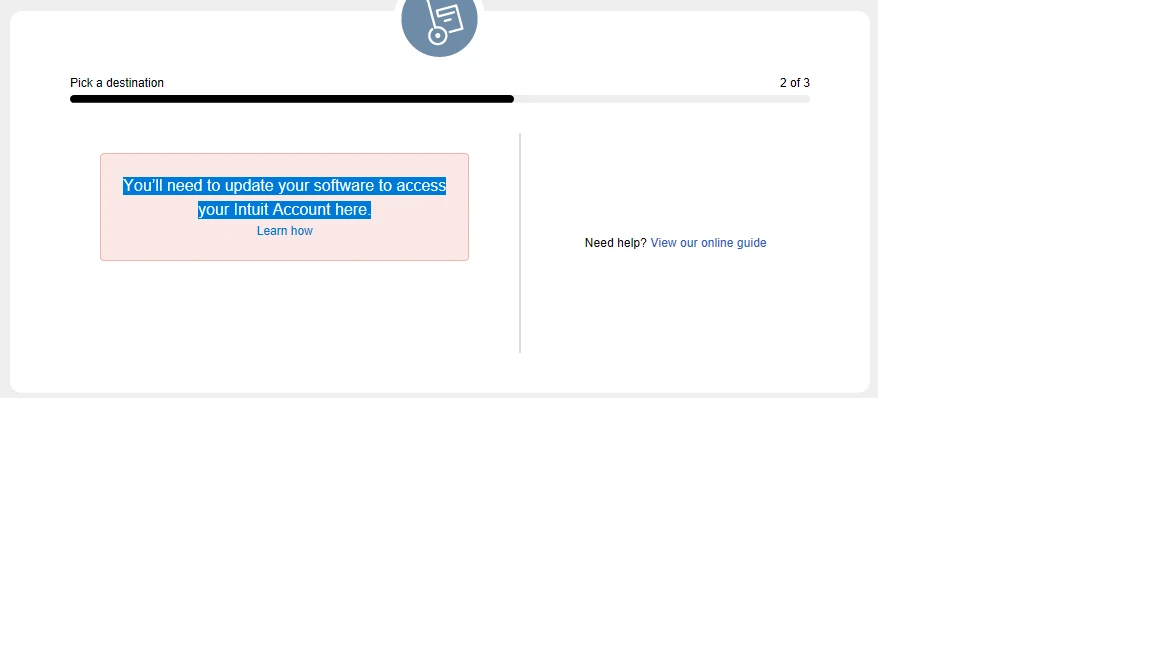


Can you help me? This Desktop premier 2014 already update to latest version


Thank you

5 replies

Moderator
Feb 23, 2023 4:32 PM UTC

It's good to see you posting here in the Community forum, @2121510. 


Let me help you migrate your QuickBooks Desktop to QuickBooks Online.


One of the main reasons why you received an error message when trying to migrate is that QuickBooks Desktop Premier 2014 is no longer a supported version. You may need to upgrade the software to have your data migrated and ensure that QuickBooks is up to date.


For more guidance in converting your data, here's a great resource that you can check out: Move your QuickBooks Desktop file to QuickBooks Online.


However, if you don't want to upgrade the software, you can move your books from QuickBooks Desktop to QuickBooks Online with an online tool.


Once done migrating, here's what you'll need to do to get going: What to do after you move from QuickBooks Desktop for Windows or Mac to QuickBooks Online.


Reach out to me in the comment section below if you have any additional questions. I'm always here to help. Have a wonderful day!

Fiat Lux - ASIA
Level 14
Feb 23, 2023 4:44 PM UTC

@2121510 

QB Desktop 2014 CA version to QB Online CA version or QB Online US version?

Feb 23, 2023 5:03 PM UTC

To Online Malaysia's version..
