You can connect your credit card on the Bank Transactions page, Pa32. To save time and minimize manual data entry.
Here’s how to set it up:
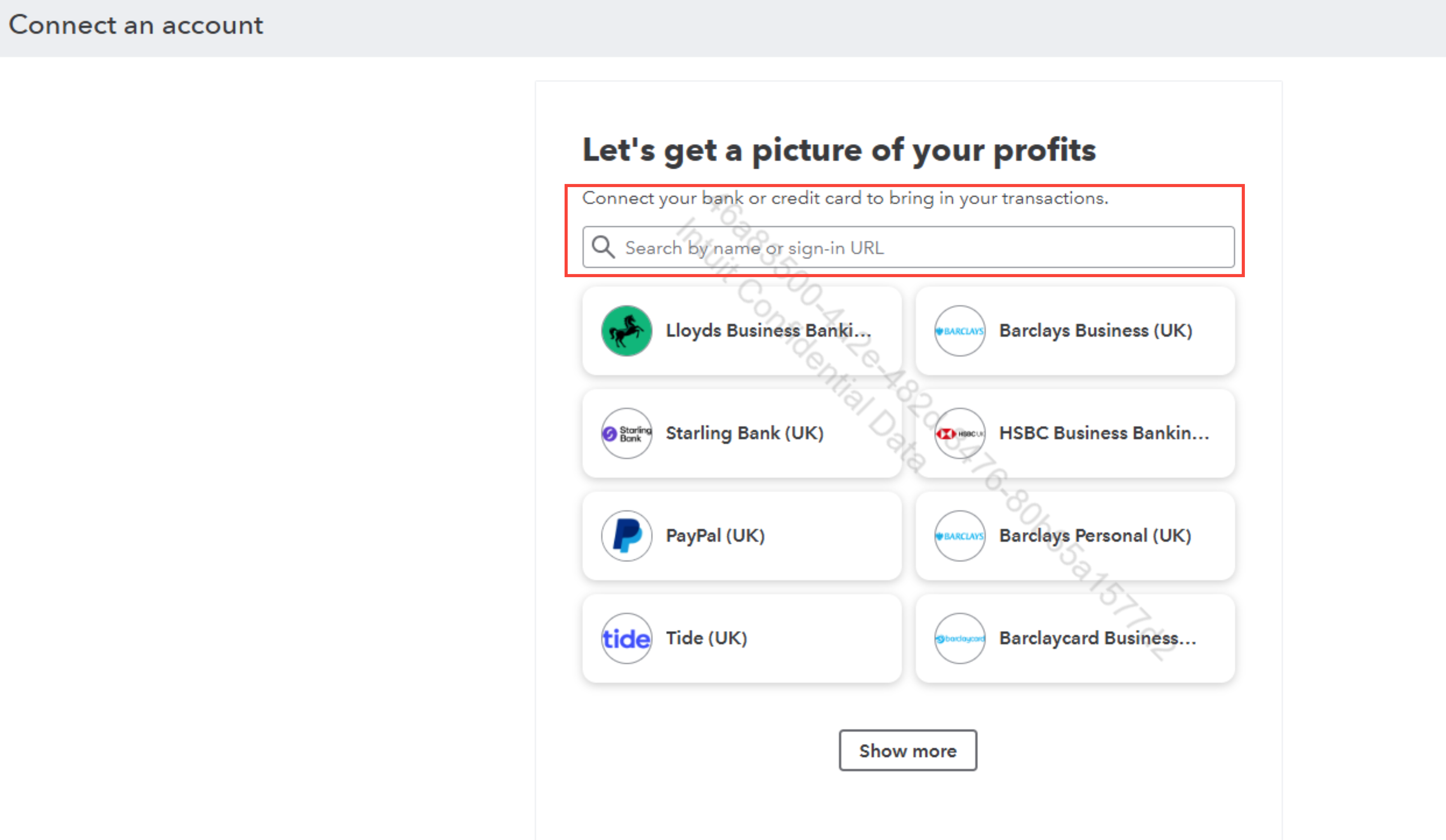
- Go to Bank Transactions and click Link account.
- Select your credit card and click Let’s go.
- Review the terms and click Agree.
- Log in with your online banking credentials and complete any required security steps.
- Choose the accounts you want to connect to your credit card.
- Optionally, add a custom account name (you can rename it later).
- Select the start date for importing transactions.
- Click Connect, then Done.
If you have any questions or need more information about adding your credit card to QuickBooks, feel free to share your concerns by clicking the reply button.


