Hello, Info. Before we start. Let's ensure that you have administrative access and complete any necessary verification requirements during the process.
First, sign in to your QuickBooks account using the credentials associated with the account.
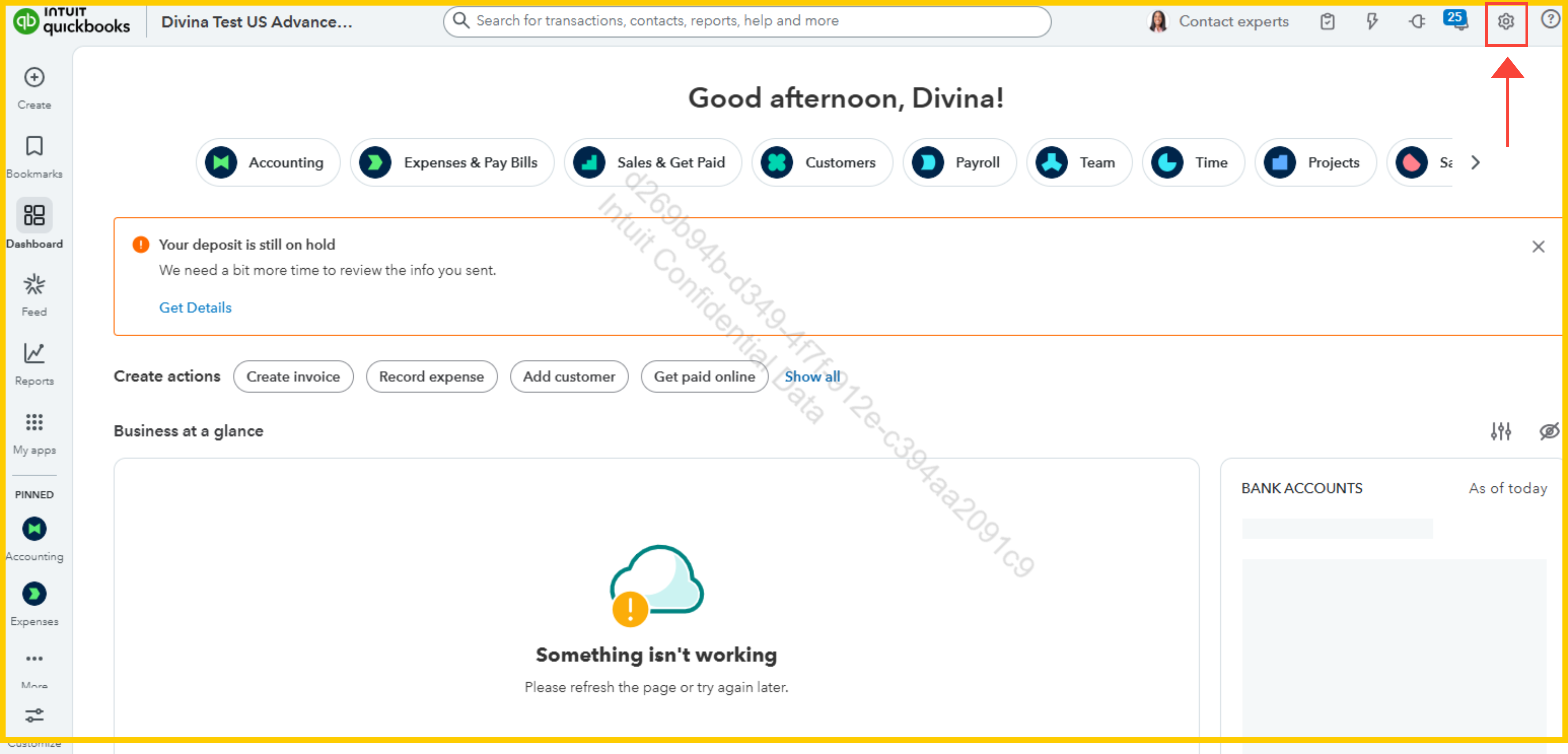
- Next, go to the Settings or gear icon in the upper section of your dashboard.
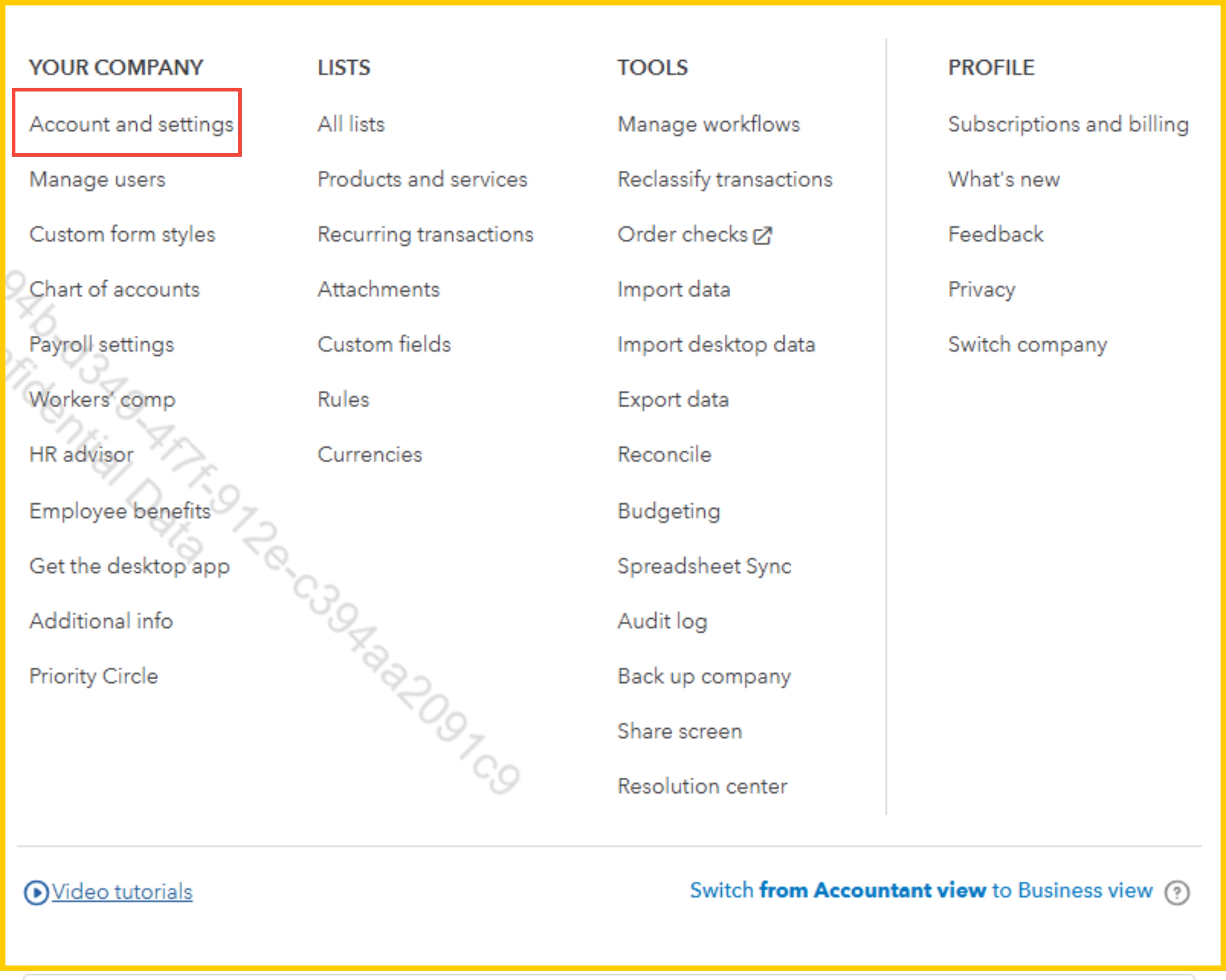
- Then, look for Account and Settings.
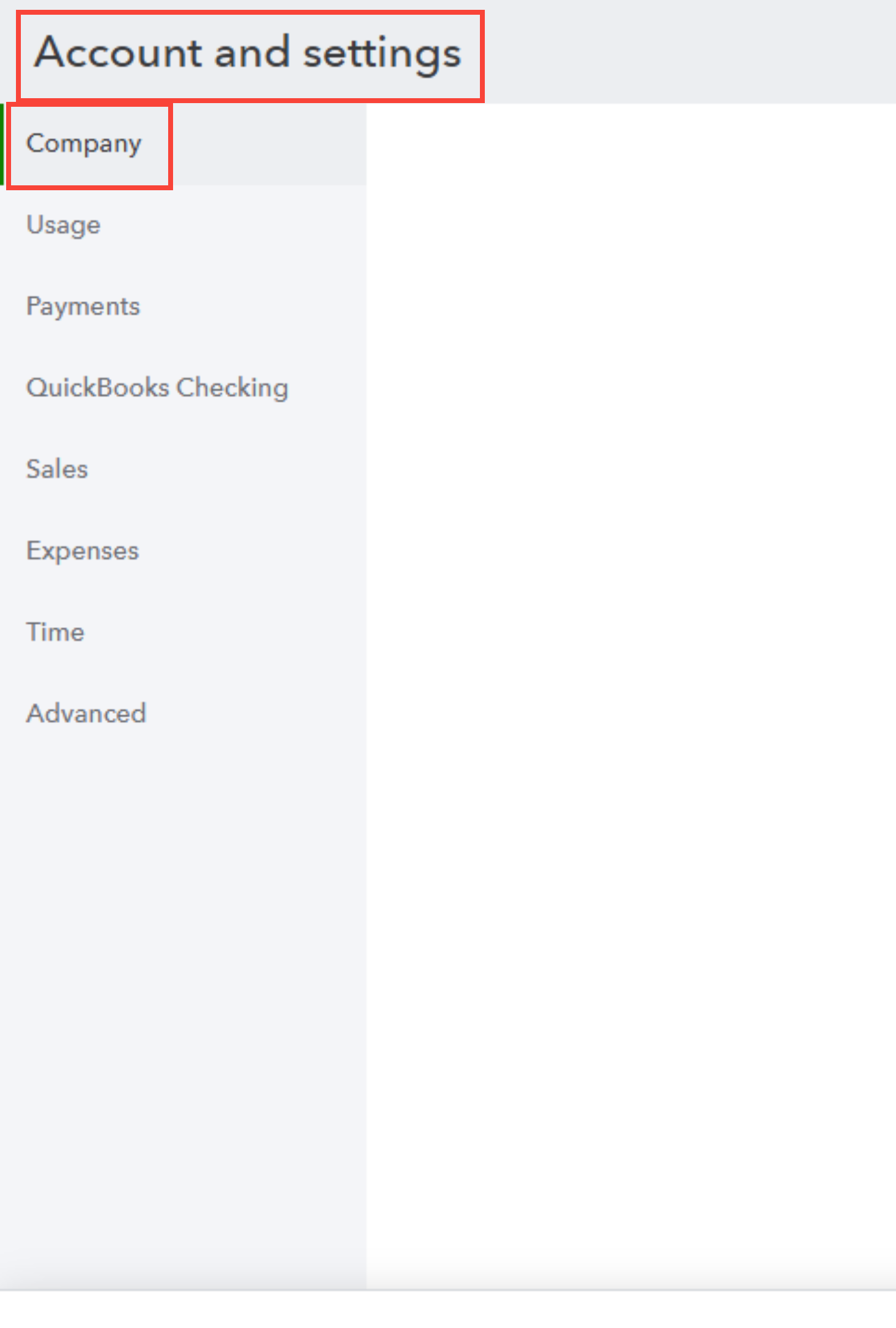
- Under the Company or Account Info tab, locate the section where owner details or primary contact information is listed.
- Click the Edit button beside the current information to make changes. Be sure to input accurate and complete new owner details, including name, email, and any other requested fields.
Once updated, review the modified information to ensure all changes are correct. Complete the process by saving or submitting the changes; you may need to reauthenticate or verify your identity.
Should anything remain unclear, please notify us.




