I completely understand how urgent this situation can be, and I want to assure you that securing your account is our top priority, Lauriel. I’m here to assist you in resolving this as quickly as possible.
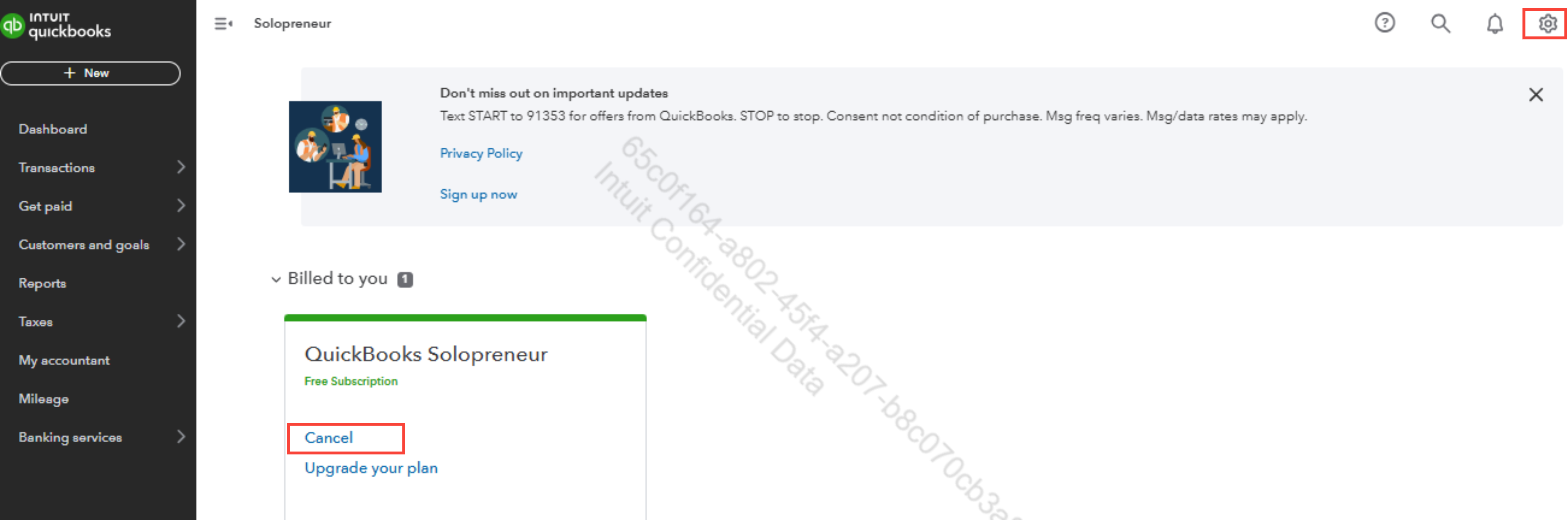
To permanently delete your QuickBooks Solopreneur account, you can start by canceling your subscription. Once canceled, your account will remain accessible in read-only mode for up to twelve months after the end of your billing period. During this time, you will still be able to view all your data, including registers and reports, but you won’t be able to add or edit any transactions.
After the twelve-month read-only period, your data will be permanently deleted from QuickBooks' servers and will no longer be accessible. To avoid losing important records, we strongly recommend exporting or saving reports or data before your access expires.
On the other hand, you also have the option to delete your Intuit account permanently. Here's how
- Go to accounts.intuit.com.
- Go to the Data privacy section.
- Under Data privacy, select Delete.
- Follow the on-screen instructions to successfully delete your information.
You can read this article for more info about the life of your QuickBooks data after you end your subscription: What happens to my QuickBooks Online data after I cancel?
You can leave a reply below if you need further assistance with anything else.




