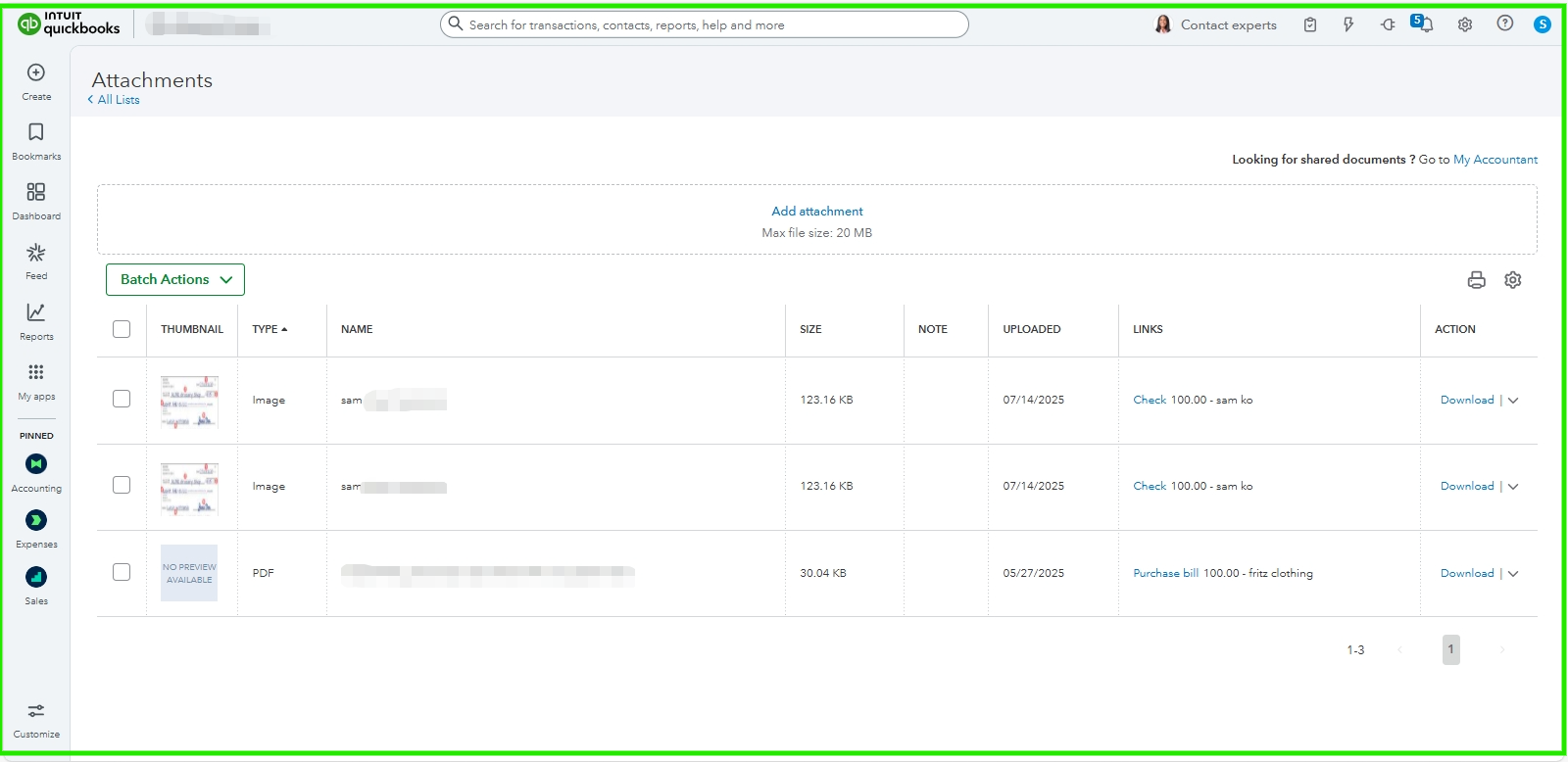
Let us review the Attachments section to see your check images, Mike.
First, could you let me know if you have attached images to your checks? If so, you can check out the Bank transactions feature. Please note that transactions with an attached image will have a number in the file column. You can also switch to the previous version to check if there is an image of the check.
However, we can also use the Attachments section that allows you to attach documents, images, and files to various transactions and records within the accounting system. You can follow the steps below:
- Go to the Gear icon.
- Under the Lists section, select Attachments.
On top of that, using up-to-date browsers is essential for accessing websites and web applications. Modern browsers are designed to support the latest features, ensuring you can use all functionalities without encountering issues.
Let us know if you have other questions or concerns. As always, our Community Forum is ready to assist.


