Welcome to the Community, kcoleman-without.
In QuickBooks Online (QBO), the processing and approval of cut-off times depend on your payroll service.
When running a direct deposit (DD) that has two banking days lead time, the employees will receive their paycheck two banking days after submitting it.
If it's still not showing on your account on the allocated time, I highly suggest contacting our Payroll Support team. They have tools such as screen-sharing (remote access) that can pull up your account in a secure environment and check the status of your payroll.
Here's how to contact us:
1. Click the Help (?) icon.

2. Choose Contact Us.

3. Enter a brief description of your situation in the What can we help you with? area, then click Let's talk.
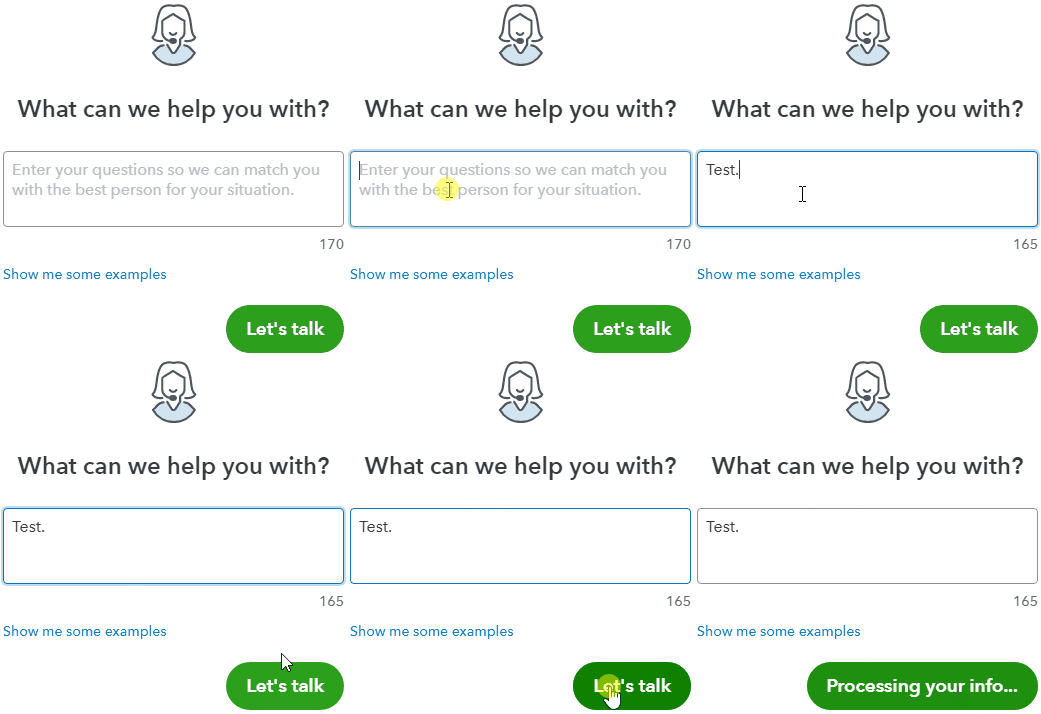
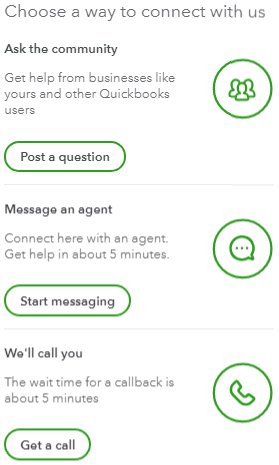
4. You'll be presented with a few options for connecting with Intuit. Select Get a call.
As always, feel free to visit our Help articles for QuickBooks Online in case you need tips and payroll-related articles in the future.
You can always drop by if there's anything else I can help you with. I'd be more than willing to lend you a hand.


