Hi lovelace97701,
There is no option to connect your eBay business if you’re using QuickBooks Self-Employed (QBSE). However, you can use a third-party app to connect your eBay business through other QuickBooks Online subscriptions (e.g., Simple Start, Essentials, Plus, and Advanced).
Here’s how:
- Click the My integrations icon.
- Select the Find integrations option.
- Enter “eBay” to search for an integration tool that suits your business needs.
Regarding connecting your Apple card to QBSE, all you need to do is link it through your Apple card’s bank partner. Here’s how:
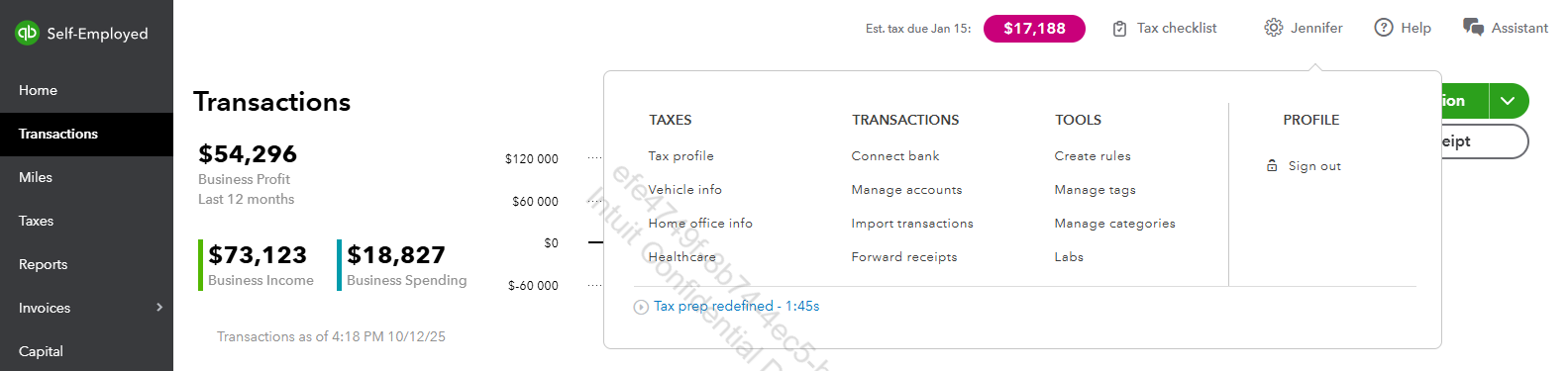
- Click the Gear icon.
- Select Connect bank.
- Enter your Apple card’s bank partner in the search box.
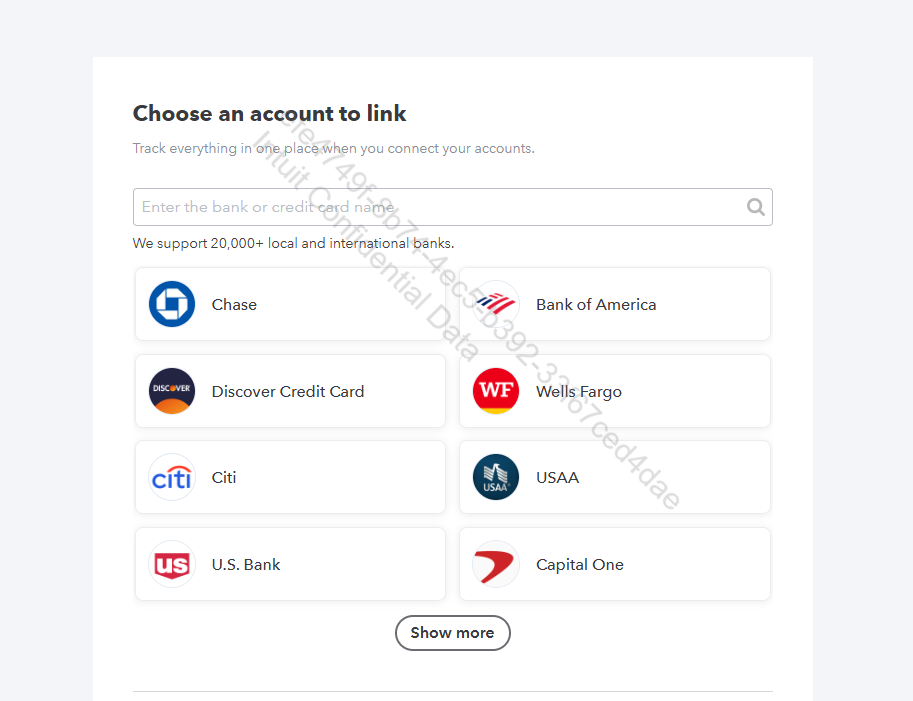
If you have tried all options matching your bank’s name and still can’t connect, or if your bank doesn’t appear, please request support for your bank. Refer to the In QuickBooks Self-Employed section in this article for guidance: Find your bank or credit card account when you connect to online banking.
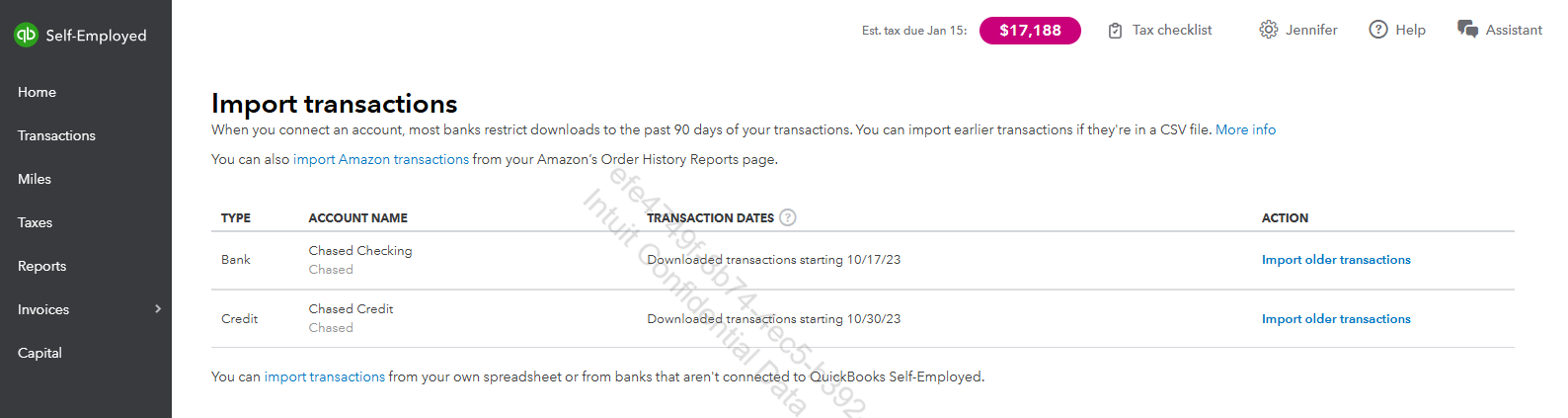
In the meantime, you can manually import your Apple card transactions by following the supported formats. Here’s how:
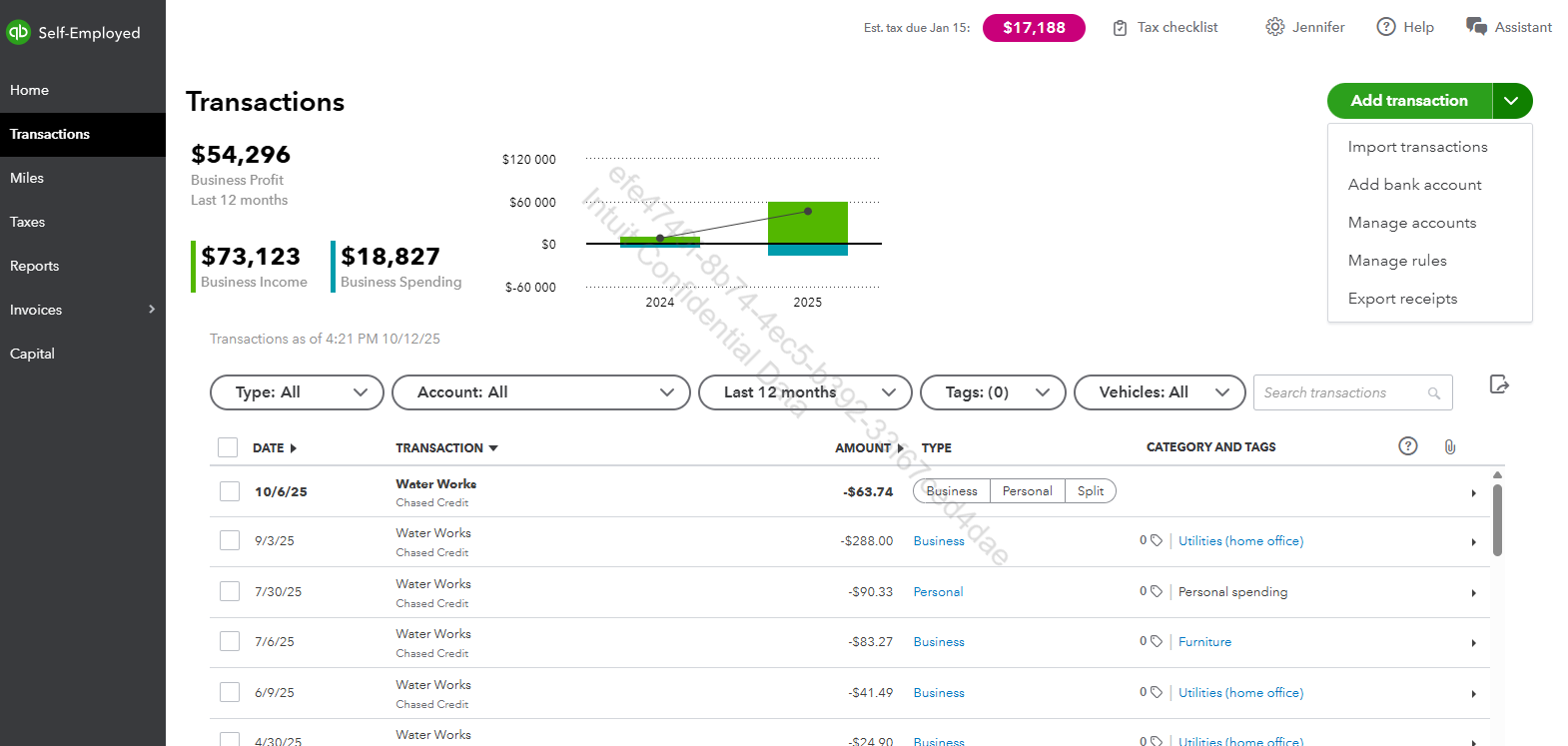
- Click the dropdown arrow beside the Add transaction option.
- Choose Import transactions.
- Select the account where you want to import the transactions.
If you have any other questions, feel free to leave a message below.


