Turn on suggestions
Auto-suggest helps you quickly narrow down your search results by suggesting possible matches as you type.
Showing results for
year start month set as March but management reports state period ending 1 March. These should state end February how can this be changed
You are correct that your management report ends in February instead of March 1, Ant.
To fix the correct management report, here's how you can do it:
After updating the financial year in QuickBooks Online, let's check the management report to see the changes.
Here's how:
Please see the screenshot below for visual reference.
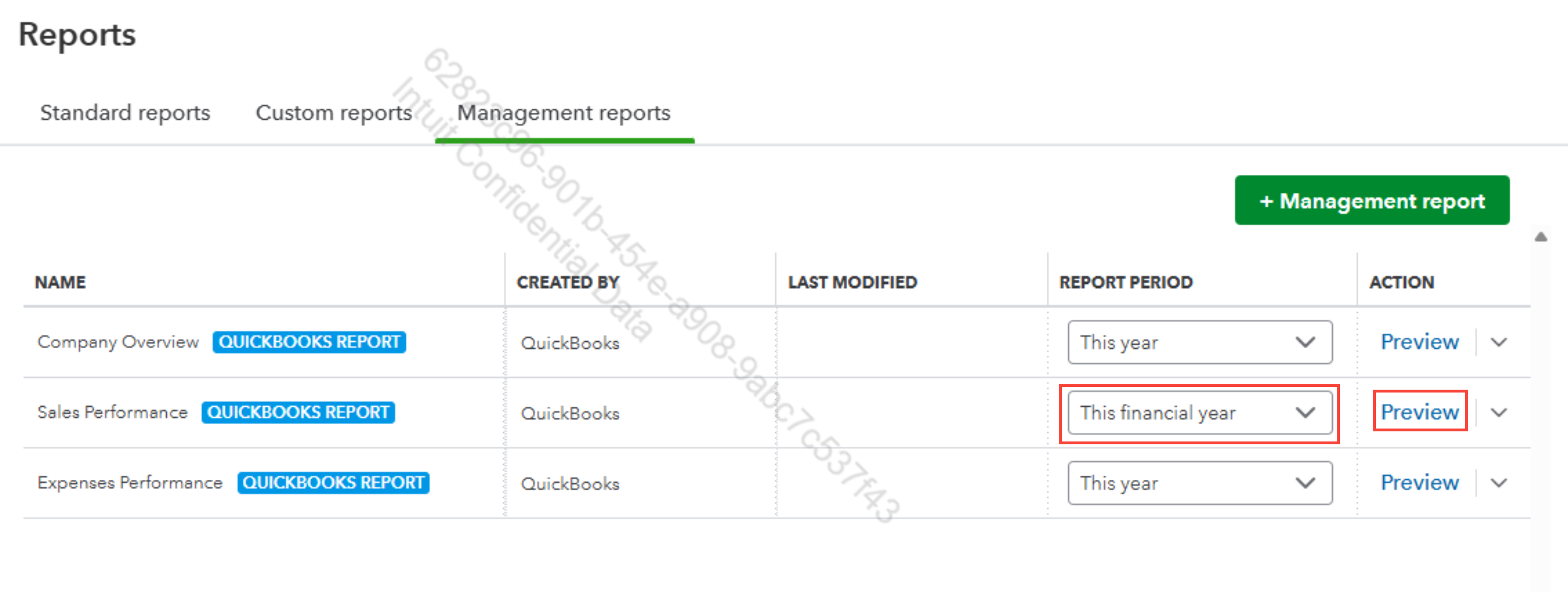
If you need further clarification, let us know below. We're still here to help.
You have clicked a link to a site outside of the QuickBooks or ProFile Communities. By clicking "Continue", you will leave the community and be taken to that site instead.
For more information visit our Security Center or to report suspicious websites you can contact us here


