- Mark as New
- Bookmark
- Subscribe
- Highlight
- Report Inappropriate Content
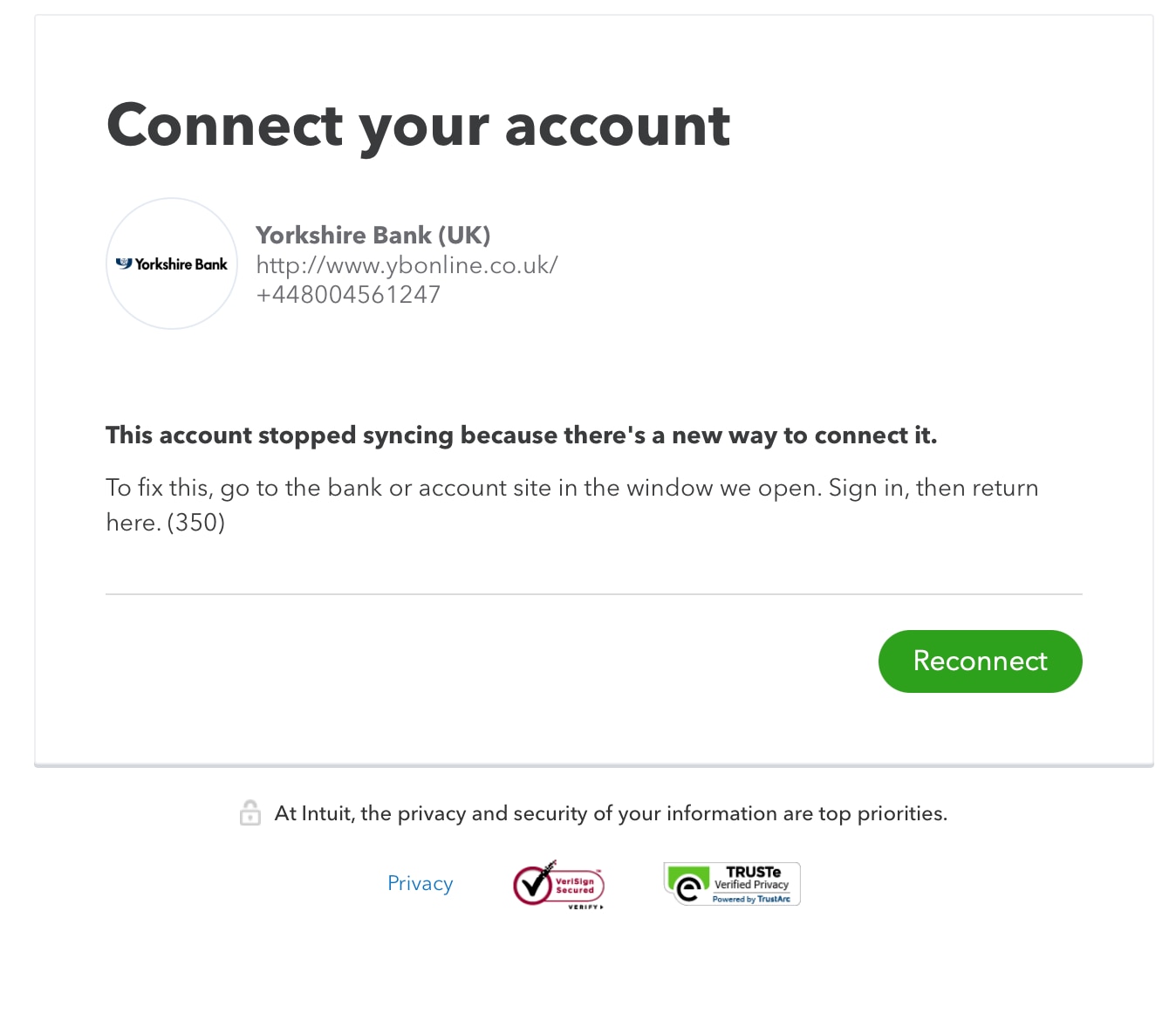
Yorkshire Bank won't connect anymore....
In November my connection to my Yorkshire Buisness Account stopped working, every time I go to reconnect it takes me to my banking app to confirm and says everything has been successful but then takes me back to the reconnect screen.... Log back in and it hasn't reconnected. Any ideas as this is VERY frustrating...


- Mark as New
- Bookmark
- Subscribe
- Highlight
- Report Inappropriate Content
Banking
It won't reconnect, how do I safely disconnect without loosing all of my transactions....?
- Mark as New
- Bookmark
- Subscribe
- Highlight
- Report Inappropriate Content
Banking
Hello Richie, as long as any transactions that are sat in the for review have been reviewed/catergorised before you do the disconnection, you will not loose any of your transactions they will all still be there in the catergorised section on the banking screen.

- Mark as New
- Bookmark
- Subscribe
- Highlight
- Report Inappropriate Content
Banking
I have the same problem, today, and the article referenced above is no longer available.
Can my Yorkshire Building Society savings account be linked to QBO?
- Mark as New
- Bookmark
- Subscribe
- Highlight
- Report Inappropriate Content
Banking
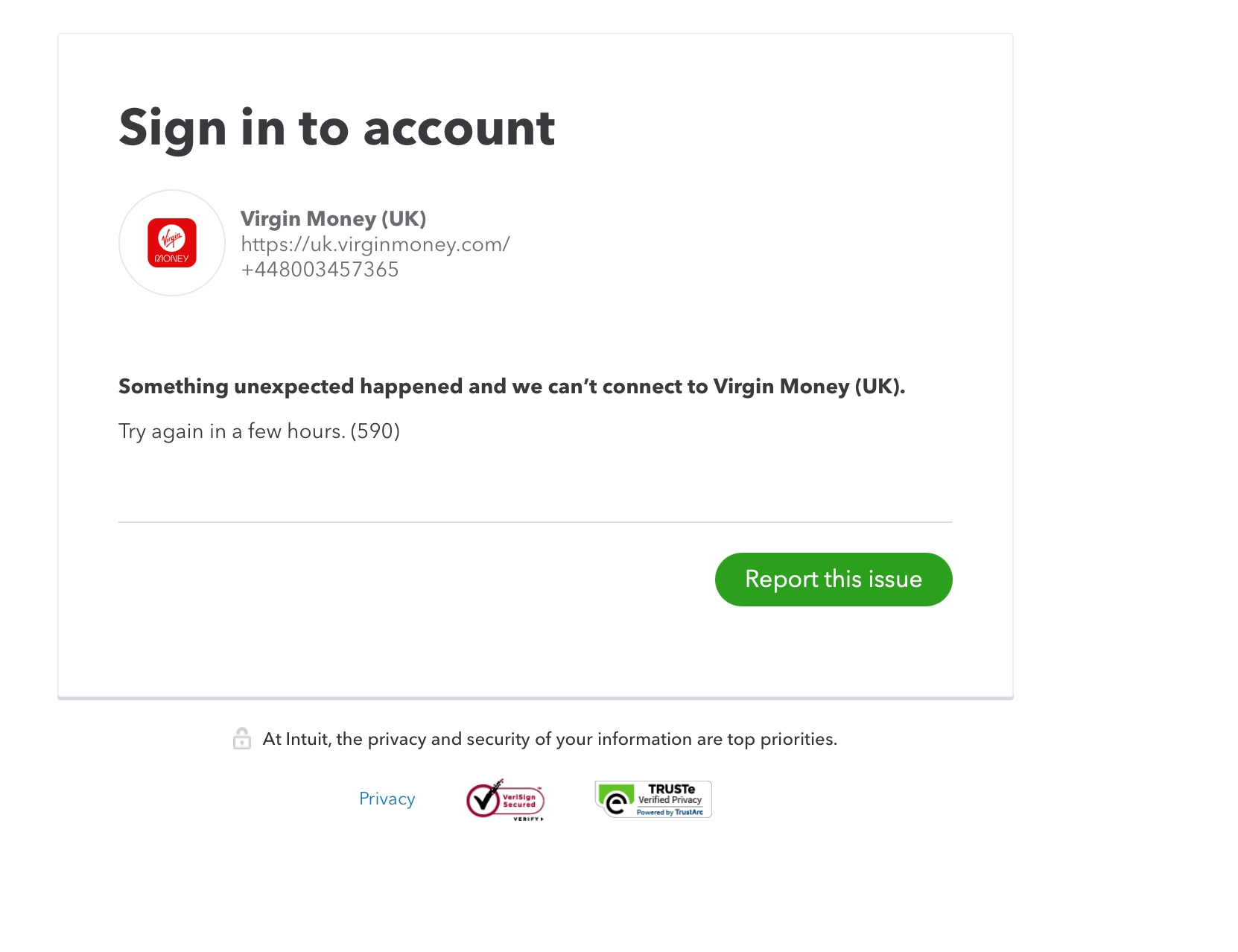
I'm having the same issue - been trying to connect for over a week and each time this appears?

- Mark as New
- Bookmark
- Subscribe
- Highlight
- Report Inappropriate Content
Banking
I recognize the importance of linking your bank account to QuickBooks, @Lisa2803. I’ve got some steps that can help you resolve this error 590.
The bank error 590 typically occurs if the verification process takes too long and the bank website times out and closes. This is usually temporary that will resolve within 48 hours. However, there are times when it won't resolve itself (due to bank maintenance or system updates). This is the reason why you're having the issue for months.
Since you’re experiencing the issue for a while, I recommend contacting our support team directly. They have the necessary tools to check your account and help with the connection issues.
Here's how:
- Sign in to your QuickBooks Online company.
- Click Help (?).
- In QB Assistant, enter the topic you need help with. You can also enter questions.
- Select Contact Us to connect with a live support agent.
- Choose a way to connect either Start a chat or Call us.

We're available from 8:00 AM to 10:00 PM, Monday through Friday, and from 8:00 AM to 6:00 PM, Saturday and Sunday. You can utilize this link for more ways on connecting with us: Contact QBO support team.
In the meantime, you can download a CSV file of your transaction and manually upload it to bring them to QuickBooks Online. For further details on the procedure, see the following resource: Manually upload transactions into QuickBooks Online.
After that, you can begin with matching and reviewing your bank transactions in QBO:
Stay in touch with me on how this goes or if you need anything else aside from connecting your bank. I'm always right here to help you. Stay safe.