
- Mark as New
- Bookmark
- Subscribe
- Permalink
- Report Inappropriate Content
Why do my deposits not show in my register?
Only the deposits (credit for bank fee and interest earned) show in my register. How can I find them so that I can split them (cash-paycheck - repayment of personal loans and money gifts from Dad)?


- Mark as New
- Bookmark
- Subscribe
- Permalink
- Report Inappropriate Content
Banking
Let's ensure the deposit is saved in the correct account, @calsboat.
Accurate categorization in QuickBooks Online (QBO) is essential for maintaining correct financial records, generating reliable reports, and efficiently tracking your business's performance. To check if the entry is in the correct account, follow these steps:
- Go to the Bank transactions tab and select Chart of Accounts.
- Open the register, click the entry to see its details, and then click Edit.
- From the Account dropdown menu, select the correct account.
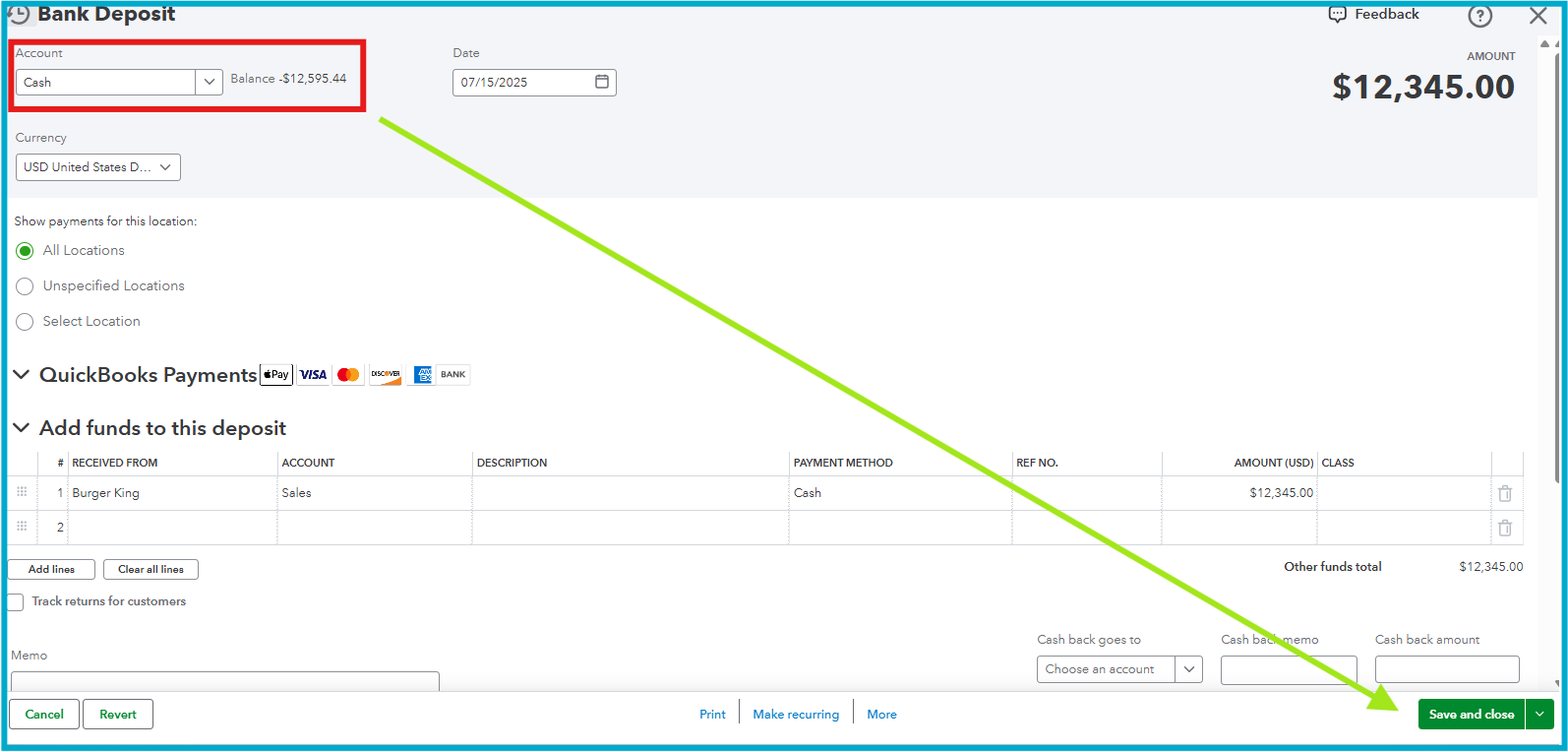
- Click Save and Close.
For future reference on how to handle a personal expense in a business account in QBO, refer to this article: Pay for personal expenses from a business credit card or bank account.
If you have any other questions, feel free to reply to this thread.
