Turn on suggestions
Auto-suggest helps you quickly narrow down your search results by suggesting possible matches as you type.
Showing results for
SALE EXTENDED 70% OFF QuickBooks for 3 months* Ends 12/8
Buy nowIf you've already created tags before, you can find them in the Lists page, Amy.
Please note that customers who have never used tags from the beginning will no longer see the option. However, those who have used it before can still access the feature.
Here’s how:
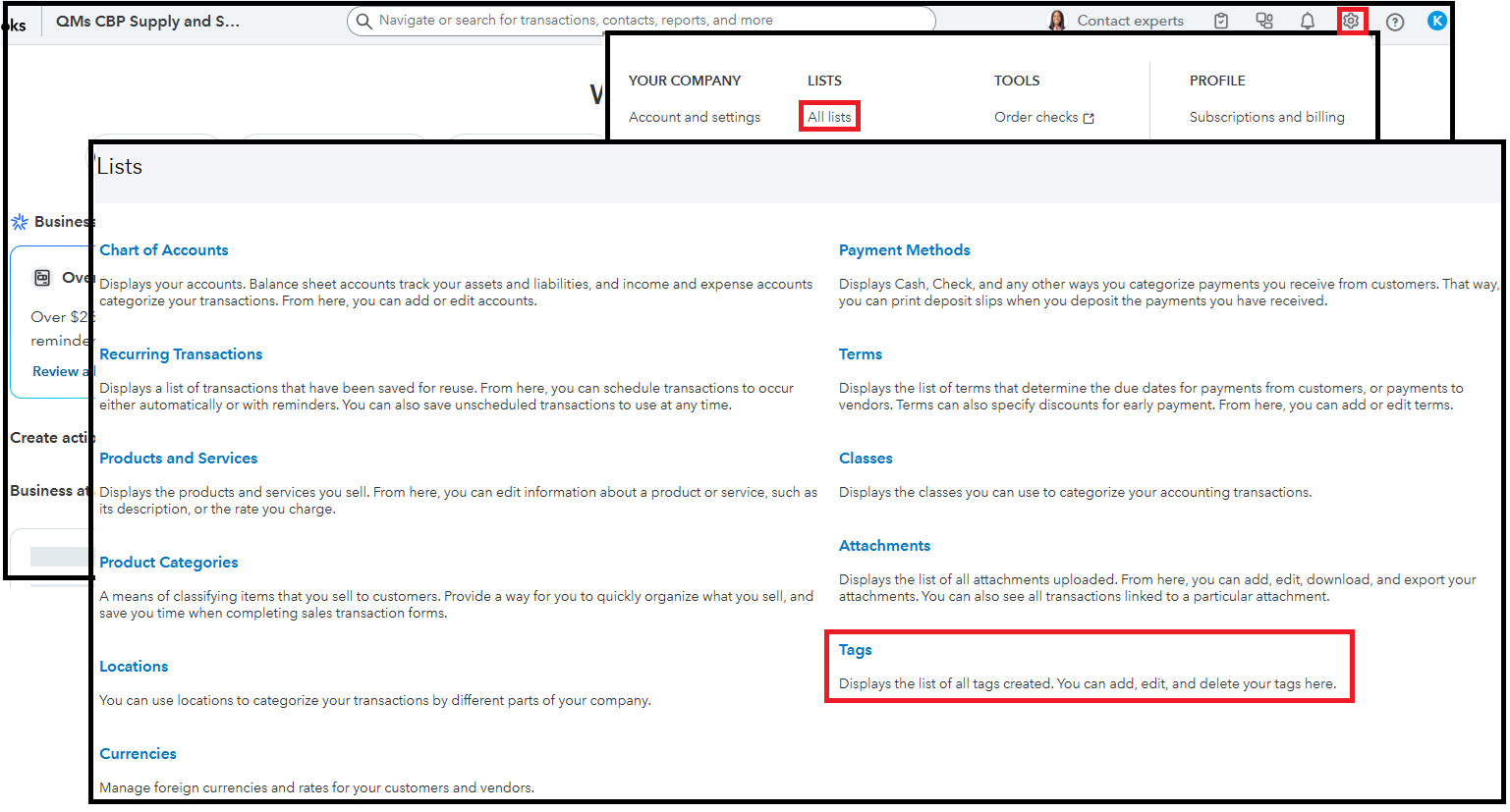
If it is no longer available on your end, you can utilize custom fields as an alternative.
Return to this thread if you need further assistance with QuickBooks Online. We're here to support you.

