
Turn on suggestions
Auto-suggest helps you quickly narrow down your search results by suggesting possible matches as you type.
Showing results for

Thanks for reaching out, Ritchel. Registering for a QuickBooks Online (QBO) Accountant account is completely free, and you can do this either directly from our website or through an invitation sent by a client.
To get started, the steps will vary depending on whether you've used QBO before. If you've never used it, don't have an existing user ID, or want to create a new profile for QBO Accountant, please follow these steps:
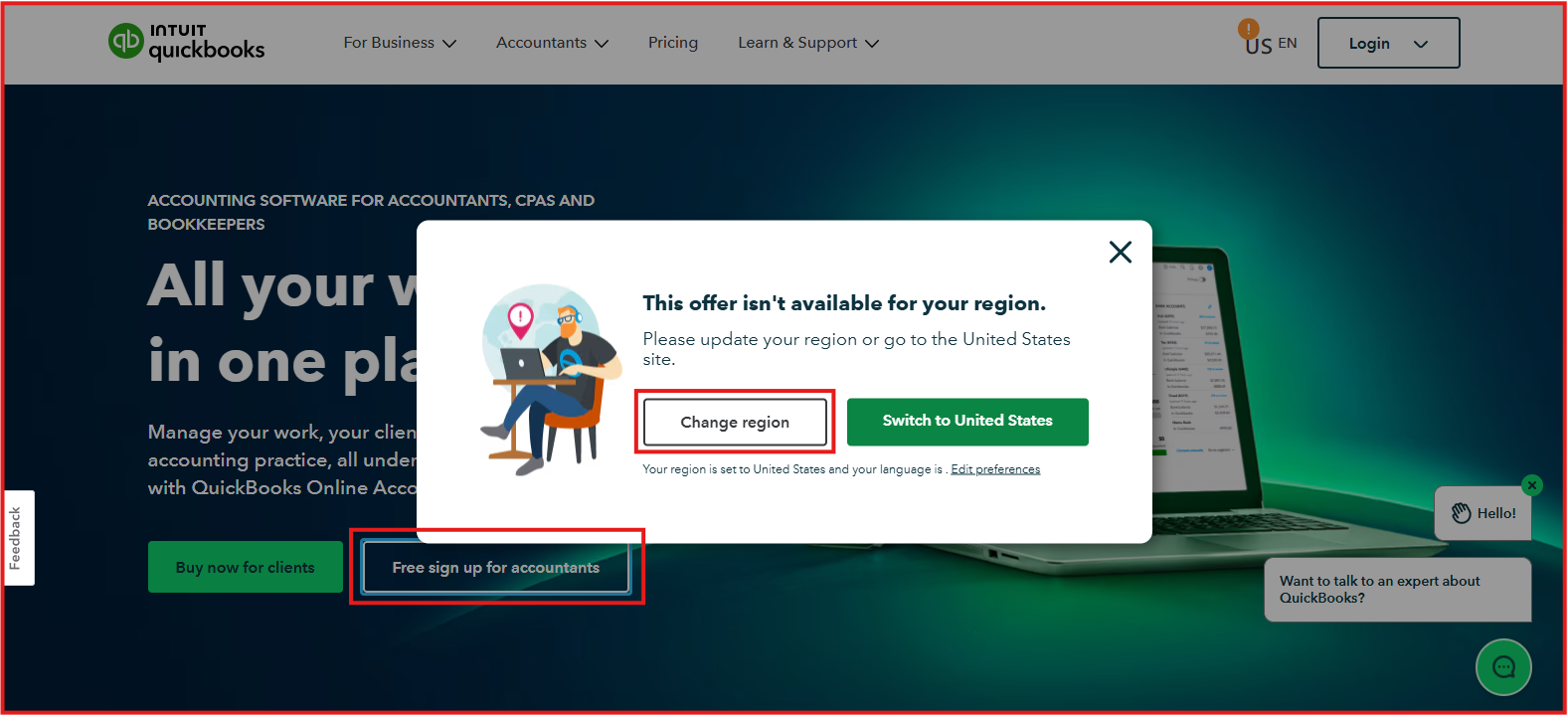
If you have an existing user ID, you can use it to create a QBO Accountant firm. Please select Already have an account? Sign In on the Sign up page to proceed.

Alternatively, you can ask your client to invite you as their accountant by sending the invitation to your email. Open the email, click Accept invitation, and follow the steps to register.
If you already have a QBO user ID, ensure your client sends the invite to the email address linked to your account so you can log in and complete the setup. For more detailed information, check out this article: Sign up for QuickBooks Accountant.
Feel free to drop a Reply below if you have further questions. I'm here to help.
You have clicked a link to a site outside of the QuickBooks or ProFile Communities. By clicking "Continue", you will leave the community and be taken to that site instead.
For more information visit our Security Center or to report suspicious websites you can contact us here

