

- Mark as New
- Bookmark
- Subscribe
- Permalink
- Report Inappropriate Content
Account Management
Hi, Mark.
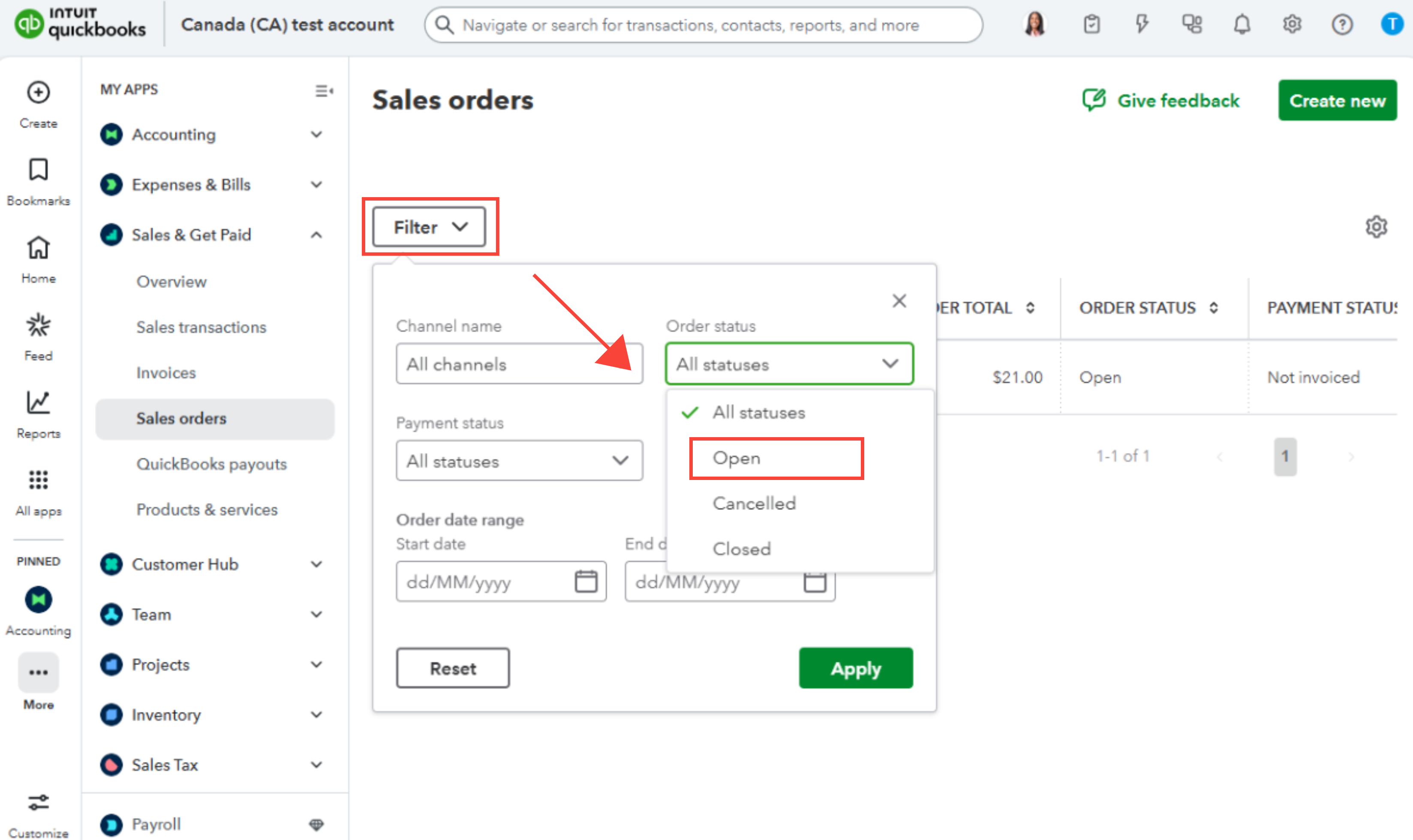
The Open Sales Order report is not yet available in QuickBooks Online Advanced. However, there is another way to view your open sales orders.
Here's how:
- Hover over All apps.
- Select Sales & Get Paid, then Sales Order.
- Click Filter and choose Open in the Order Status section.
If you have further questions, click the Reply button below.
