

- Mark as New
- Bookmark
- Subscribe
- Permalink
- Report Inappropriate Content
Other questions
Hi there, @mattyb,
The Intuit Chat Support page should work on your end.
Let's use a different or private browser so you can chat with our support team. Browsing privately prevents from storing additional cache files that may be causing the blank screen after providing your information.
Use the following shortcut keys to open a private window:
- CTRL + SHIFT + N (Google Chrome and Mozilla Firefox)
- CTRL + SHIFT + N (Internet Explorer)
- CTRL + OPTION + P (Safari).
Once done, you can then chat them again. You should be able to see this page after clicking Submit. Please see the attached screenshot below for your guidance.
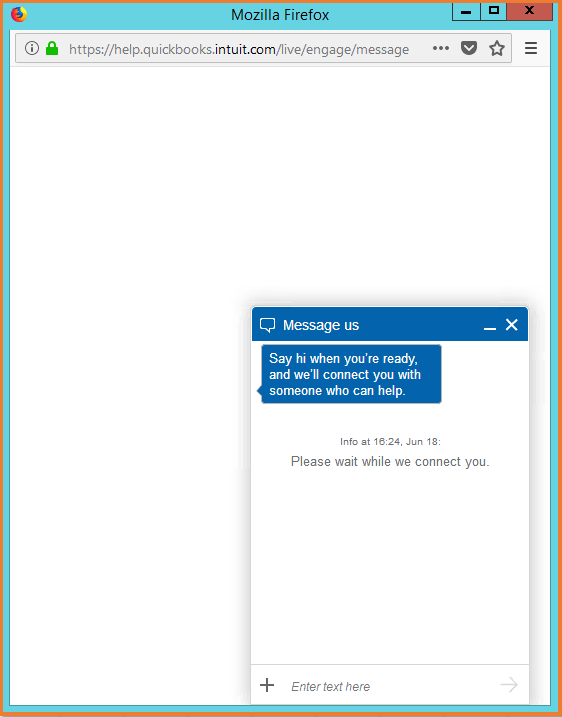
When that works, I suggest clearing cache and cookies on your regular browser to resolve the issue.
You can also check out this link for the helpful articles with the information you need: QuickBooks Online Help Articles.
Please know I'm always around to help with any QuickBooks issues you may be having. Just leave a comment below and I'll get back to you.
