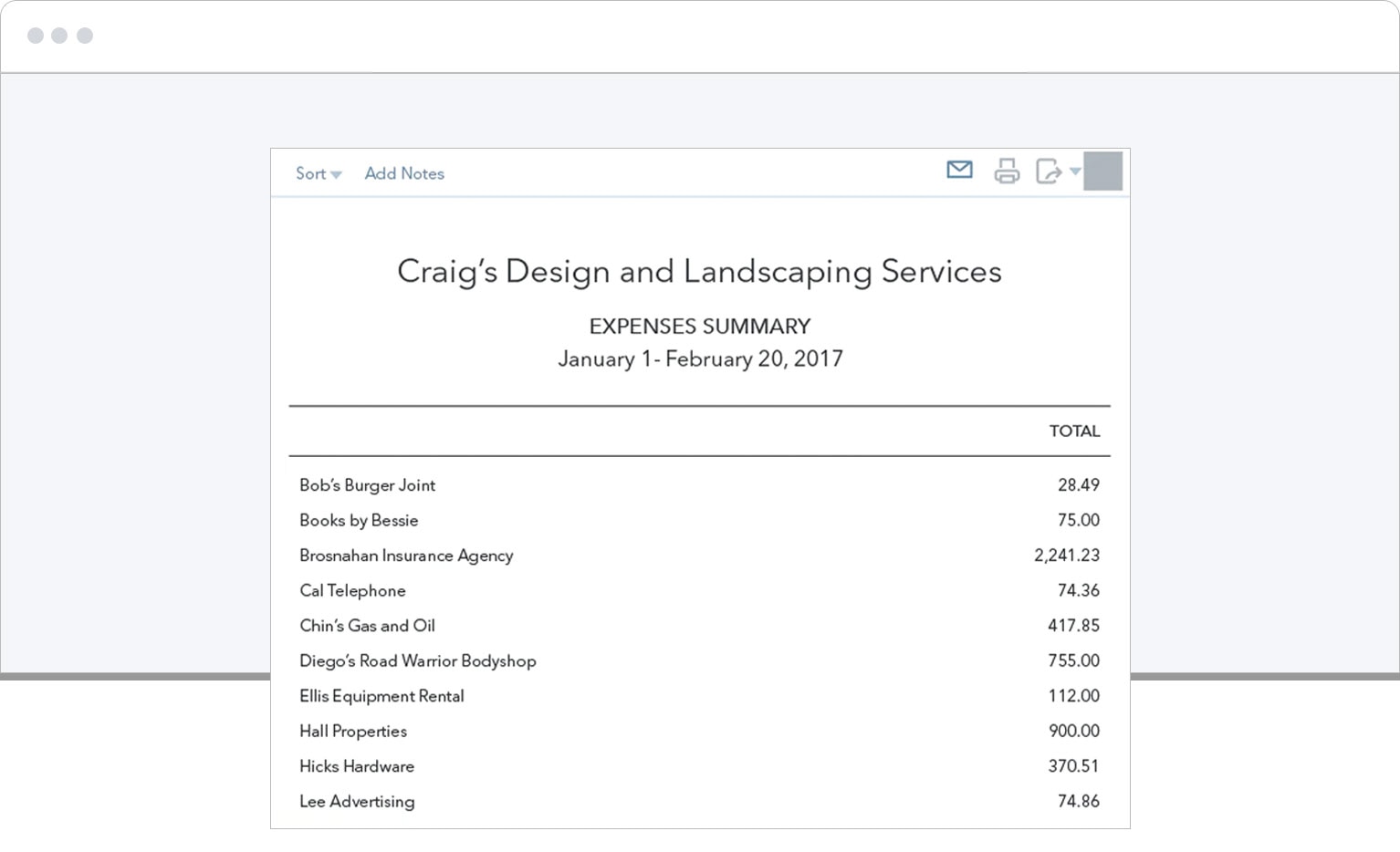
With simple reconciliation and Open Banking PSD2 compliance, QuickBooks makes banking easy for European businesses.

Choose your...
No results found
No results found

See how to connect your bank and credit cards to QuickBooks Online
Stay on top of your transactions and keep an eye on where your money goes
- Track and manage bank transactions automatically
- Securely import revenue and expenses data
- Easily report on your banking and credit card transactions
All you need to do is connect your bank account and you get a full view of your finances.
Find the banks that are currently available in QuickBooks
- Loading...
Please note institutions are added/removed on a regular basis. If you can’t see your country listed below or aren’t sure whether you can connect your bank, please reach out to us, or you can manually upload bank transactions. If your bank is unavailable but you still want to use QuickBooks, you can request your bank be added from inside the app.
Instant insights
Know what’s coming in and what’s going out. Bank feeds let you see how your business is doing in real-time.
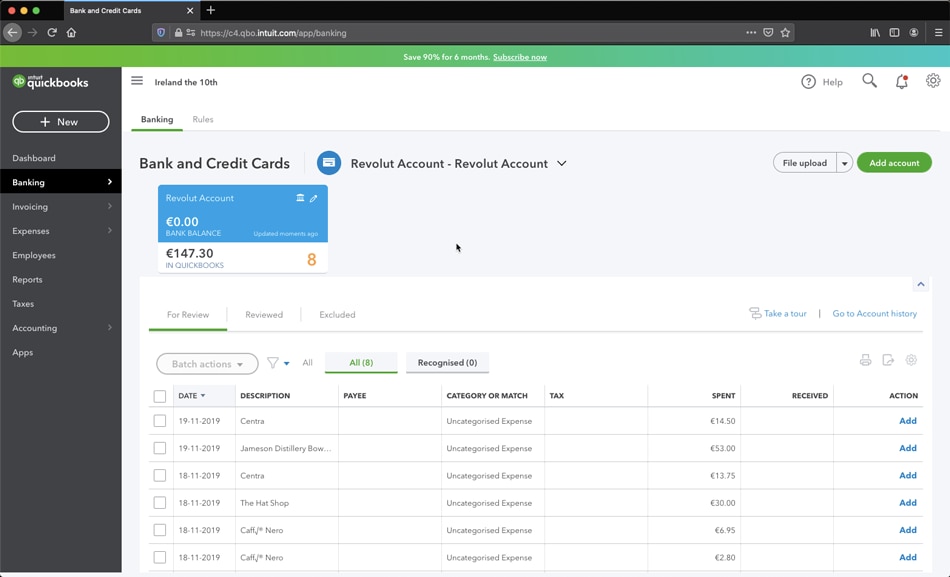
No more manual data entry
Make number crunching and clerical errors a thing of the past. Connect your bank accounts to QuickBooks and enjoy a seamless and secure connection.
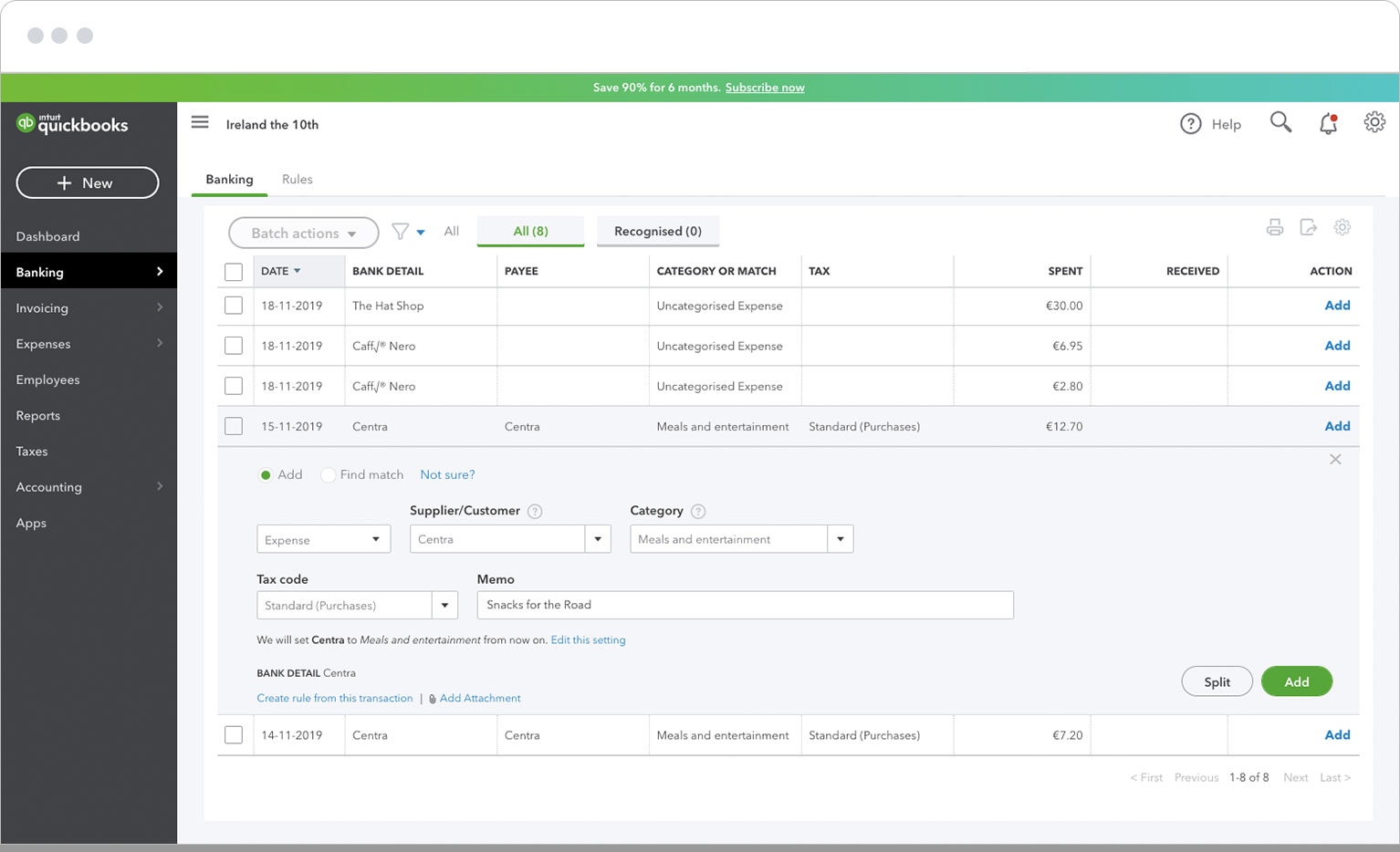
Let your data flow
When your bank data flows directly into your QuickBooks Online account, every transaction appears instantly.
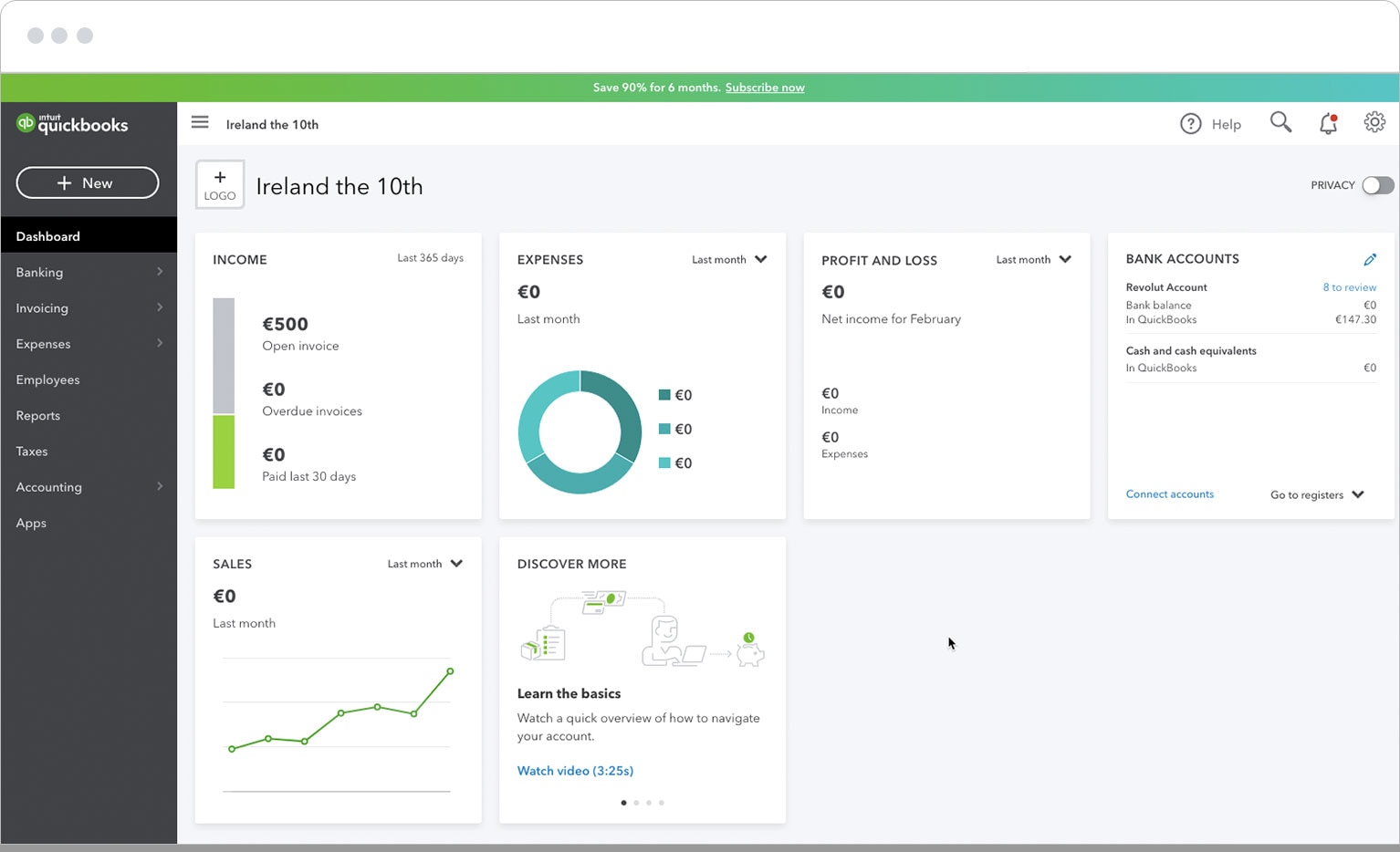
Transactions sorted
Our smart solution matches income with invoices and outgoings with expenses, then automatically categorises each transaction.