Welcome to the Community space, @bala-accounts. I'm glad to assist you with your request for your subscription invoice.
Your QuickBooks subscription invoice can be easily accessed directly from your QuickBooks Online account. Here’s how:
- Go to the Gear icon and select Subscriptions and billing.
- Click the View payment history link.
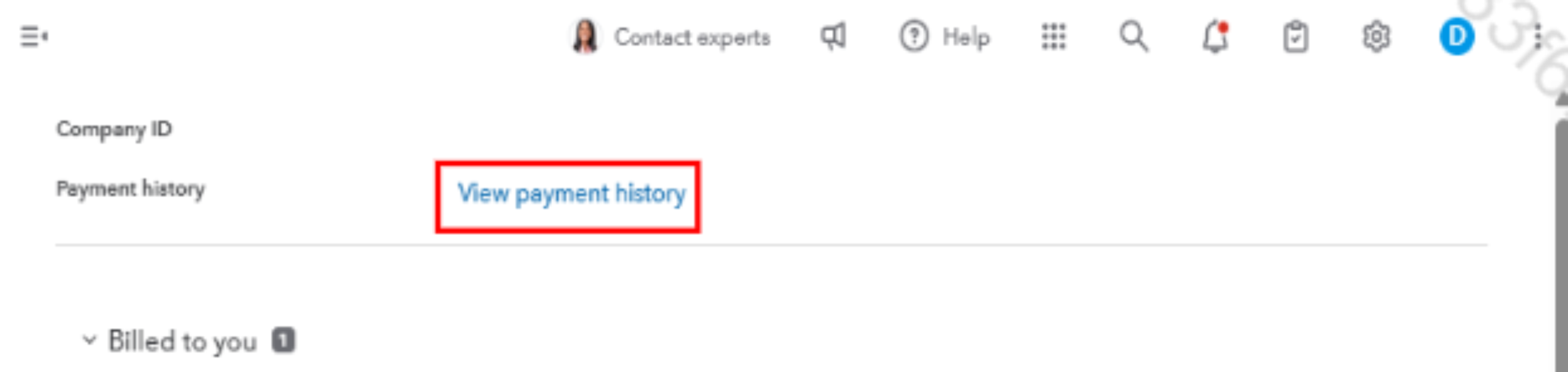
- In the View payment history section, you’ll find all subscription invoices available from January 1, 2018 onward.

- Select the invoice you need, and download the PDF for your records.
For more additional information, visit this article: QuickBooks monthly subscription invoice.
Don't hesitate to reach out if you have any other questions or needs assistance with QuickBooks.


