Turn on suggestions
Auto-suggest helps you quickly narrow down your search results by suggesting possible matches as you type.
Showing results for
Hi
In the QBO community, I have bookmarked certain topics or articles that are useful which I may need to reference to in the future. Unfortunately, I am unable to retrieve them from my Profile.
Hi, BSL_Ling.
I'll walk you through how to retrieve your bookmarks.
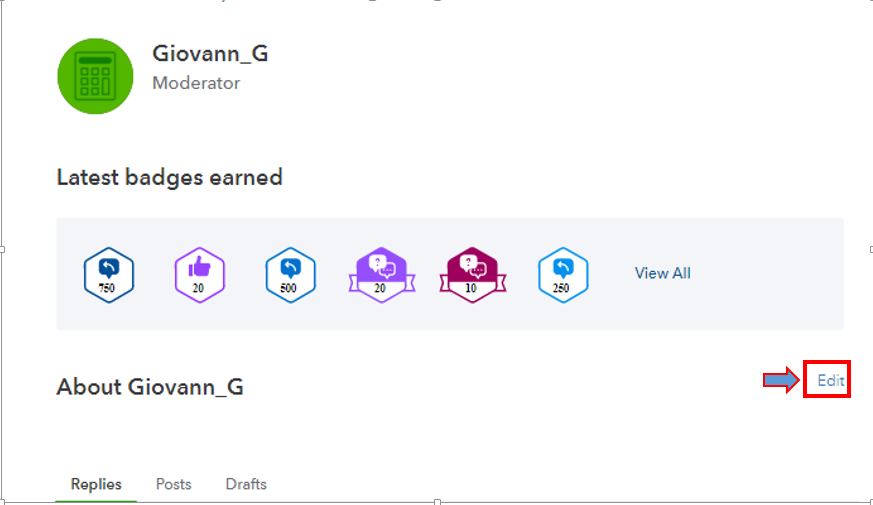
When you've bookmarked some topics or articles, they'll save them in the Community profile (My Subscriptions). I'll show you how.
In addition, you can also visit our Help page to find some topics and helpful information to complete your future tasks in QuickBooks Online.
Let me know if you need further help to retrieve bookmarks. I'll be here to help you.
Hi @Giovann_G
Thank you for the tip.
I noted from the US forum that it's possible to turn it on such that it appears in the dropdown?
I’ve got some information so you can access the articles you’ve bookmarked, @BSL_Ling.
When you bookmark a resources within QuickBooks Community, you’ll want to make sure the region of the articles is the same as your profile region. Please know that you can't view the saved UK reference if your profile is set to the US.
Since you’re using QuickBooks Online Singapore, you’ll want to bookmark Singapore articles. This way, you can access them within your Community profile.
Refer to the screenshots below:
If the regions are right, you can utilize other supported browsers to check if this issue is related to your current browser.
Our Support page contains resources, video tutorials, and tips to help manage your company. Just select a topic listed on each box to learn more.
If you have any other questions or concerns besides your bookmarks, please don’t hesitate to let us know. We’re always here to help. Take care!
You have clicked a link to a site outside of the QuickBooks or ProFile Communities. By clicking "Continue", you will leave the community and be taken to that site instead.
For more information visit our Security Center or to report suspicious websites you can contact us here


