
Turn on suggestions
Auto-suggest helps you quickly narrow down your search results by suggesting possible matches as you type.
Showing results for
We can easily view the transaction history for a specific period within your ABC project using the Custom dates option in QuickBooks Online, sabastarmnab3.
Here's how:
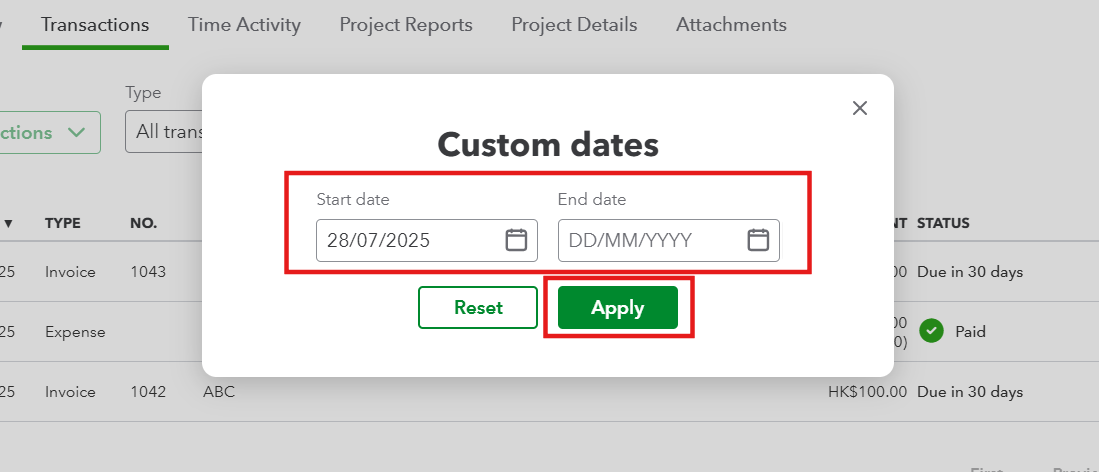
Once applied, QuickBooks will display all project-related transactions for the chosen period, allowing you to review, analyze, or export the data as needed.
Also, you can run the Project Profitability Summary Report for a comprehensive overview of all the projects in your QuickBooks account.
Let me know if you need further assistance.
You have clicked a link to a site outside of the QuickBooks or ProFile Communities. By clicking "Continue", you will leave the community and be taken to that site instead.
For more information visit our Security Center or to report suspicious websites you can contact us here


