

your e-invoicing -
before 1 Jan deadline.
your e-invoicing -
before 1 Jan deadline.

QuickBooks helps you effectively manage your stock, so you always know what you have and what you'll need before you need it.
- Cancel anytime
- Safe and secure
Know what you’ve got and what you need to order
View your quantities on hand as stock
Your inventory updates automatically so you can see what's selling and what you need to order.
Track stock value in real-time
The value of your stock will automatically adjust throughout the day to reflect any changes.
Stay on top of orders
Stay on top of your inventory and payments with alerts to reorder when stock is low and reminders to ensure you pay suppliers on time.
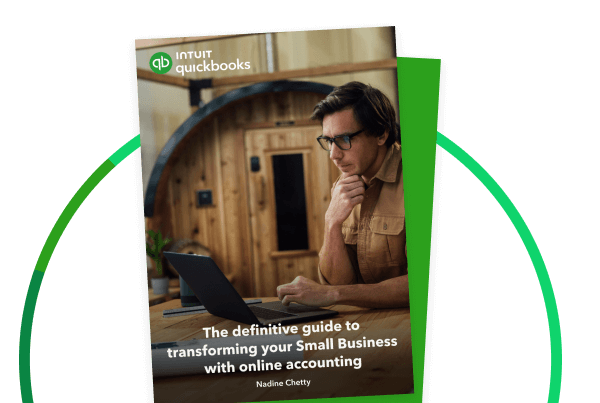
Your essential guide to digitizing your business with online accounting
Your all-in-one eBook to revolutionizing your small business

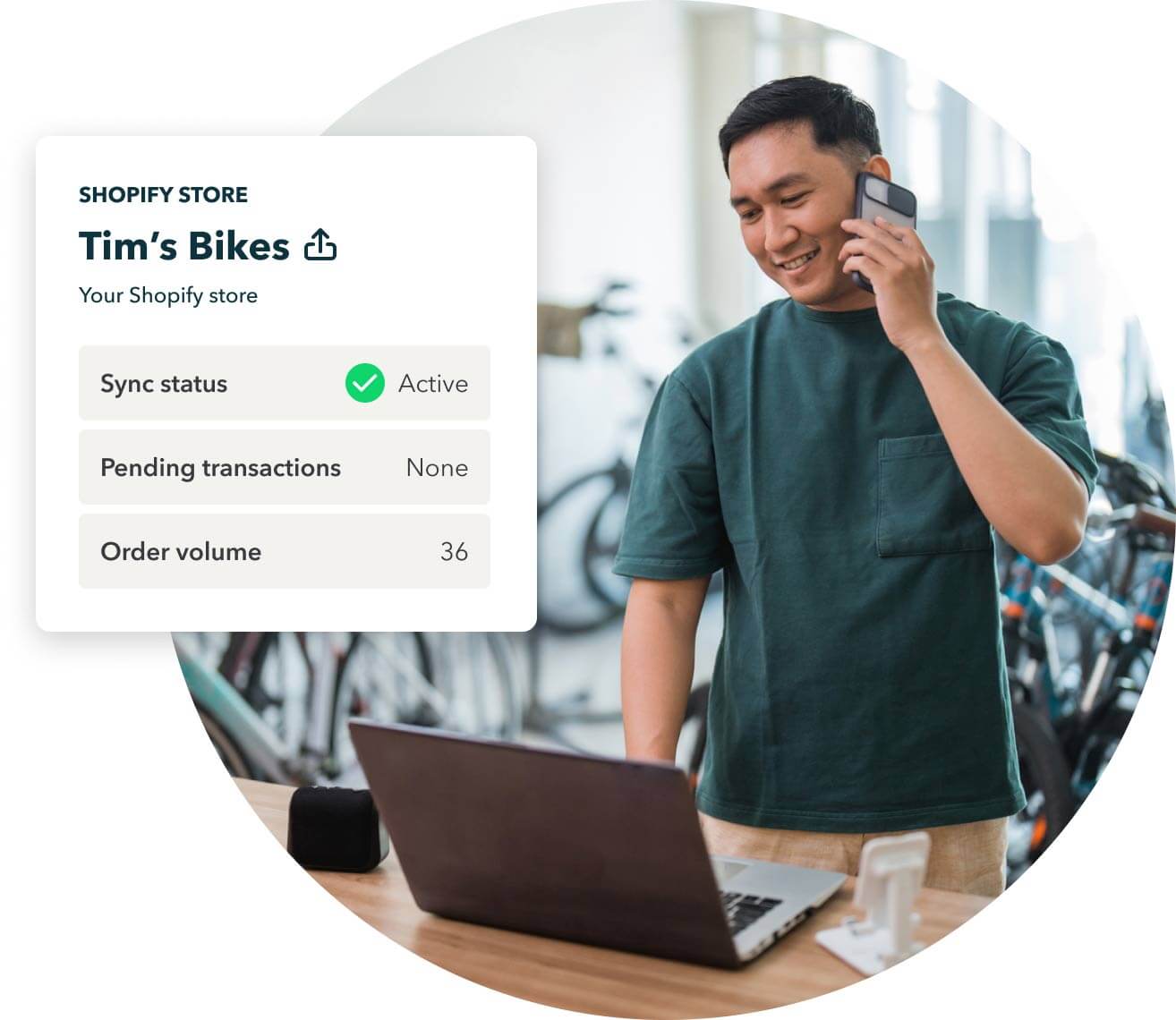
Stay in sync with your business

See all the information you need in one place by connecting Shopify, eBay, PayPal, and more.
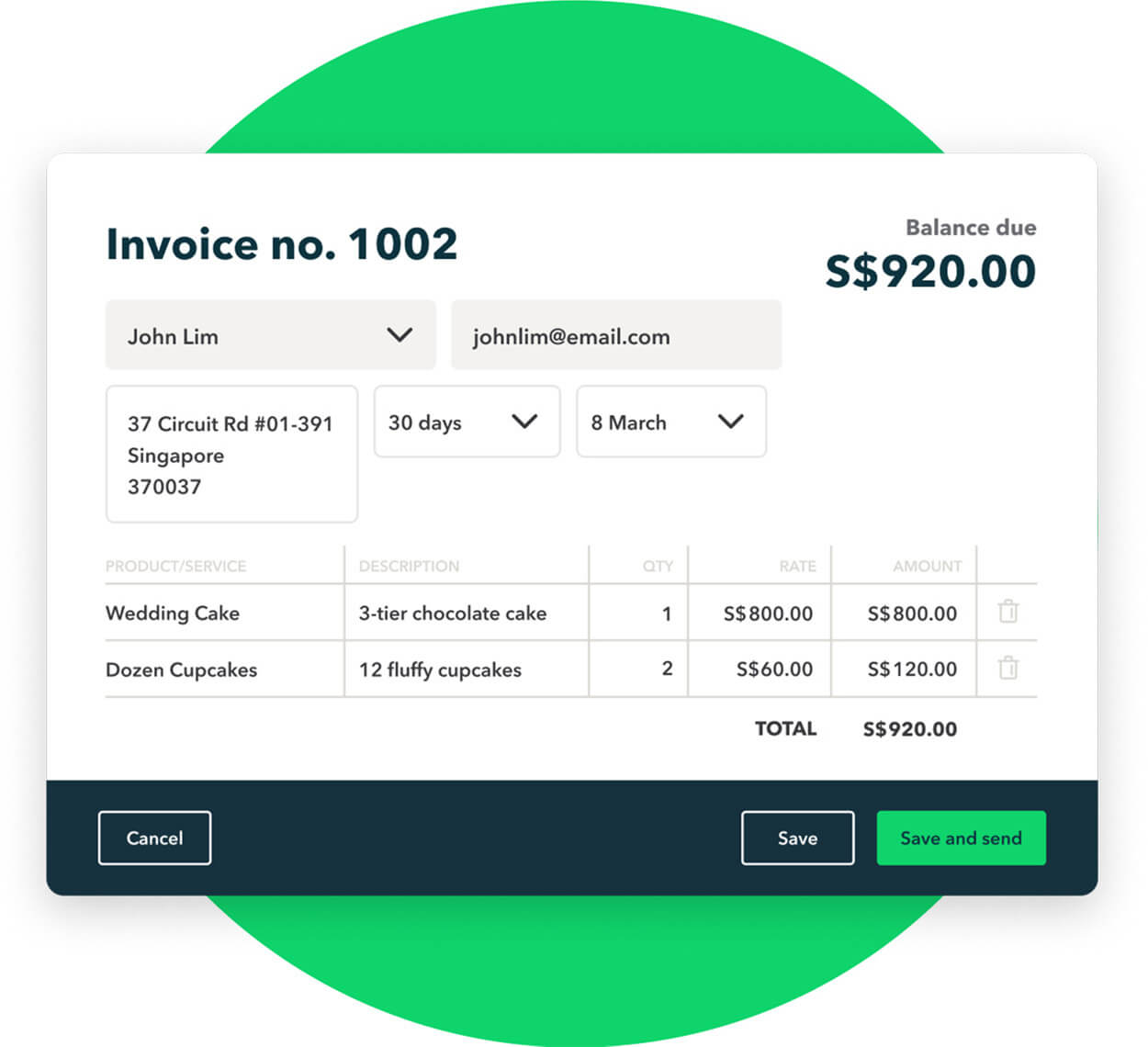
Easily add inventory items to your invoices. Edit products and services by batch to save time.

When using QuickBooks for the first time, easily import your existing suppliers, customers, products, and services from Excel, so your inventory levels and costs are ready from the get-go.
Need more advanced inventory tracking?
Access advanced inventory tracking features and automate your workflow through integrated apps*

Stockpit
Inventory management
Erplain
B2B Sales and inventory
Shopify Connector
by Intuit
Choose a plan to suit your business
QuickBooks reserves the right to change pricing, features, support and service at any time. See our Terms of Service for further information.
Discount: For new QuickBooks customers, receive a discount off the current monthly price for QuickBooks Online Simple Start, QuickBooks Online Essentials or QuickBooks Online Plus for the first 3 months of service, starting from date of enrolment. From month 4 from the date of enrolment, the price will change to the then current monthly price. See current prices here. Your account will automatically be charged on a monthly basis until you cancel. You may cancel at any time. There is no limit on the number of subscriptions ordered under this offer. This offer cannot be combined with any other QuickBooks Online promotion or offers.
Trial: First thirty (30) days of subscription to QuickBooks Online, starting from the date of enrolment, is free. During the free trial. To continue using QuickBooks after your 30-day trial, you'll be asked to present a valid credit card for authorisation and you'll be charged monthly at the then-current fee for the service(s) you've selected.
Devices: QuickBooks Online requires a computer with Internet Explorer 10, Firefox, Chrome, or Safari 6 and an Internet connection (a high-speed connection is recommended). The QuickBooks Online mobile app works with iPhone, iPad, and Android phones and tablets. QuickBooks Online is accessible on mobile browsers on iOS, Android, and Blackberry mobile devices. Devices sold separately; data plan required. Not all features are available on the mobile apps and mobile browser. QuickBooks Online mobile access is included with your QuickBooks Online subscription at no additional cost. Data access is subject to cellular/internet provider network availability and occasional downtime due to system and server maintenance and events beyond your control. Product registration required.
Cloud storage: Data access is subject to Internet or cellular provider network availability and occasional downtime due to events beyond our control.
Annual Billing: You may pay for your QuickBooks Online subscription on an annual, upfront basis to enjoy a discount on the current fees. If you cancel your QuickBooks Online subscription within the pre-paid 12 month period, you will not be eligible for a refund, but will retain full access to your QuickBooks Online subscription for the remainder of the 12-month period. Unless cancelled by you prior, your annual subscription will auto-renew on the 12 month anniversary of your sign-up date using the billing details you have given us. Discounts, prices, terms and conditions are subject to change.
Our Terms of Service apply to all QuickBooks Online subscriptions. Please review them carefully.
Helping small businesses around the world for 28 years and counting

Frequently asked questions

Quickbooks Inventory Management Software organizes your inventory and makes it easy to find products and services. You can track inventory on hand, get alerts for reorder levels, and get insights on what you buy and sell. With Quickbooks stock management software, you can enter non-inventory products and services. That is, the items you buy and sell but cannot track as inventory. You can also create bundles by grouping multiple products and services together.
Quickbooks stock management system allows you to add inventory items, non-inventory items, services, and bundles. Inventory items include products you sell and keep track of through inventory tracking. Non-inventory items are products you buy and sell but cannot keep track of for they cannot be sold directly. Services include the intangible items that you provide to your customers in a given transaction. Finally, bundles are the group of items that you sell together as a single product.
Quickbooks stock inventory software allows you to generate reports to track sales and inventory status. The “Sales and Customers” group of reports help you to know the best selling products and sales by products and services. Likewise, “Inventory Valuation Reports” give an account of inventory on hand, its value, the average cost per item, and transactions for each inventory item. Finally, the “Expenses and Suppliers” group of reports indicate what’s still on order.
Quickbooks online stock inventory management you would have to dedicate a separate QBO subscription per location to track inventory for multiple locations. QBO subscription for each location would have to order and sell its inventory and cannot move inventory from one location to the other. You can also track the inventory of multiple godowns in one QBO subscription and prepare a separate list of items from different locations.
You can add all the items you buy and sell as inventory in Quickbooks stock inventory software. Simply turn on the tracking feature to add inventory and non-inventory items. To add a product or service, enter the product name, SKU, and category. Once you add the product’s initial quantity on hand, add the re-order point to get alerts when it’s time to reorder.
Various methods of inventory valuation applicable to both manufacturing and merchandising inventories. Methods of stock inventory management include specific identification method, average cost method, First In First Out (FIFO) method, and Last in First Out (LIFO) method. These methods help you to value inventory and hence divide the cost of goods available for sale between the cost of goods sold and ending inventory.
The three major stock inventory management techniques include ABC analysis, Just-in-Time, and Economic Order Quantity (EOQ) method. ABC analysis ranks products according to the value of such items. JIT coordinates production schedules with raw material orders to ensure that the raw material required to manufacture finished goods is delivered in time to the manufacturing unit. Finally, EOQ determines the optimal inventory level where both the inventory carrying costs and order costs are minimum.
Stock inventory management is important to maintain the uninterrupted flow of raw materials and finished goods. Further, inventory control helps in getting rid of excessive or inadequate inventory, keeping a check on raw material cost, reducing losses due to wastage, and ensuring that your business holds optimal inventory as required by the production process. Inventory control also helps in avoiding double ordering of the same raw material and carrying out production activities seamlessly.
Inventories are assets either held for sale in the ordinary course of business, still in the process of production, or are to be used currently in the production of goods or services that are eventually sold. Raw material, work-in-progress, and finished goods are the three categories or types of inventory. For example, a car manufacturing unit has aluminum and steel as raw material, half-assembled cars as work-in-progress, and completed cars as finished goods.
The inventory formula indicates the change in inventory level at the end of the accounting period. The inventory formula refers to calculating the ending inventory for a given period. Thus, ending inventory equals opening stock plus purchases less the cost of goods sold. The cost of goods sold is nothing but the cost to produce goods and services that are yet to be sold.
Stock inventory management software is software designed to manage and track inventory items at various stages of the supply chain. Such software helps in categorizing inventory items, tracking sales and purchase orders, managing stock levels, scanning barcode, and making purchases automatically at reordering points. Also, the stock inventory software prevents your business from keeping excessive or inadequate stock and thus avoiding stocks outs or wastage.
Real-time inventory management is the process of using tools like bar code scanners and inventory management software to record purchases, sales, inventory, and movement of inventory in an online inventory system. Such a process updates your inventory data in real-time, sets automatic reorder points, avoids double data entry, and ensures data accuracy. Tools like barcode scanners avoid the errors committed while entering the data manually. In short, a real-time inventory management system optimizes your supply chain and brings efficiency to your business.
Stock refers to the finished items that you sell to your customers or raw materials in case your business sells such items as final products. Inventory includes all those items that are used in manufacturing products to be sold by your business to its customers. Accordingly, inventory may include raw material, work-in-progress, or finished products. Stock determines the amount of revenue your business generates. Whereas inventory determines the sale price for your stock.
There are three steps that you must follow to do stock control. First, determine the optimum inventory levels. Second, determine the amount of control required to achieve the very purpose of inventory management. Finally, design an inventory control system for your business as it lays out the structure and policies to maintain and control inventory. Various inventory management techniques include ABC analysis, EOQ, JIT, material requirement planning technique, safety stock, and BED analysis.
The primary purpose of an inventory management system is to maintain stock at optimum levels. This is done to ensure a continuous supply of materials to the manufacturing process to meet customer demand on time. Also, stock management software optimizes inventory cost, eliminates stock duplication, minimizes wastage, maintains a systematic inventory record, and avoids overstocking and understocking of inventory.
Call Sales: +65 3105 8428
© 2025 Intuit Inc. All rights reserved.
Intuit, QuickBooks, QB, TurboTax, ProConnect, and Mint are registered trademarks of Intuit Inc. Terms and conditions, features, support, pricing, and service options subject to change without notice.
By accessing and using this page you agree to the Terms and Conditions.