You don't have to be sorry, 9130 3525 7517 6336. Our page is open 24/7 to address our users that need help managing their business with QuickBooks. I'm here to share details while you're cleaning up your inventory entries.
Yes. Deleting and editing your items are retroactive. The changes will affect your past, present, and future transactions including your reports. Deleting an item will give you a deleted mark beside its name. I'm adding this screenshot for your visual reference.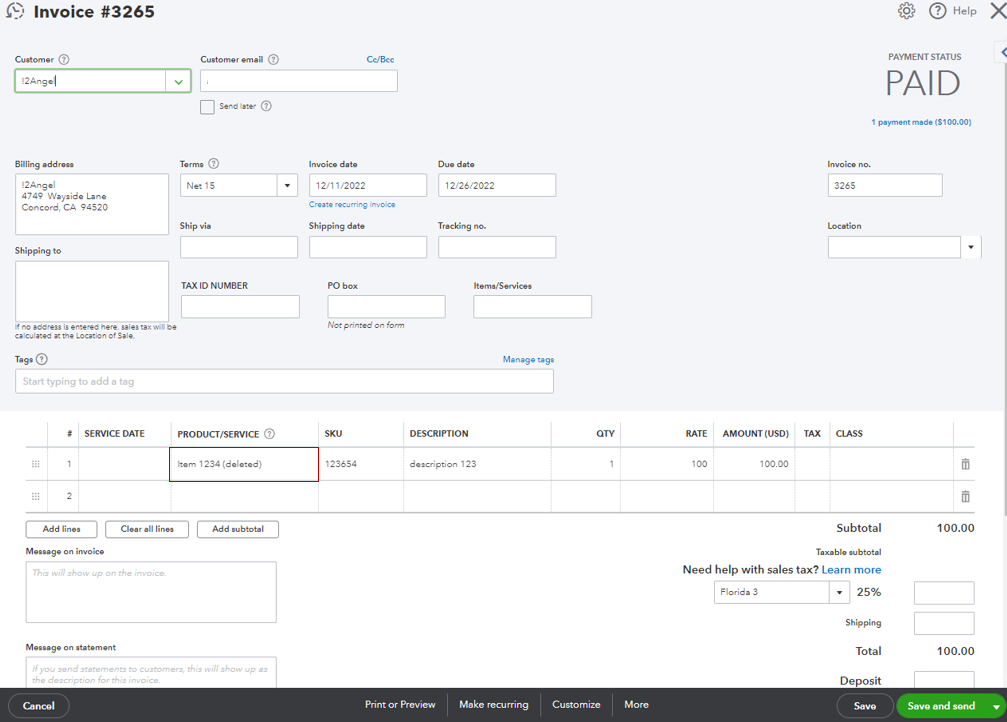
Here's an article you can open for more tips while modifying your inventory items: Add, edit, and delete product and service items in QuickBooks Online. If you want to revise the item type for your product or service, check out this link as your guide: Change product and service item types in QuickBooks Online.
Thanks for giving me the opportunity to part this information with you. If you have other concerns, let me know by adding a comment below. I'm just a few clicks away to help you again. Keep safe!


