

Our e-invoicing solution is well on the way. Our development teams are working diligently, and we’re making excellent progress integrating Fonoa’s robust e-invoicing technology directly into the QuickBooks experience. We thought you might like a look so here’s a sneak peek at what you’ll soon see in QuickBooks.

Choose your...

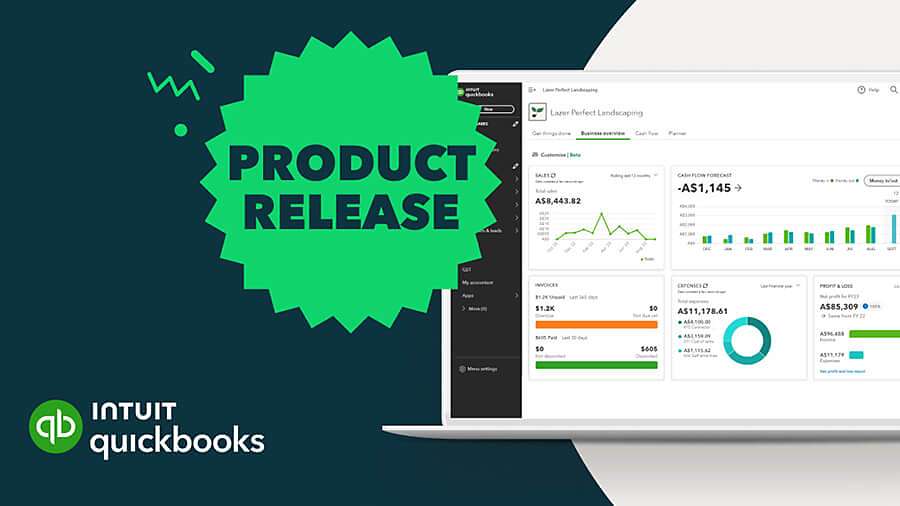
product update
Seamless e-Invoicing with Intuit QuickBooks and Fonoa
Same experience, additional functionality
After a quick set up, you’re connected and ready to comply with the latest e-invoicing requirements.

Imagine generating and sending e-invoices with the same ease and familiarity as creating invoices today—but with the added benefits of automatic validation, real-time status tracking, and effortless compliance management.

The new e-invoicing functionality will significantly reduce manual effort, provide you with greater visibility and control over your invoicing cycle as well as improve cash flow—making e-invoicing a smooth and value-driven experience.

Your e-invoicing checklist
While we’re putting the finishing touches on the QuickBooks e-invoicing solution, here’s a few steps you can take to prepare your business for e-invoicing.
1. Verify your mandate status
The IRAS mandate starting 1 April 2026 specifically targets all new voluntary GST registrants.
- Confirm your GST registration date.
- Determine your first GST filing deadline (usually one month after your first quarter ends). This is your true "Hard Deadline" for data transmission.
2. Prepare your corporate identity
To transact on the InvoiceNow network, your business must be verified.
- Corppass ready: Ensure your Corppass account is active and you have "Admin" or "Authorized Officer" rights.
- UEN check: Confirm your Unique Entity Number (UEN) is correct in your Accounting and Corporate Regulatory Authority (ACRA) records. This UEN will serve as your primary identifier on the Peppol network.
3. Tidy up your data
e-Invoicing requires structured data. Incomplete records will cause transmission errors.
- Product codes: If you use specific SKU codes, ensure they are standardized.
- Tax category mapping: Confirm your internal items are correctly mapped to standard-rated (9%), zero-rated, or exempt categories.
Pro-Tip: While waiting for the platform launch, we recommend informing your recurring suppliers that you will be moving to the InvoiceNow network. This encourages them to also switch, streamlining your Accounts Payable function.
We look forward to delivering you greater efficiencies and increased compliance with our e-invoicing capability. We’ll be sharing more updates as we approach launch. In the meantime, work through the checklist to make your move to InvoiceNow as smooth and beneficial as possible.

