
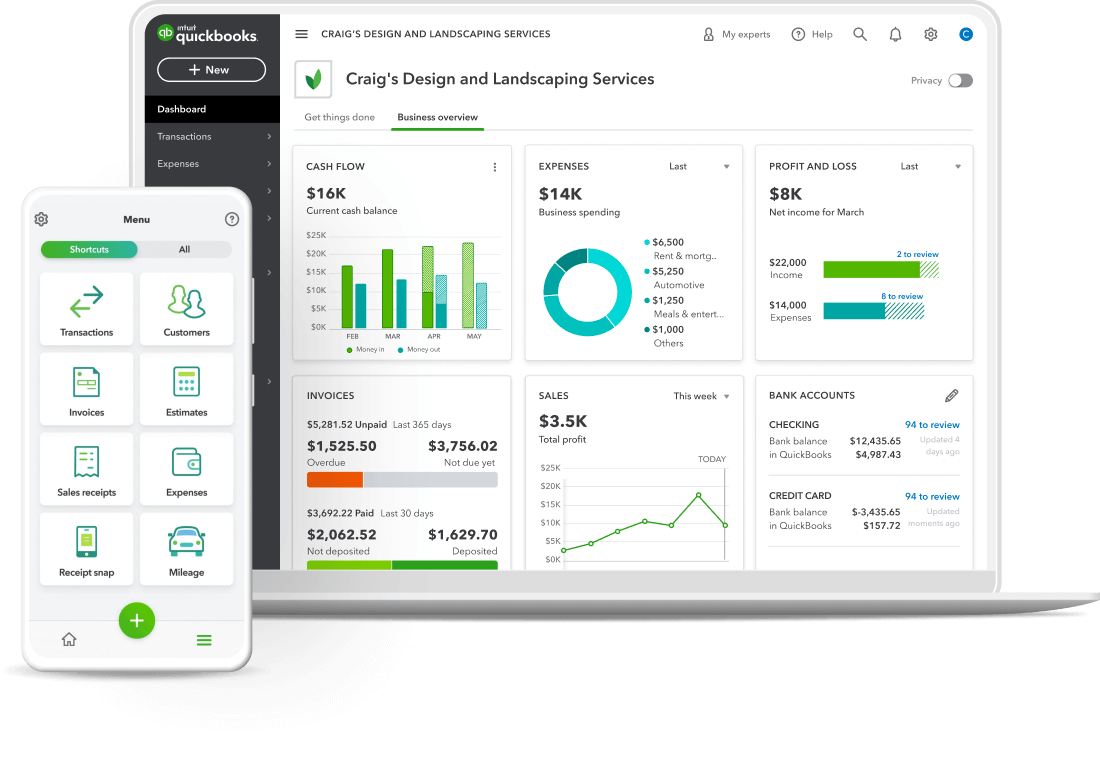
Switch to an Expensify alternative fast and free with QuickBooks.
With our dedicated support team, you’ll be set up in no time.

Choose the Expensify alternative that does it all. QuickBooks lets you organize, upload, and automate expenses and manage it all from one central place.

Our advanced financial reports include profit and loss statements, balance sheets, and more, helping you get the valuable, real-time insights you need to grow.

You can connect QuickBooks to hundreds of third-party apps for e-commerce, banking, marketing, and more, unlocking supercharged, streamlined workflows.
Designed to streamline business operations, QuickBooks offers smart, easy-to-use features that deliver a complete accounting solution for small to medium-sized businesses. With flexible pricing, global credibility, and unlimited support, here’s how QuickBooks compares to Expensify.
QuickBooks Online Simple Start |
Expensify Collect |
QuickBooks Online Advanced |
Expensify Control |
||||
| Agentic AI features | |||||||
| Users |
1 user, plus an accountant | From $5 per member /mo. | 25 users, plus an accountant + custom roles & permissions | From $9 per member /mo. | |||
| Send invoices & quotes | |||||||
| Manage budgets | |||||||
| Track VAT | |||||||
| Automated workflow | |||||||
| Reporting | Yes + Powerful custom reports | ||||||
| Capture bills & receipts | |||||||
| Manage suppliers & bills | |||||||
| Claim expenses | |||||||
| Track mileage | |||||||
| Customer support you can call | |||||||
| Free onboarding call | |||||||
* Accurate as of Nov 25, 2025 from expensify.com
Enjoy a quick and easy transition to QuickBooks from Expensify or another competitor.
Cancel anytime
Unlimited support
Free guided setup
Switch to an Expensify alternative fast and free with QuickBooks.
With our dedicated support team, you’ll be set up in no time.

Sign up for QuickBooks Online Simple Start, Essentials, Plus, or Advanced. Already a customer?

Import your bank data, customers, suppliers, chart of accounts, products and services, invoices and bills in CSV format.

Review the imported data, reconcile transactions, and complete the migration process.
Ready to make the move from Expensify to QuickBooks? Here’s what some of our happy Hong Kong customers had to say.

Get started today and automate your path to growth with confidence.

Intuit helps put more money in consumers’ and small businesses’ pockets, saving them time by eliminating work, and ensuring they have confidence in every financial decision they make.


