QuickBooks tracks and organises all of your business’s accounting data for you, making it easy to view your balance sheet whenever you like. Spend less time manually inputting data and more time working on your business.
Creating a balance sheet
The QuickBooks balance sheet feature makes your life just that little bit easier
QuickBooks Online makes creating your balance sheet a breeze. Review important metrics, overview financial data, and analyse key reports all in one place, anytime, and from anywhere. Build your balance sheet with QuickBooks Online.

Know your business like the back of your hand
Say goodbye to manual data entry
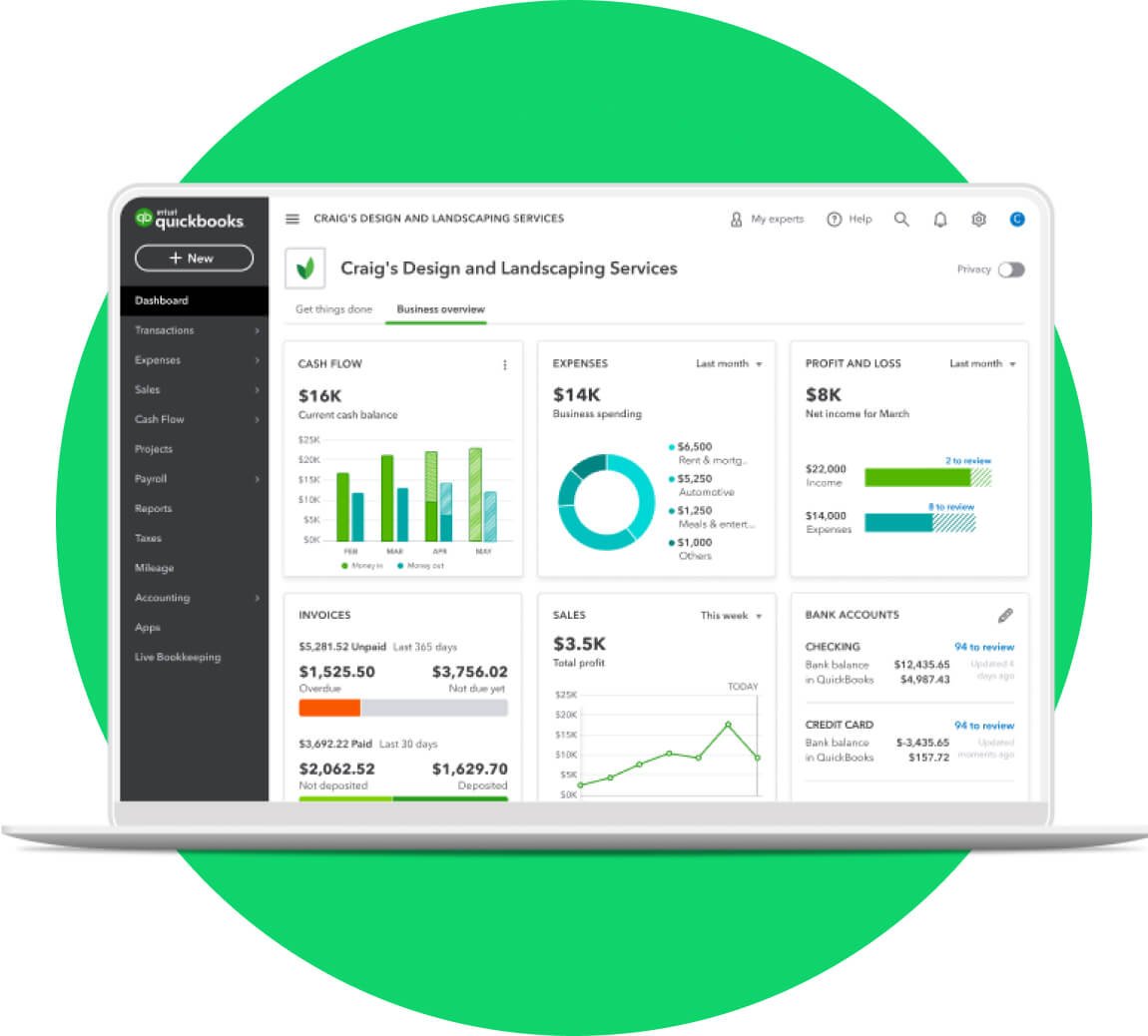
Customise and adapt your financial statements
Generate and customise up to 65 accounting reports in QuickBooks. Easily share your reports with investors, colleagues or business partners. QuickBooks Online even lets you schedule your financial statements to be generated daily, weekly, or monthly, so you’re always across how your business is performing.
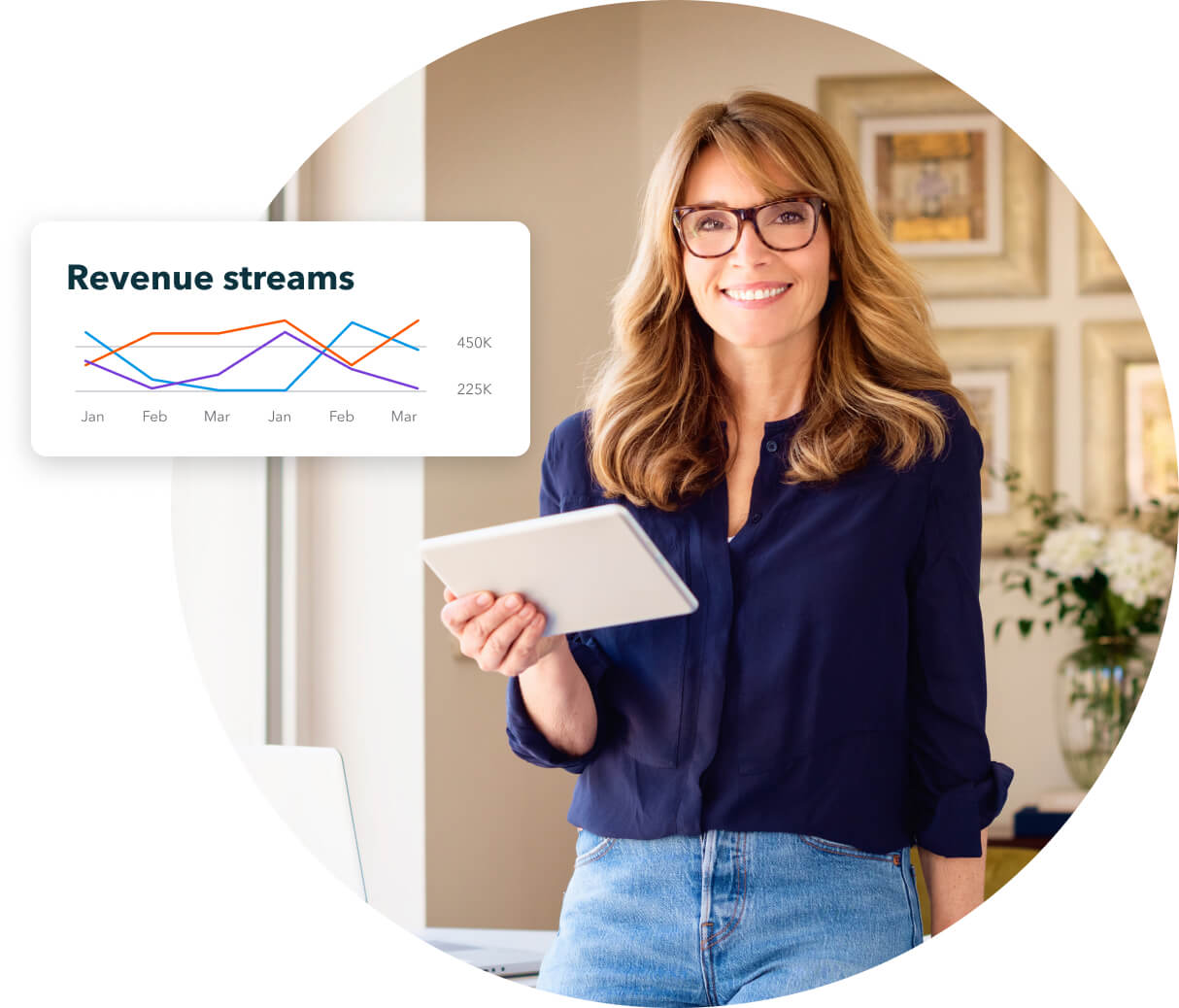
Make crucial decisions confidently
Your balance sheet offers insights into what you own (assets) and what you owe (liabilities). This tells you your business’s worth and helps you to identify the health of your business, empowering you to make confident decisions about your future growth plan.
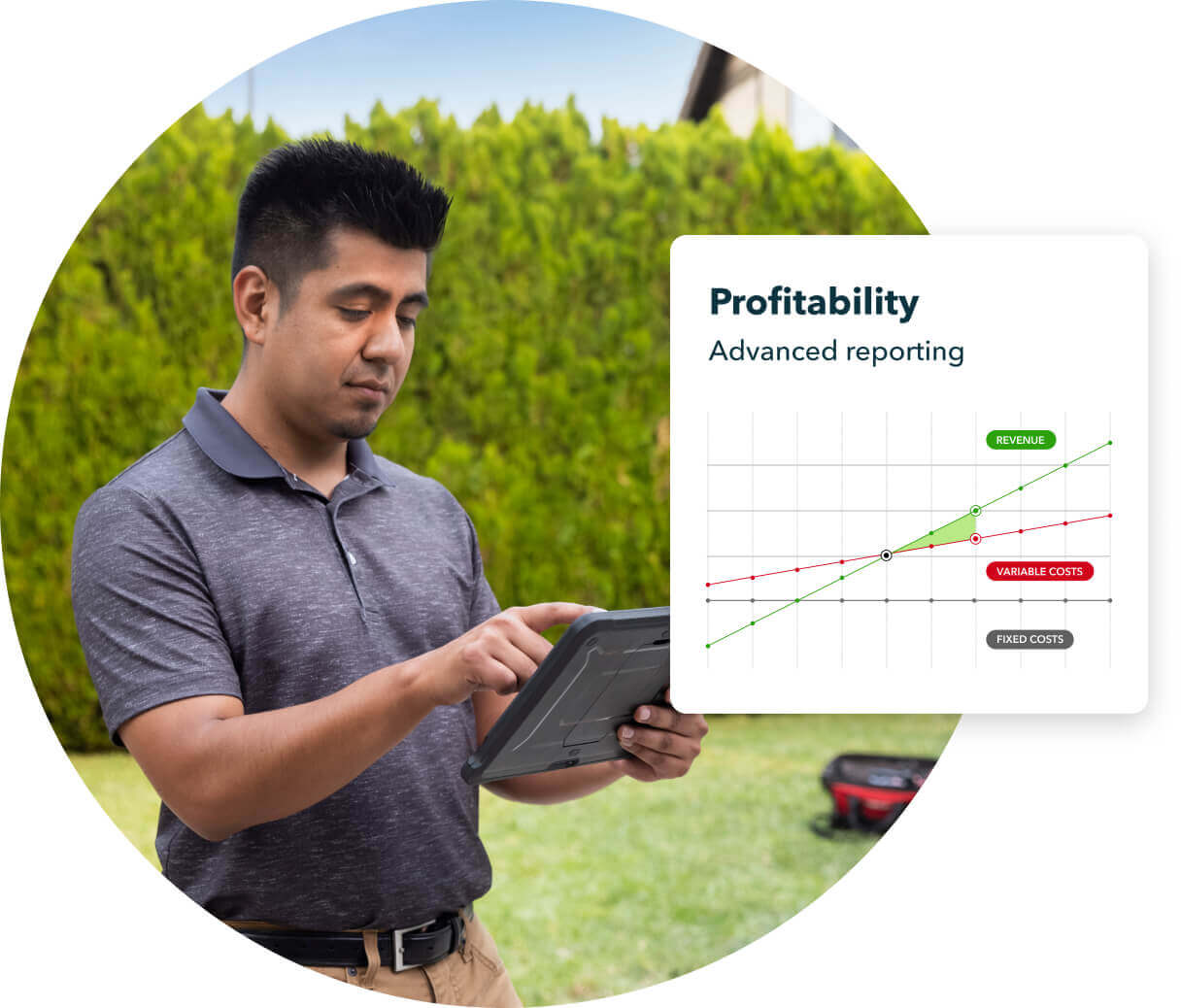
Get the full picture of your finances with an easy-to-read balance sheet
The three core elements of the balance sheet are assets, liabilities and equity. The financial statement has two sections that need to be balanced, hence the name ‘balance sheet’. Your balance sheet is one of three critical statements that indicate your business’s financial performance, the other two being the cash flow and income statements.
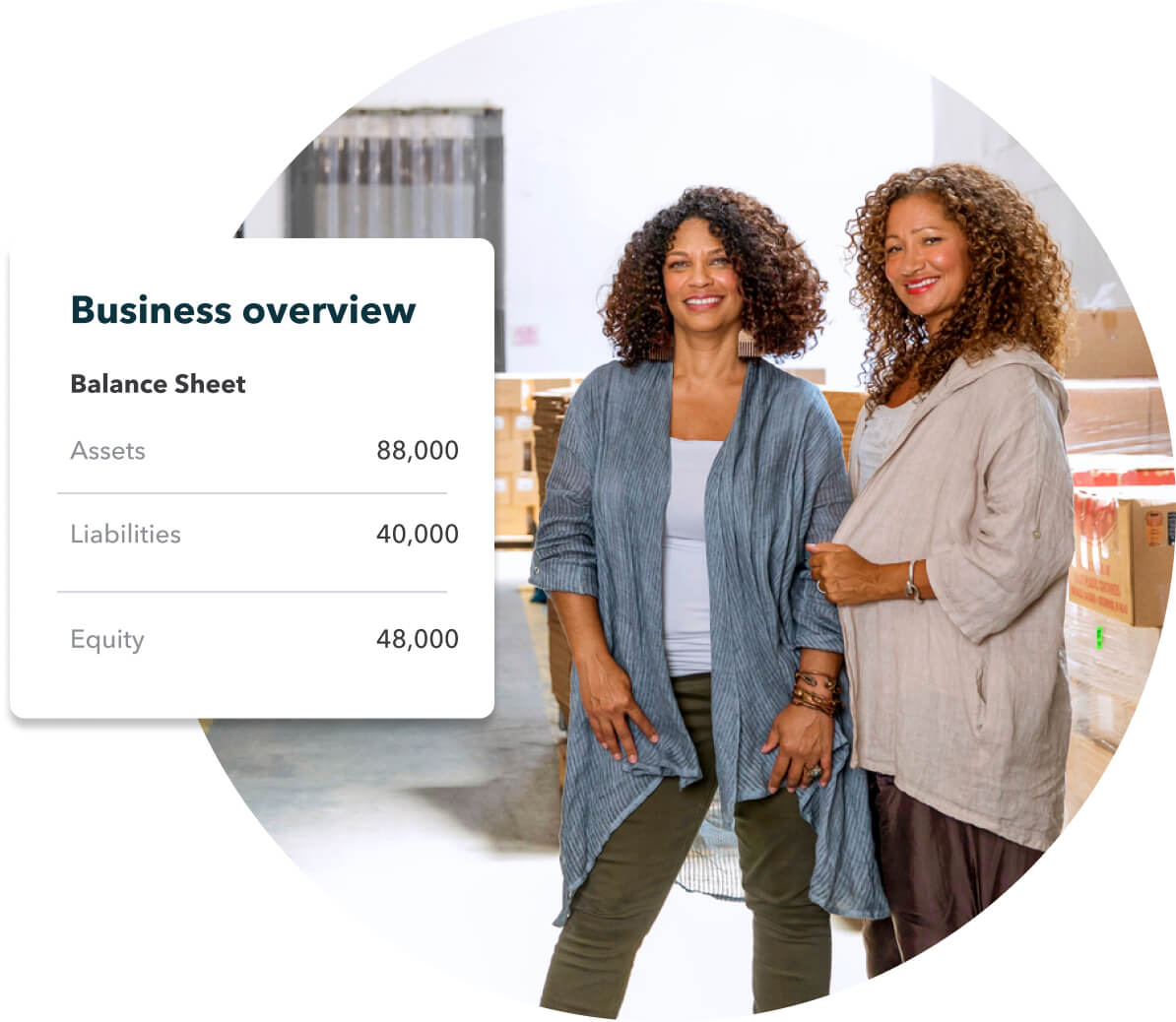
Your QuickBooks Online balance sheet makes it easy to track your finances
About balance sheets
What is a balance sheet?
A balance sheet is a financial statement that shows a company’s assets, liabilities and equity at a given time. It is one of the three core statements that indicate a business’s financial health, the other two being the income statement (profit and loss statement) and the cash flow statement.
The balance sheet shows what a business owns and what it owes. It also indicates the amount of money shareholders have invested in a company. When combined with other key financial statements, the balance sheet can be used to calculate crucial metrics, such as rates of return and other essential financial ratios.
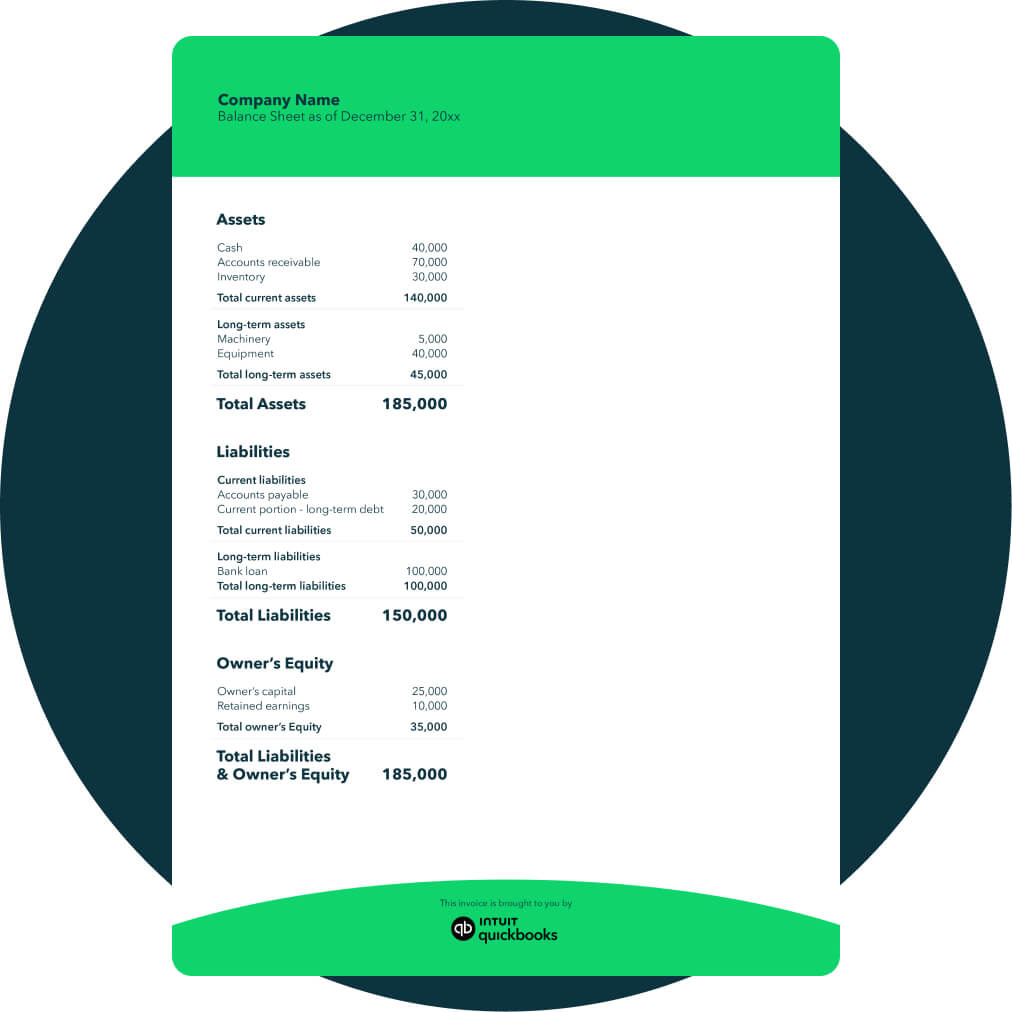
What does the balance sheet indicate?
The balance sheet is organised into two sections: The assets section and the liabilities and equity section.
The assets section includes everything the business owns, such as cash, accounts receivable, property and equipment. The liabilities section includes everything the company owes, such as accounts payable, accrued expenses and loans.
Once a company’s liabilities are subtracted from its assets (money owed - money owed), the leftover amount is known as ‘shareholder equity’. This is the amount of money that belongs to the business owners. Altogether, the balance sheet provides a snapshot of a company’s finances at a single point in time.
The balance sheet must always ‘balance out’. This is because the amount of finance left over after a business’s liabilities have been subtracted from its assets always belongs to the business owners (equity).
Understanding the balance sheet
The balance sheet is split into two sections: Assets make up one side of the sheet and liabilities and equity make up the other. This section will explore each component of the balance sheet in more detail.
Assets
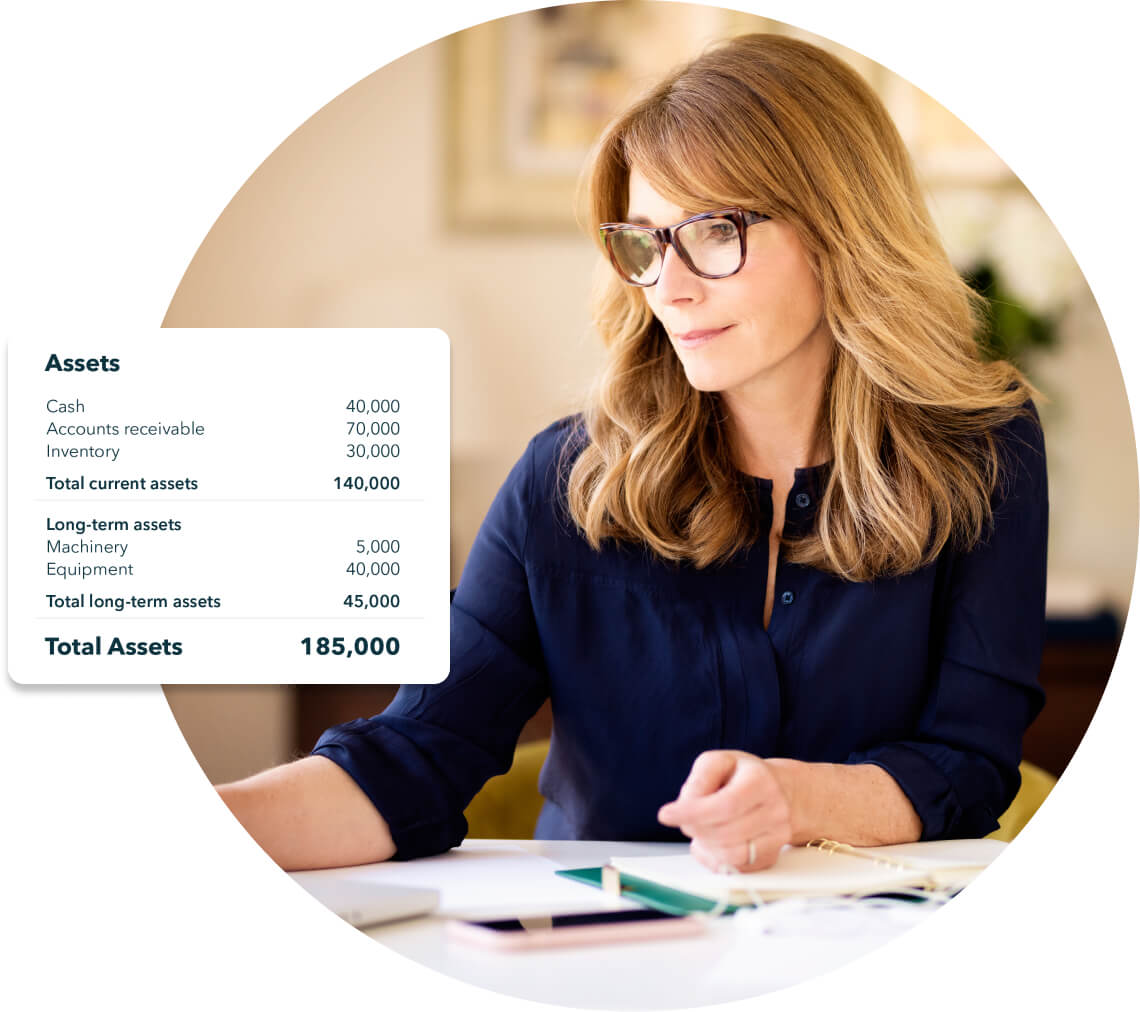
The assets section of a balance sheet indicates everything a business owns or can convert into cash. The assets in a balance sheet are usually listed top to bottom based on their liquidity (how quickly they can be converted into funds).
Assets are typically broken down into current assets and non-current assets.

Current assets
A current asset is an asset that can be converted into cash within a year. Current assets usually consist of cash and cash equivalents, such as accounts receivable (money owed to the company), prepaid expenses and stock.

Non-current assets
A non-current asset is an asset that cannot easily be converted to cash within a year, such as property, long-term investments, equipment and intangible assets, such as patents and trademarks.
Liabilities
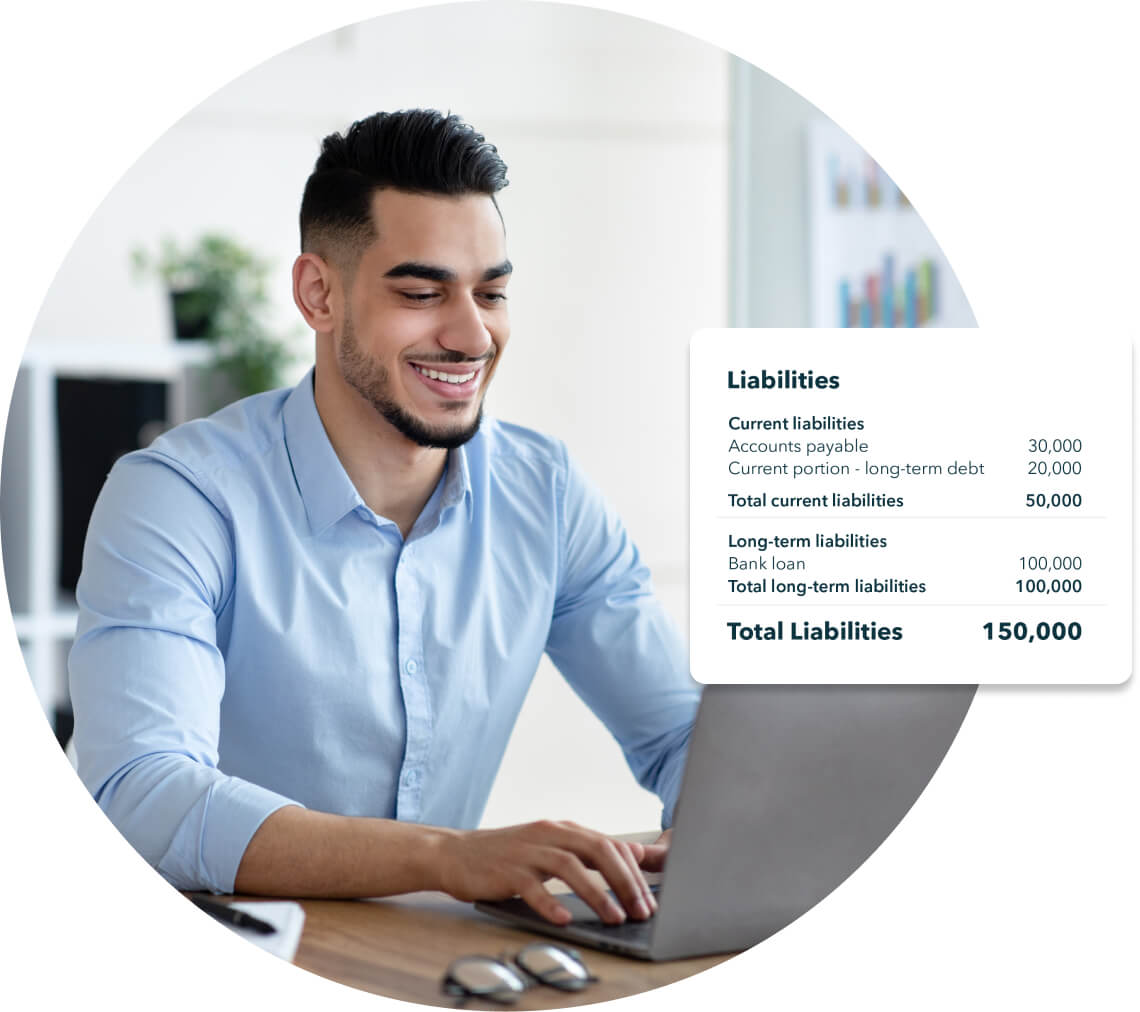
The liabilities section of the balance sheet indicates financial obligations the business owes to other parties, such as employees, lenders or suppliers. They are usually listed in order of how soon they are expected to be paid. Like assets, liabilities are often broken down into current and non-current sections.

Current liabilities
Current liabilities are a company's liabilities that will be paid within one year. These include accounts payable (money owed to suppliers or other businesses), income taxes payable, accrued expenses and short-term loans.

Non-current liabilities
Non-current liabilities are liabilities that don’t need to be paid back within one year. These include long-term loans, deferred tax liabilities, long-term debts and pension liabilities.
Equity
Equity refers to the residual interest owned by the business once all liabilities have been paid. In short, it is the amount of the company that belongs to the owners. Equity has two main components: capital contributions and retained earnings.

Capital contributions
Capital contributions, also known as common stock or paid-in capital, refer to the amount of money invested by business shareholders.

Retained earnings
This is the portion of the company’s profits that have been retained and reinvested into the business rather than being paid out to shareholders as dividends.
Find a plan that’s right for you
Free unlimited support
No contract, cancel anytime
Simple Start
Build your financial foundation
1 user
Plus access for your accountant
Includes:
Intuit Intelligence
Chat for instant insights
limited queries per month
Delegate tasks to AI
Pre-lodgement check with GST AI
Income and expenses
Invoices and quotes
Essentials
Save time & focus on growth
3 users
Plus access for your accountant
Everything in Simple Start, and:
Intuit Intelligence
Recurring transactions
Multi-currency
Supplier and bill management
Plus
Scale with greater clarity
5 users
Plus access for your accountant
Everything in Essentials, and:
Intuit Intelligence
Finds and fixes errors with Accounting AI
Sources leads & helps follow up with Customer AI
Up to 40 classes and locations
Project management
Inventory tracking
Budgeting
Unlock efficiency
Accelerate
Advanced
Boost efficiency & profitability
25 users
Plus access for your accountant
Everything in Plus, and:
Intuit Intelligence
Gives tailored financial insights with Finance AI
Pre-fills details to start work faster with Project Management AI
Unlimited classes and locations
Automated workflows
Custom role permissions
Custom reporting fields
Data sync with Excel
Backup and restore data
Compare all features
Simple Start
Essentials
Plus
Unlock efficiencyAccelerate
Advanced
 Intuit Intelligence
Intuit Intelligence chat
Beta
Accounting AI
GST AI
Customer AI
Finance AI
Project Management AI
 Accounting
Automated bookkeeping
GST tracking & e-lodge BAS
Automated bank feeds
Smart expense categorisation
Multi-currency
Anomaly detection and resolution
Revenue recognition
Fixed assets
Classes and locations
Chart of Accounts
 Expenses
Auto-match transactions
Expense tracking
Receipt capture
Kilometre tracking
Supplier and bill management
 Sales & Get Paid
Quotes
Invoice and payments
Recurring invoices
 Customer Hub
Customer management
Notes and tasks management
Reputation management
Lead management
Contract upload and e-signature
Proposals
Beta
Appointments
 Project Management
Project management
Project profitability
 Inventory
Inventory tracking
Purchase orders
Sales orders
Business Intelligence
Insights & reports
Cash flow planner
Budgeting
Forecasting
Custom dashboards
Custom report builder
Custom fields
Connected Platform
Data sync with Excel
Users
User management and role permissions
Workflow automation
Mobile app
Integrate with hundreds of apps
Autosave with data protection
Backup and restore data
Free onboarding session
Phone & chat messaging support
Free data migration
Automated Payroll

Customer success stories
Customer success stories

Health & Social Care
“QuickBooks helps a lot. It doesn’t matter where I am, I can keep an eye on what’s going on. We’ve integrated it with the ATO, which makes my life so much easier. It gives me so much confidence that now when I am overseas I can actually take time to rest”
“QuickBooks helps a lot. It doesn’t matter where I am, I can keep an eye on what’s going on. We’ve integrated it with the ATO, which makes my life so much easier. It gives me so much confidence that now when I am overseas I can actually take time to rest”
Gabriela Da Silva Andrade, Lionfish Collective (Narrabeen)


Frequently asked questions


Intuit helps put more money in consumers’ and small businesses’ pockets, saving them time by eliminating work, and ensuring they have confidence in every financial decision they make.
Award Winning Accounting Software


