Drowning in paper receipts? QuickBooks Online makes it simple to go digital. You can use our receipt scanning app to snap a photo of your receipts, and all the details will be pulled into your books automatically—no more manual entry or lost records.
With QuickBooks integrated receipt management tools, you’ll always know where your records are stored, how much you’ve spent, and how to prepare for tax time.

Capterra

4.3/5

GetApp
4.3/5
Join over
7 million
QuickBooks Customers Worldwide

Google Play
4.3/5

App Store
4.7/5
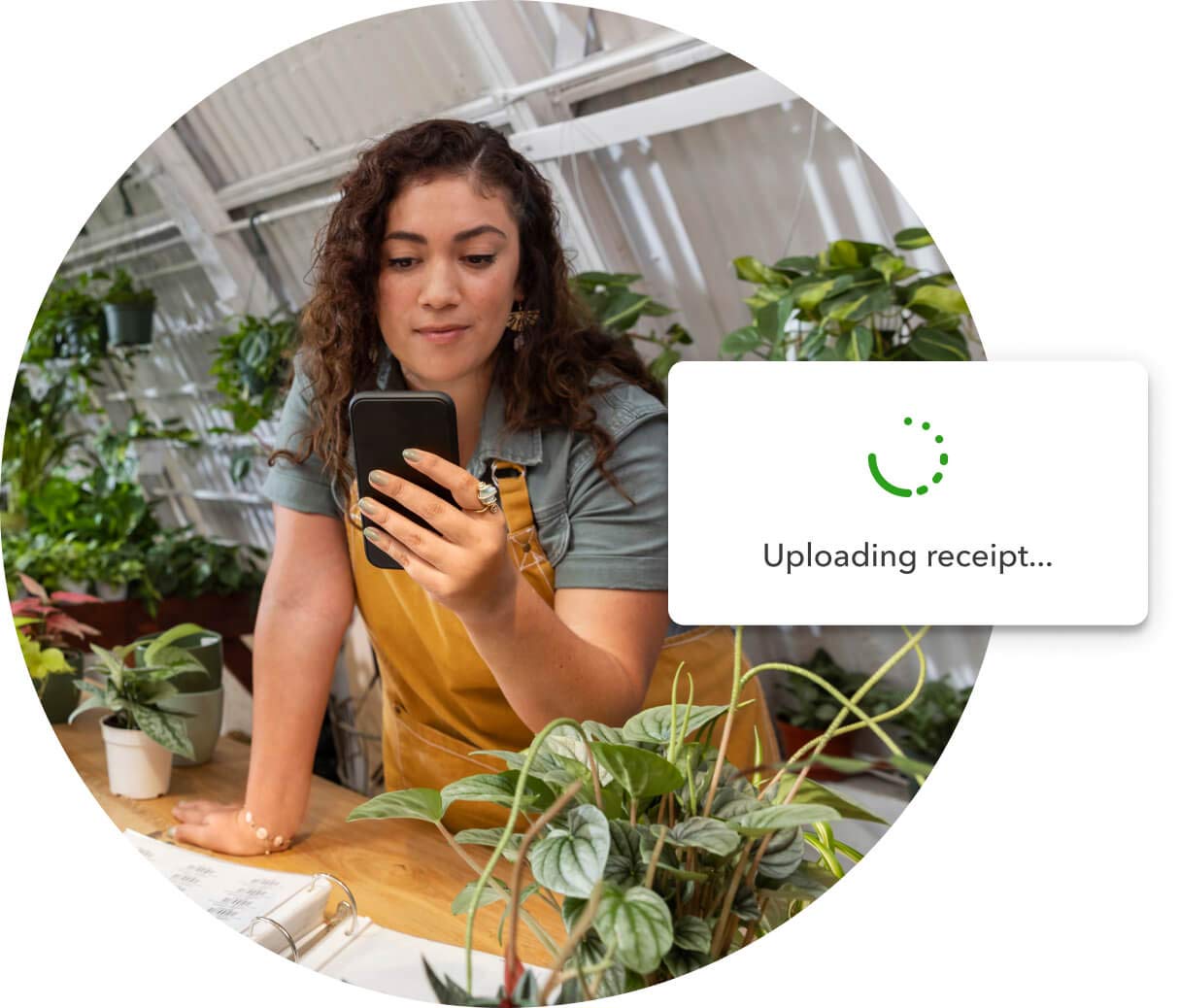
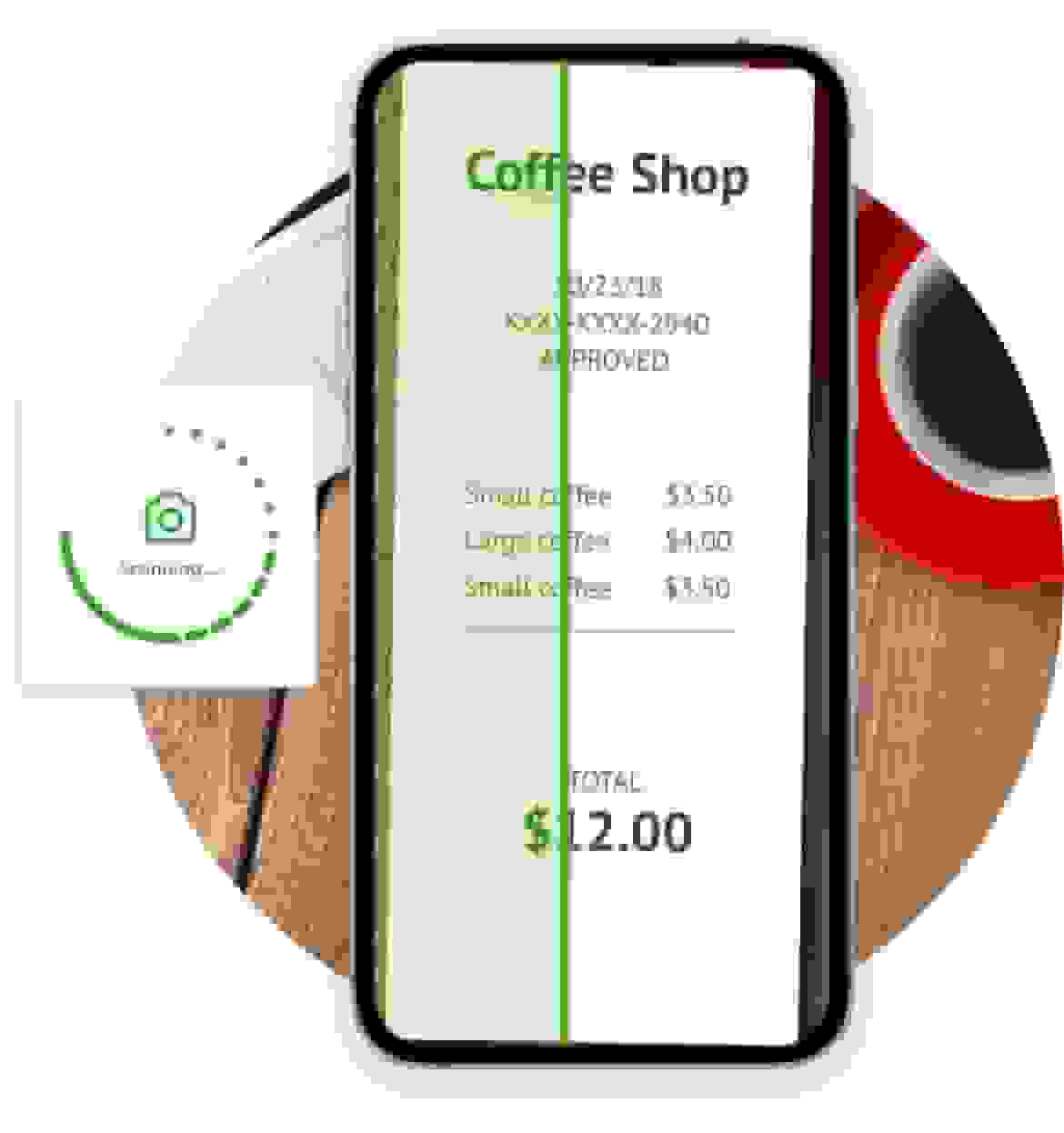
Snap, scan and save receipts instantly
The QuickBooks app lets you save your receipts digitally, so you never have to worry about losing a paper receipt.
- Snap photos of your receipts and upload them using the mobile app.
- Automatically match your receipts with the transactions in QuickBooks for tax time.
- Securely store all of your receipts digitally, so you can say goodbye to paper.
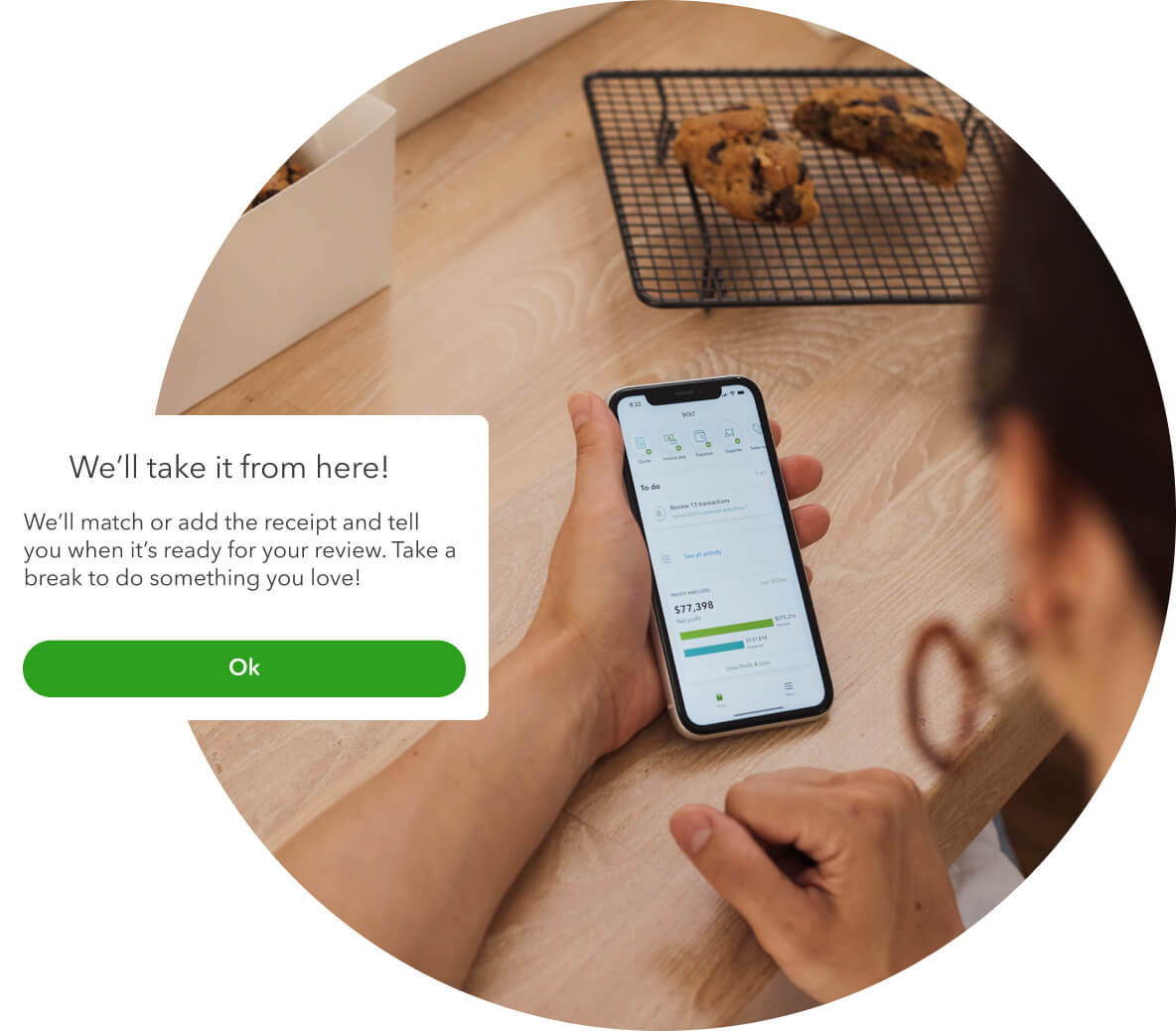
Track receipts and match to expenses automatically
QuickBooks automatically matches your receipts to your expenses so you don’t have to.
- Keep a paper version for tax time. Your accountant will love you for it.
- Match your receipts to your expenses manually.
- Add transactions manually as once you snap the receipt QuickBooks will add the transactions for you.

Works seamlessly with your accounting workflow
The receipt capture function of the QuickBooks app automatically links your receipt scans to the tools you already use.
- Captured receipts sync with your bank transactions for easier reconciliation.
- Receipts are linked directly to invoices, cutting down on manual entry.
- Receipt data flows into your reporting, so your GST & BAS tax obligations are clearer.
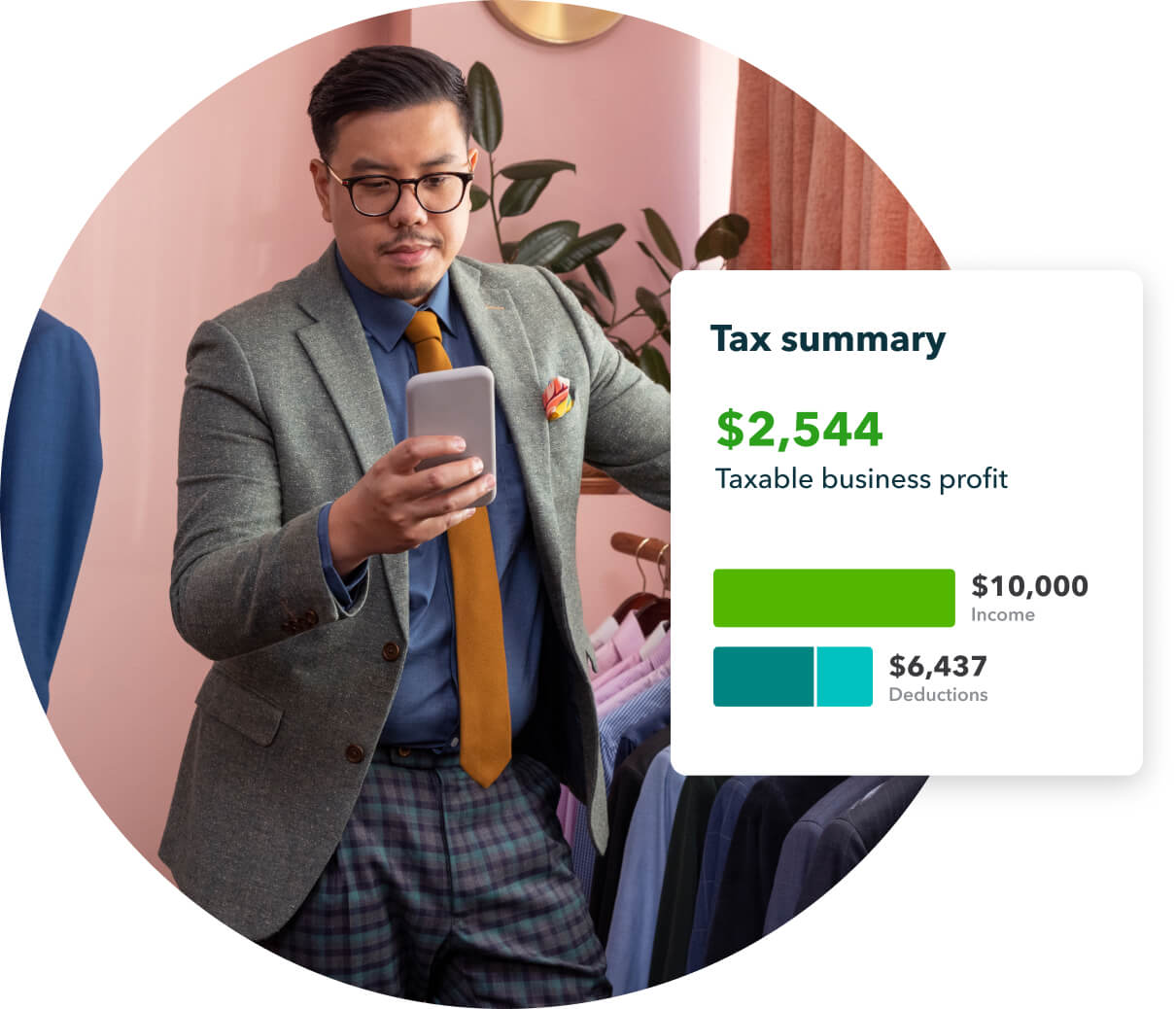
Receipt scanner software that keeps you ready for tax time
QuickBooks automatically processes your receipts, extracting key information so you always have important facts and figures on hand.
- Quickly view the date, amount, supplier and payment method for your receipts.
- Store all of your vital data so you’re always ready for tax season.
- Get a clear picture of how much you’re spending, so you always budget with confidence.

How receipt capture helps businesses like yours
Using the QuickBooks app to scan receipts will help you save time on admin, no matter what kind of businesses you run.
- Trade and Construction: Keep track of supplier receipts on-site and match them to project costs.
- Professional Services: Record travel, client lunches, and other billable expenses in seconds.
- Hospitality: Manage daily supplier and till receipts to keep your records accurate and up to date.
- Retail: Snap photos of purchase receipts for stock and consumables as soon as you buy them.
- e-Commerce: Organise digital and physical receipts for platform fees, postage, and packaging.
- Health and Social Care: Simplify expense tracking for supplies, transport, and client support costs.
- Manufacturing: Capture material and equipment purchase receipts for easier job costing.
- Wholesale and Distribution: Scan receipts from suppliers to keep your inventory and cash flow accurate.

What to look for in a receipt scanning app
When you’re choosing receipt management software, look for scanning features that'll save you time and reduce bookkeeping errors:
- Seamless integration: Connects directly with your existing accounting software.
- Smart automation: Automatically extracts dates, amounts, vendor names, and GST details.
- Secure cloud storage: Safely stores receipt images with proper backup and security.
- Mobile convenience: Works on your phone so you can capture receipts straight away.
- Audit-ready organisation: Categorises expenses and maintains digital trails for tax time.
QuickBooks receipt scanner software makes it easy to snap, store, and stay on top of your expenses.
Find a plan that’s right for you
Free unlimited support
No contract, cancel anytime
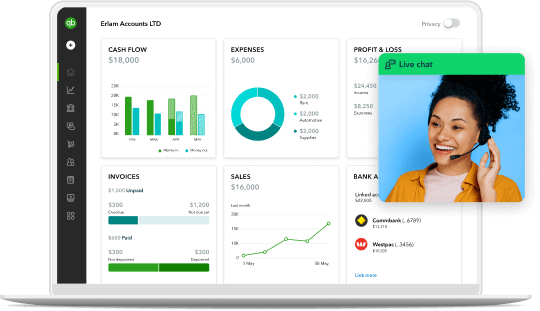
Customer success stories
Customer success stories

Health & Social Care
“QuickBooks helps a lot. It doesn’t matter where I am, I can keep an eye on what’s going on. We’ve integrated it with the ATO, which makes my life so much easier. It gives me so much confidence that now when I am overseas I can actually take time to rest”
“QuickBooks helps a lot. It doesn’t matter where I am, I can keep an eye on what’s going on. We’ve integrated it with the ATO, which makes my life so much easier. It gives me so much confidence that now when I am overseas I can actually take time to rest”
Gabriela Da Silva Andrade, Lionfish Collective (Narrabeen)


Explore tips, guides, and product updates on receipts and receipt capture
Get the most from your accounting software with these helpful resources:


BLOG
Invoice vs Receipt: Understanding the Difference
This guide on invoices vs receipts will explain the differences between invoices and receipts to help you understand how to use them correctly in your business.
BLOG
Receipt Management for Small Business
A receipt is an important item that helps businesses keep track of expenses. Use this QuickBooks guide to learn more about what receipts are.
BLOG
Due Upon Receipt: Payment Terms Explained
Invoices due on receipt may help you get paid faster, but you should review additional payment term options before deciding what’s best for your business.
Frequently asked questions about receipt scanning and tracking

Keep growing with Intuit Intelligence
Get started today and automate your path to growth with confidence.


Intuit helps put more money in consumers’ and small businesses’ pockets, saving them time by eliminating work, and ensuring they have confidence in every financial decision they make.
Award Winning Accounting Software


