
SALE

Get 50% off QuickBooks for 3 months

See plans and pricing
QuickBooks Blog
Need help choosing a plan?
Created with Sketch. 1800 917 771 Schedule a call
Need help?
We're here for you.
Schedule call
Created with Sketch.
Product Release
product update

Transitioning from Classic to Modern Reports - FAQs

Classic reports will be retired on May 22, 2026, as we transition all customers to a faster, more customisable modern reporting experience.

Learn what’s changing, the new features and enhancements available, how your saved custom reports will be automatically migrated, and what to expect during the phased rollout from April 1 to May 22, 2026.

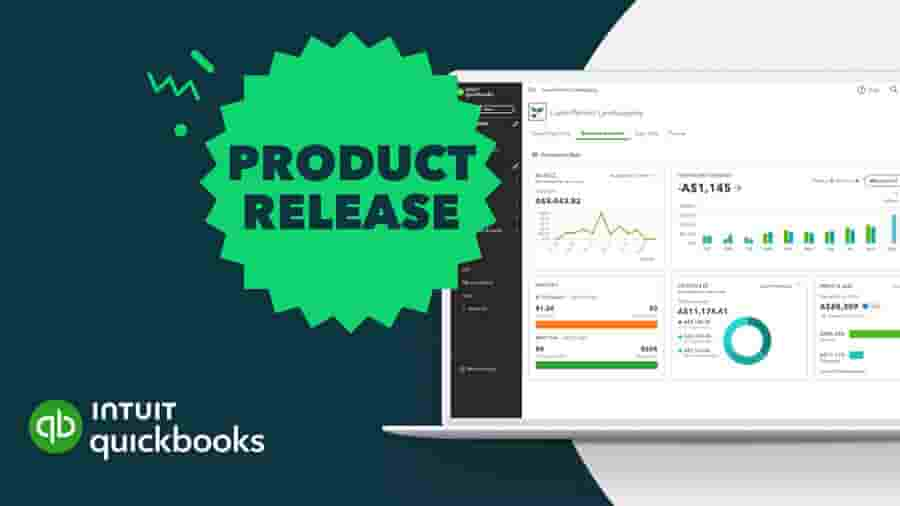
1. When will the classic reports be sunset, and what does that mean for me? 

The classic version of reports will be officially deprecated on May 22, 2026. As of this date, the option to "switch to classic view" will be removed entirely from the product. Moving forward, the modern version will be the only reporting experience available to all customers.

2. Why do we need a modern reporting platform? 

While the classic reporting platform has served our customers well for many years, we needed to evolve our system to better support your growing enterprise. The new modern platform allows us to deliver new features faster, handle large volumes of data much more efficiently, and provide more advanced, actionable insights, such as dashboard KPIs. Ultimately, this ensures your reporting experience can seamlessly scale with your business model.

3. What are the similarities and differences between the modern and classic view? 

We have ensured that no core functionality from the classic system is missing in the modern view.

  • Similarities: Modern reports will contain the exact same data as classic reports. All of your familiar customisation options—such as reporting periods, filters, accounting methods, display options, comparisons, and active/zero value toggles—are still available.
  • Differences and new features: The modern view introduces powerful new capabilities. You can now add almost any attribute column to a report, use new grouping and Pivot functionalities, and view your data in visual chart formats. Additionally, modern reports offer visual customisations like banded rows, color-coded columns, and flexible gridlines (Note: some specific visual customisations are reserved for higher SKUs like QBO Advanced).

4. What recent improvements have been made to modern reports? 

To ensure modern reports match and exceed the classic experience, we have recently rolled out several major enhancements:

  • Optimised layout: We redesigned the layout by making the top panel smaller to give you more screen real estate. Highly used features (like "display by" and "compare") are prioritised at the top, while other customisations are neatly organised in a right-hand panel.
A page with a person on a computer screen.
  • Seamless drill-downs: Customisations now stay perfectly intact when you drill down into a transaction report and navigate back.
  • Auto-refresh: If you drill down to update a specific transaction, the modern report will now automatically refresh to reflect your changes—no manual refresh needed.
  • Better navigation: We introduced page-level scrolling so you are no longer restricted to scrolling inside a small box, and we fully enabled Ctrl+F search capabilities for longer reports.
  • Cleaner data formatting: Modern reports now honor GAAP-aligned accounting orders (Assets, Liabilities, Equities, Income, Expenses) in reports like the General Ledger and Trial Balance. We've also enabled drill-downs into zero-dollar accounts and defaulted to hiding rows with no activity or balances (like Cost of Goods Sold, if irrelevant to your business) for a cleaner view.

5. What will happen to my saved classic custom reports? 

You do not need to worry about losing your saved work! We are automatically migrating all of your classic custom reports to the modern view. Your reporting data, applied filters, and customisations will remain exactly the same—they will simply be presented in the updated modern look and feel.

6. What should I expect during the migration process? 

The migration will take place in a phase-wise manner between April 1, 2026, and May 22, 2026. Here is what you can expect during this rollout window:

  • Depending on your company's migration cohort, you will lose the ability to save new classic custom reports starting April 1st. This prevents the creation of new classic reports while we migrate the old ones.
  • If you apply new customisations while viewing a classic report during this time, you will be prompted to switch to the modern version to save your work. You will not have to reapply your customisations—any filters or grouping you applied in the classic view will automatically carry forward to the modern view for you to save.
  • On May 22, 2026, the migration will conclude, and the classic view will be permanently retired.

Need help?

You can view our guide to Modern View reports here. And at any stage, should you have a question or any concerns, chat online or connect with our Customer Success team.


Related Articles

A computer screen showing a picture of a computer.

TAKE A NO-COMMITMENT TEST DRIVE

Your free 30-day trial awaits

Our customers save an average of 9 hours per week with QuickBooks invoicing*

No credit card needed

Cancel anytime

Unlimited support

By entering your email, you are agree to our Terms and acknowledge our Privacy Statement.