- Start your business
- Run your business
- Grow your business
- Accountants and BookkeepersAccountants and Bookkeepers
- Updates










We're here for you.
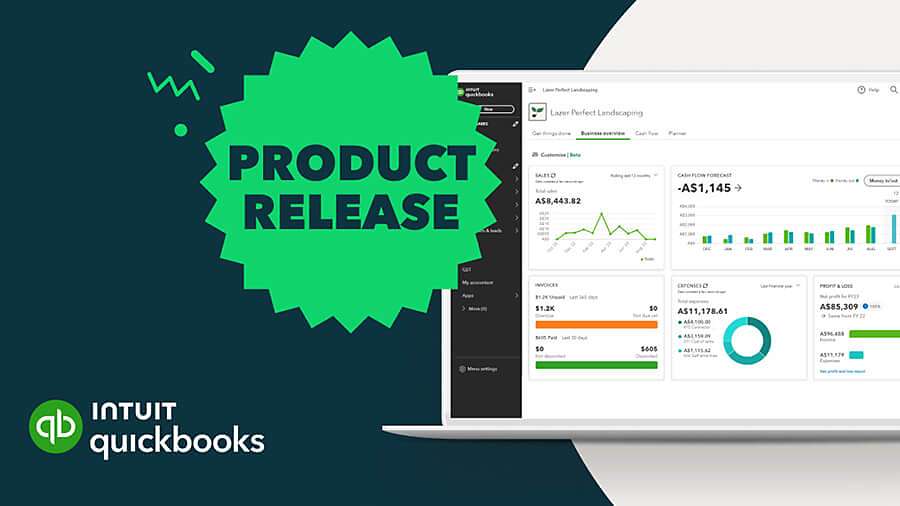
June 2025 Product Update
'One-off' option for Books Review
QuickBooks Online Accountant
A new option has been added to Books review to provide faster visibility over a client’s books. Ideal for ‘rescue’ work or taking over a new client, this option in Books review makes it easier to review and edit a client’s company settings, launch key financial reports, make opening balance adjustments, review potential errors and more.

New! Forecast functionality
QuickBooks Online Advanced
You can now forecast up to 3 years into the future using your actual data in QuickBooks. This saves you manually exporting data from QuickBooks Online to spreadsheets or outside forecasting tools.

Plus, when you build a forecast in QuickBooks, you can be confident it uses the latest data without the risk of errors from manual entry.
Available in the Advanced version, to use this new feature, select Financial planning from the left menu, then Forecasts.
You can build a P&L forecast from either a prior year’s actuals or an average of the actuals from the prior 3, 6, 9, or 12 months. After creating your client’s forecast, you can convert it into their new budget. You can even create rules to forecast specific accounts by a percentage. And you can create multiple forecasts based on different scenarios and criteria.

Head here to learn how to create and manage forecasts.
Tax form e-sign improvement
QuickBooks Tax
The team at LodgeiT have expanded the flexibility when requesting signatures from your clients. These improvements aim to help you have more control over how and who you send your documents to.
These new improvements will let you -
- Choose to send the request to the Primary contact or someone else
- When sending to the Primary contact, you can select from any email addresses on the client record or even enter a new one, and
- You can customise verification requirements to specify if you’d like no verification, an email address, a date of birth, or a phone number, depending on what’s most appropriate or required for security — even when sending to a non-primary contact.

Updated SMSF member statements
QuickBooks Tax
The SMSF Member Profit Distribution Statement has been updated to give you and your clients more clarity and control over super fund activity.
The updated report now includes -
- Separate fields for Employer, Personal and Other Contributions
- Separate fields for Transfers In & Transfers Out
- Separate fields for Taxes and Pensions & Payments

Related Articles
Looking for something else?
TAKE A NO-COMMITMENT TEST DRIVE
Your free 30-day trial awaits
Our customers save an average of 9 hours per week with QuickBooks invoicing*
By entering your email, you are agree to our Terms and acknowledge our Privacy Statement.



Intuit helps put more money in consumers’ and small businesses’ pockets, saving them time by eliminating work, and ensuring they have confidence in every financial decision they make.
Award Winning Accounting Software


