To set up payroll, you first need to subscribe to QuickBooks payroll plan if you haven't already, Fiona.
You can visit this website https://quickbooks.intuit.com/uk/payroll/ to learn more about payroll plans offered by QuickBooks.
Once subscribed to a payroll plan, follow these steps to set up your payroll:
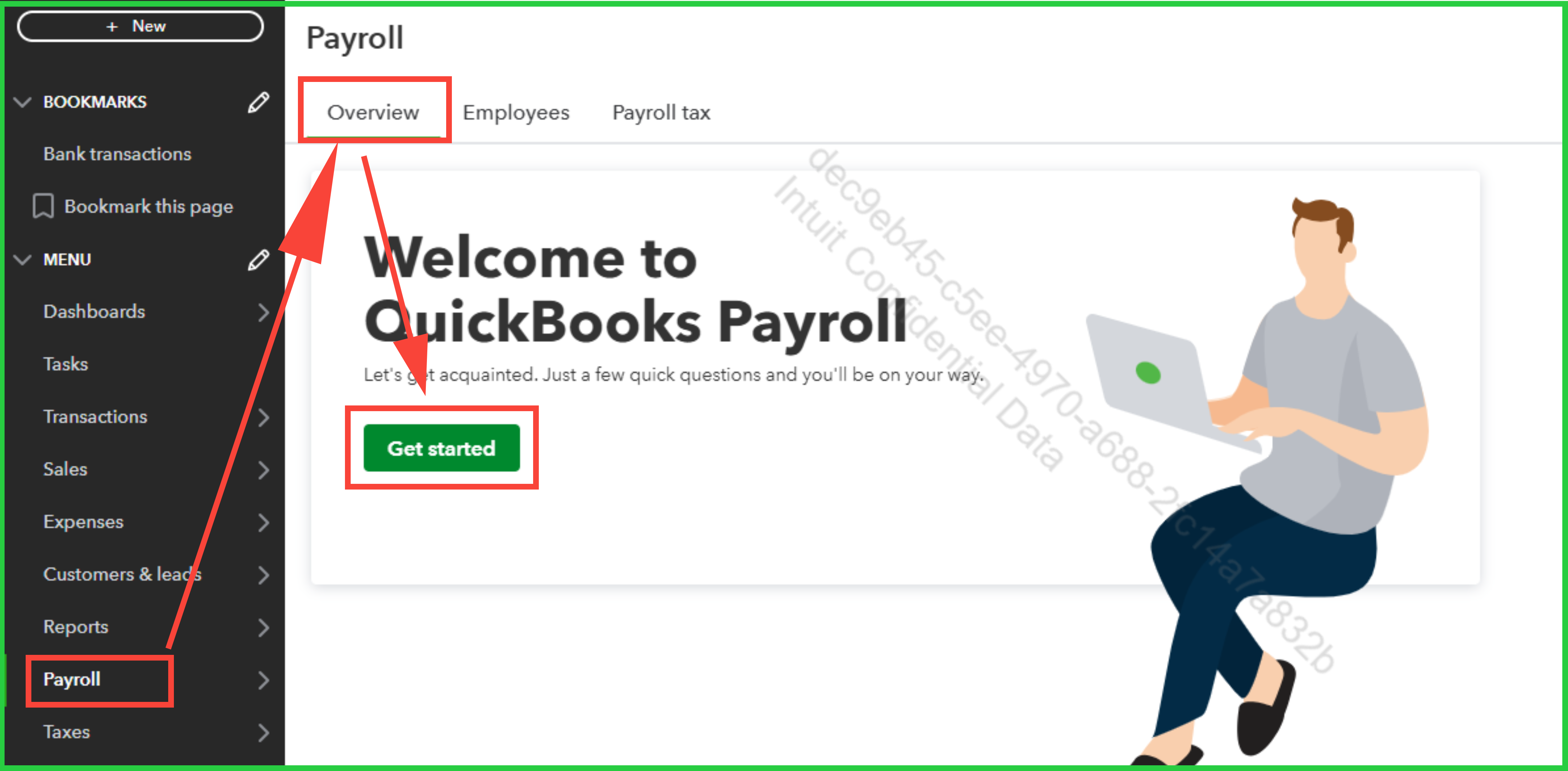
- Go to Payroll, then select Overview.
- Select Get started.
- Select whether you (or someone else) have already paid employees this year.
- Enter the date you want to start paying employees through QuickBooks.
- Provide your main business address (not a PO Box).
- Note: Your work location determines your tax responsibilities. If you have multiple work locations, you can add them later.
- Enter your main payroll contact info. This is generally the person responsible for paying your employees. The payroll contact will get important payroll notifications from us, and may speak with our payroll experts about your payroll account.
- Select how you previously managed payroll. Depending on your choice, you may be able to import employee and pay history instead of entering details manually.
- Now you’ll start adding your employees.
To complete your payroll setup tasks or add your employees, refer to the guidelines in either of these articles for your payroll plan:
Also, you can contact our Live support team if you ever need further assistance with payroll. Here's how to reach out to them:
- Click on the Help (?) icon.

- Scroll down and select the Contact Us button, then follow the prompts.
- Choose either the Chat or Callback option.
For details on the availability hours of our Live support team, please check the Support hours section in this article: How to get help with QuickBooks.
Feel free to reply to this thread if you need any further assistance.


