Currently, there isn't a direct way of transferring an employee information from one company to another. But you can still move the employee's basic information to make the setup process much faster, GrahamM26.
You can generate the Employee details report for the name and address of your employees and Payroll details report for taxes information. After that, click the Export drop-down and choose the Export to Excel option.
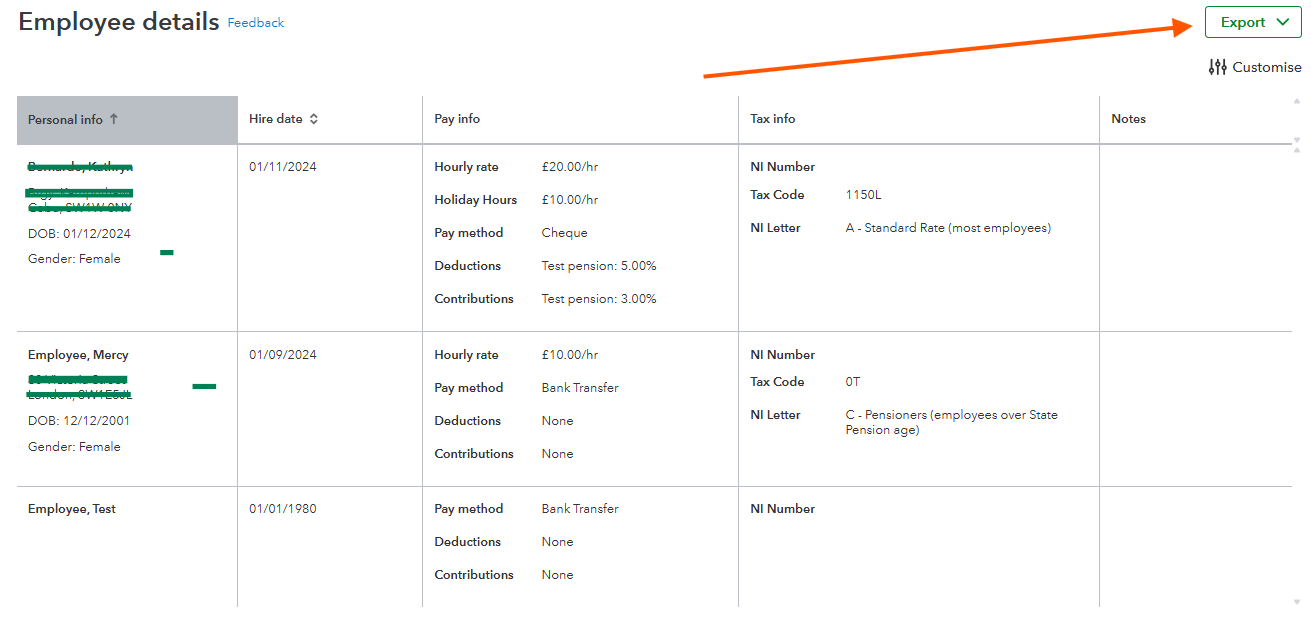
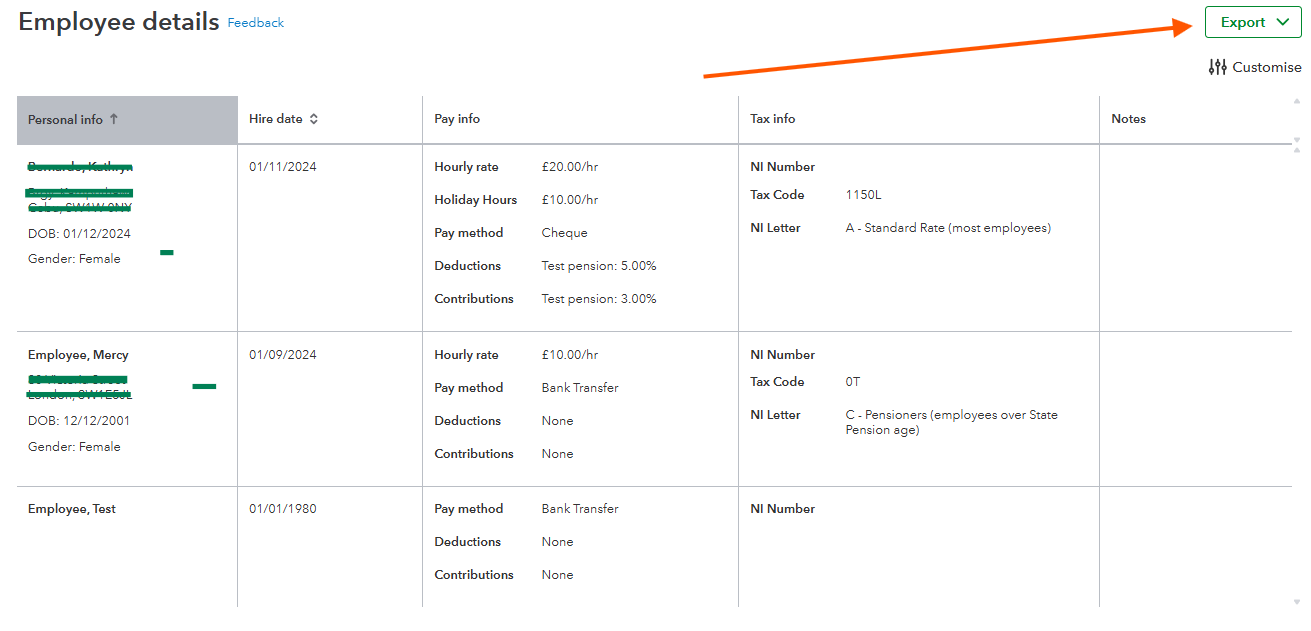
Once you have the file, you can use it as a reference to manually re-enter the employee's information into the new QuickBooks Online Payroll (QBOP) company.
On the other hand, if you have large number of employees, you can use a third-party application for automated transfer process. To search for one, follow the steps outlined below:
- Navigate to the My Integration icon on the left side of the Gear icon.
- Search Find integrations.
- Search for an application that will support importing of employee information in the Search bar.
- Click Enter.
Let us know if you have any additional questions or concerns regarding your payroll or employee information. As always, the Community team is always right hear to assist.


