You'll have to ensure that the display name on your client's profile matches their company name, Roy.
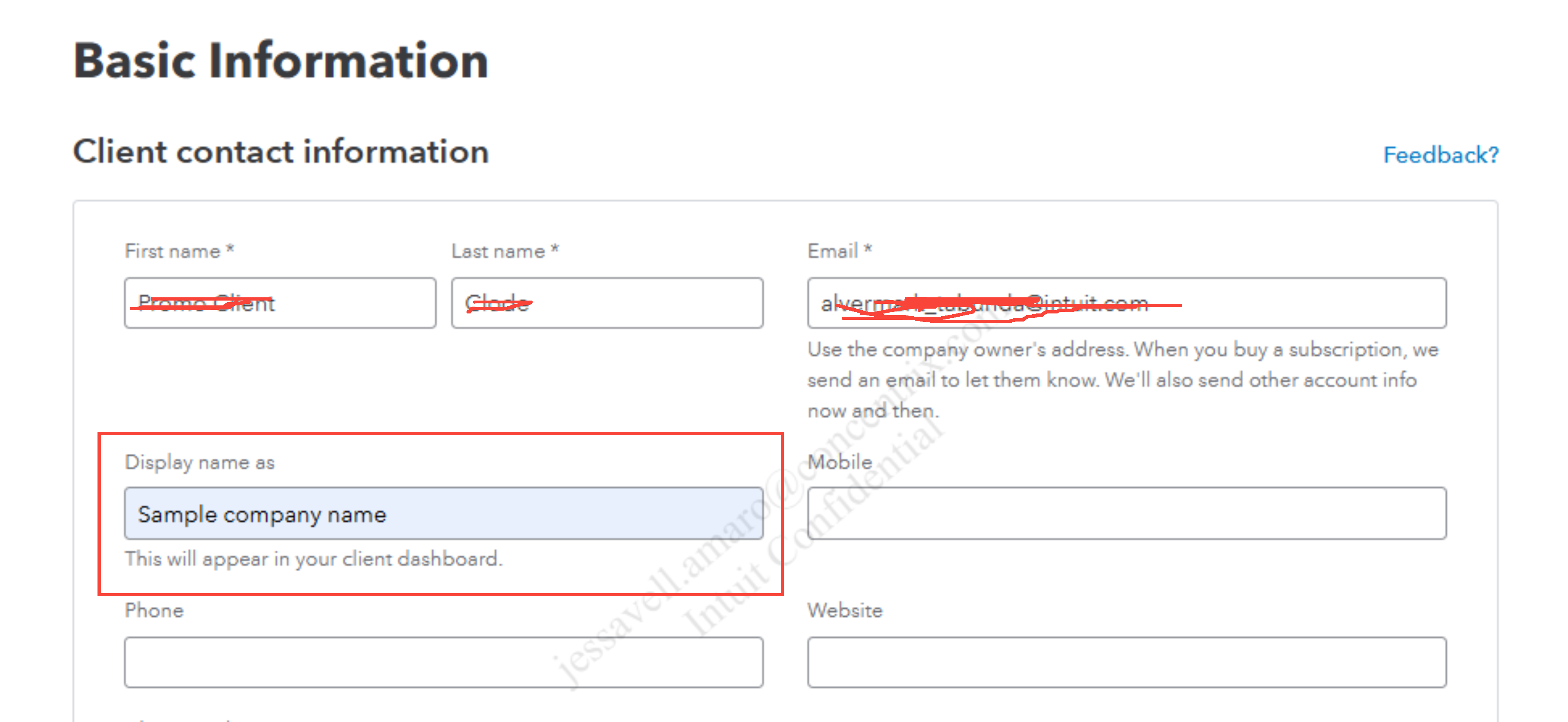
You can edit your client's profile to update the display name. This will make sure that your client's name appears in your practice list by their company name. Here's how:
- Under YOUR PRACTICE, select Clients.
- Choose the client you want to edit, then select Edit client.
- Enter your client's company name in the Display name as field.
- Click Save.
For more guidelines on managing your client's information, feel free to visit this article: Manage clients in QuickBooks Online Accountant.
If your clients need additional features from QBO or if their current product exceeds their requirements, you can upgrade or downgrade their QBO subscription level to provide them with the appropriate accounting tools.
If you have any other questions or need further assistance with handling your client's details, please let us know. The Community is here to help.


