Hello heronsdalefarm, I understand your frustration, and this bar should not be included in your printouts. It is a display error and is not part of the official report.
To get a clean copy without the bar covering your data, we recommend printing the VAT 100 report using the View Reports button.
Here's how:
- On the Taxes page, click View reports in the upper right corner.
- Choose the VAT 100 report from the list.
- Adjust the Report period to your specific dates.
- Print or Save as PDF from this screen.
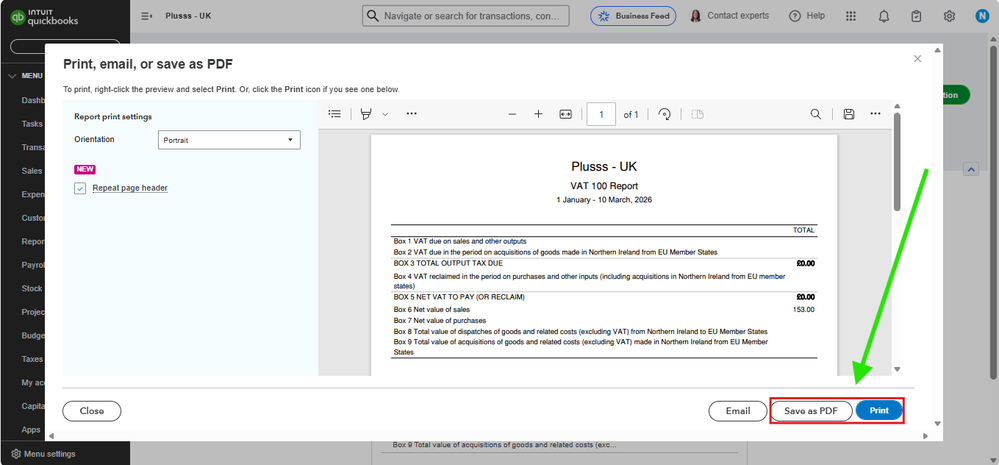
This report is structured differently, preventing the floating bar from appearing and providing you with a clear, professional summary for your records.
We also recommend contacting our Customer Phone support team. Since this started happening recently, they can take a closer look at your specific browser settings to stop that bar from appearing in the first place. That way, you can get back to printing your reports the usual way without any interruptions.
If you have any further questions or require additional assistance, please add a comment below. We are here to help.


