Hello there, Firedon.
You need to access your Manage your Intuit account to add or update the contact number for authentication codes. Here's how:
- In your QuickBooks Online (QBO) account, click your Profile icon at the upper right corner of your screen.
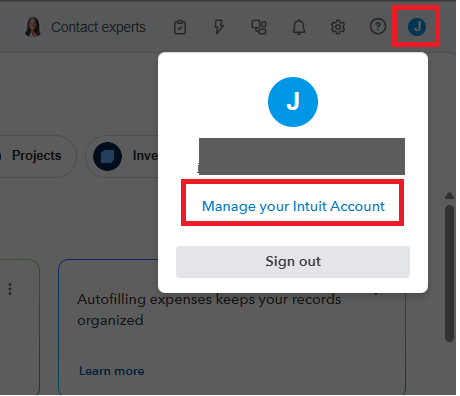
- Select Manage your Intuit Account.
- Go to the Sign in & security section.
- Enter your phone number and complete the verification process via text or call.
- Save your changes, and your new number will be ready to receive authentication codes.
Feel free to reach out if you need more assistance.


