The reason you can’t view the text you added in the Payment Options is that it will only appear when you email or preview your invoices, David.
When you add a message in the Payment Options, it is automatically included in every invoice sent to your customers. That said, it won't be displayed in the Edit section of your Invoice page but will appear in the Email and PDF view section.
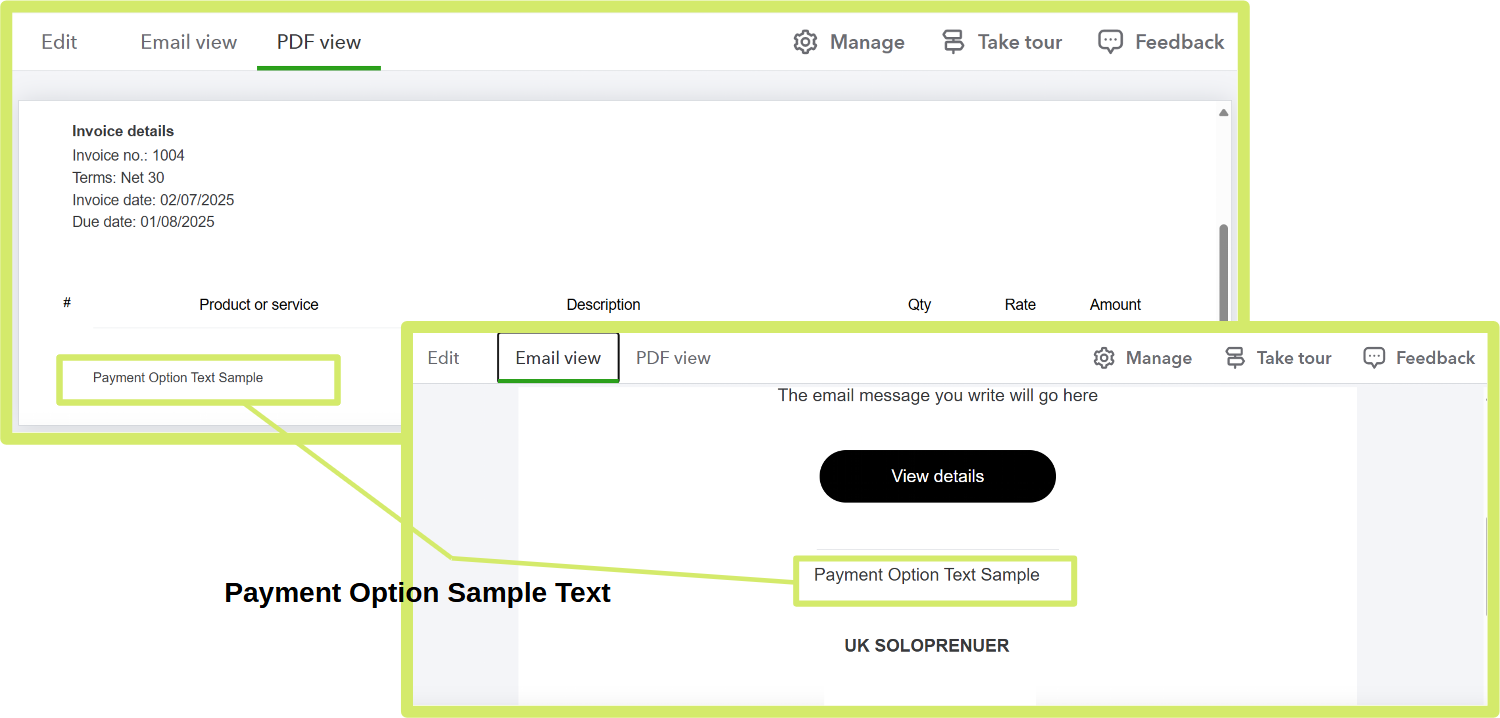
At the same time, you also don’t need to add anything under the Note to Customer section since the text from Payment Options is already applied to your invoices.
Since you mentioned you're not seeing this option on your end, let's troubleshoot to make sure everything runs smoothly. I suggest clearing your cache and updating your browser to the latest version to ensure QuickBooks functions properly.
I'll also include this article if you need guidance in importing your older data into QuickBooks: Import your data into QuickBooks Sole Trader.
We're always here to help you if you have other questions about this.


