You'll want to log in to your QuickBooks Online (QBO) account using a web browser to check if the receipts are there, Peter.
You can check them from the For Review tab in the Bank transactions page.
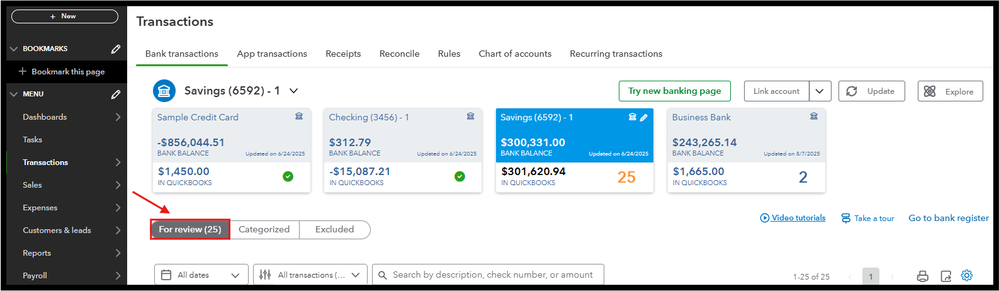
If the receipts are visible in the web browser, we can refresh your QBO app, as it removes the older cache that causes this odd behavior. Here's how you can do it:
For iOS:
- Go to Settings, then tap General.
- Click iPhone Storage, then tap the QuickBooks Online app.
- Select Offload App.
For Android:
- Go to Menu ☰, then tap More Options ⋮.
- Select Settings, then Refresh Data.
- Click YES to confirm.
If the issue persists, I recommend contacting our Phone Support team to investigate this issue further. Just ensure to check their available hours so they can address your concerns promptly.
We're still ready to back you up if you need more help with receipts in QBO. I'll keep this thread open so you can comment back, Peter.


