Let's work together to modify the custom report title, Board-Secretary.
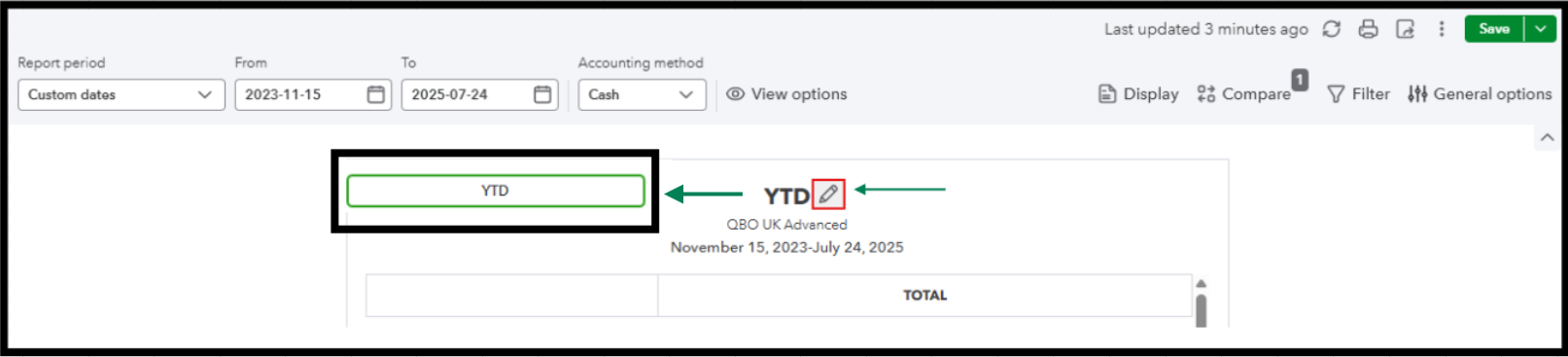
From the report page, you can tick the pencil icon beside the report name to change it. Then, ensure to click Save to retain the changes. I'll provide a screenshot below for your visual reference:
Since the date keeps reverting after changing it, this could be a browser-related issue. Stored cache can be the cause of this unusual behavior, which interferes with the changes to your reports. With that, we can clear your browser's cache and cookies for a fresh start. It can help eliminate unexpected behavior, such as issues with your display preferences. If the problem persists, we can use a different supported browser to narrow down the problem.
Let me know how else I can help you with reports in QuickBooks Online by adding a comment below. I'm more than happy to lend a helping hand, Board-Secretary.


