cancel
Showing results for 
Search instead for 
Did you mean: 
Announcements
Accept credit card payments in QuickBooks Online.Explore QuickBooks Payments
Olly-Cogan
Level 1

How do I change "Your estimate is ready!". We do not send Estimates we send quotes.

How do I change the default copy of "Your estimate is ready!" In my busienss, we do not send estimates, we send quotes. Olly

1 REPLY 1
ShangY
QuickBooks Team

How do I change "Your estimate is ready!". We do not send Estimates we send quotes.

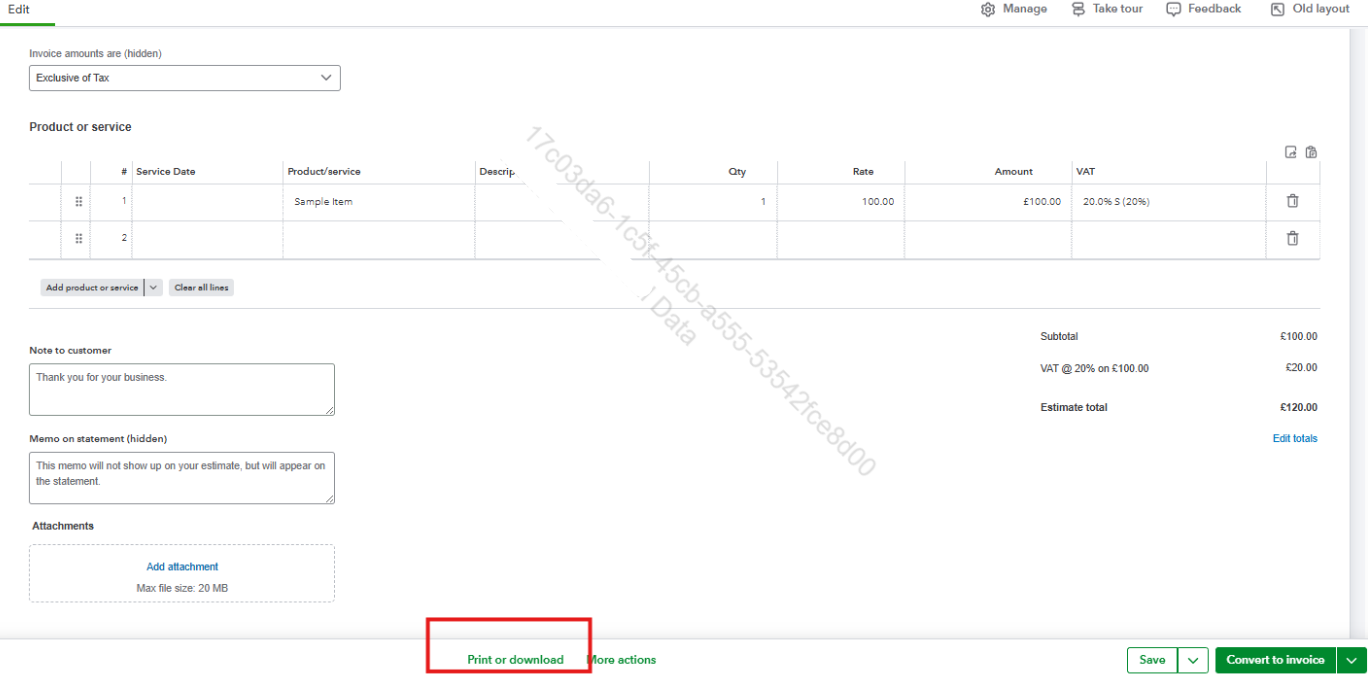
Hi there, Olly. The email subject "Your estimate is ready" is set by default and can’t be changed. As a workaround, you can download your estimate, save it as a PDF, send it to your own email, and then forward it to your customer.
 

In QuickBooks Online, you can only change the names of the templates in the Custom Form Styles page. Go to the Form section and change Estimate to Qoute in the name field. 
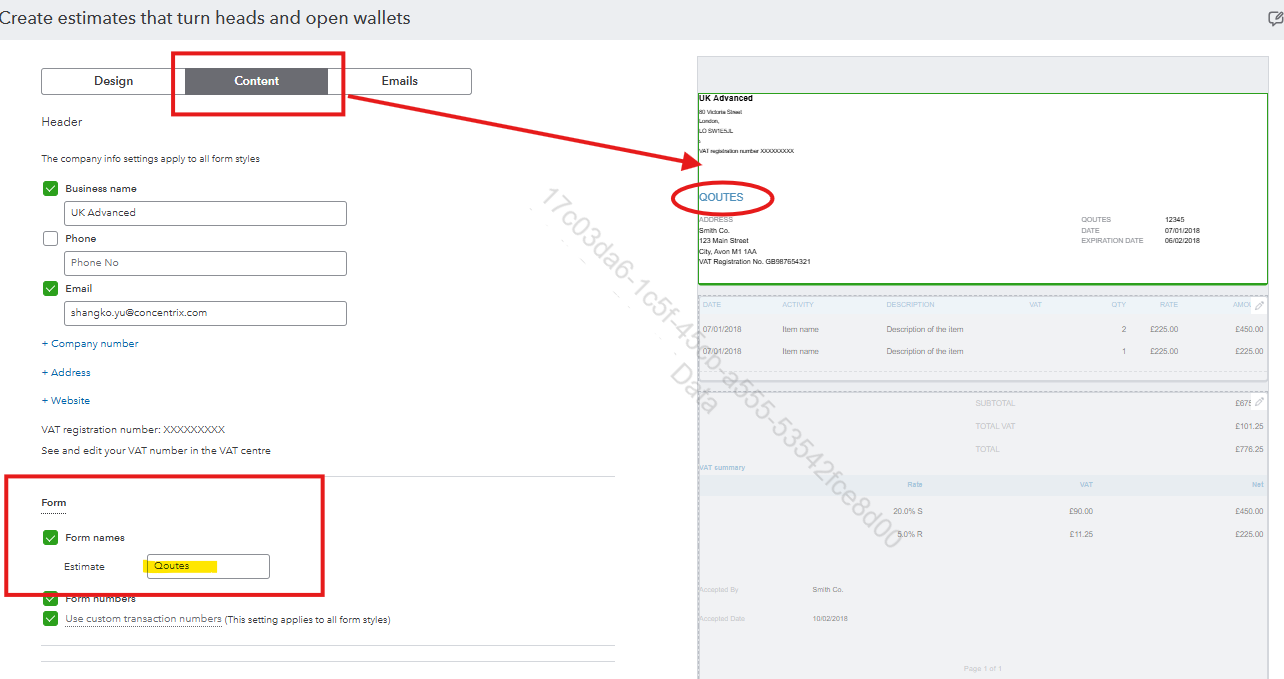
image.png
 

After that, download the form.

image.png


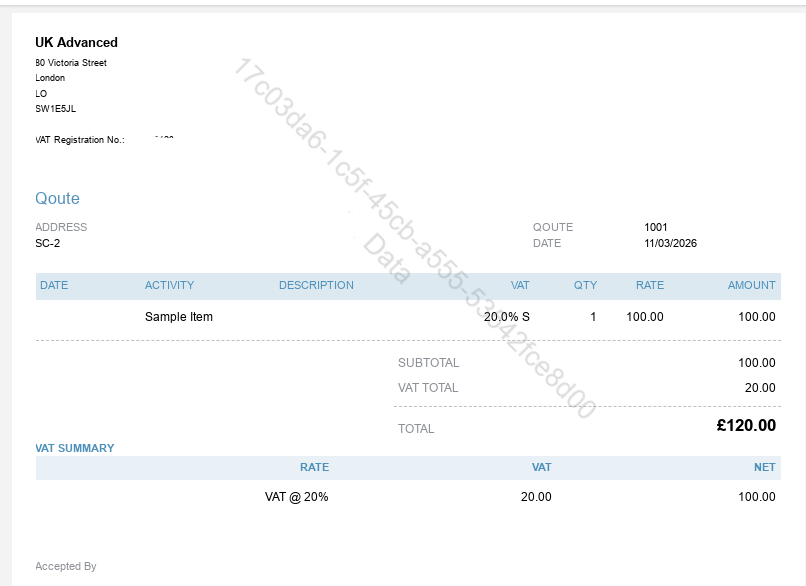
This is what it looks like: 

image.png


Let us know if you have further concerns.
 

Need to get in touch?

Contact us