cancel
Showing results for 
Search instead for 
Did you mean: 
Announcements
Accept credit card payments in QuickBooks Online.Explore QuickBooks Payments
angie-parker
Level 1

how do i remove "Ship to" from my customer invoices?

How do I remove "ship to " from my customer invoices. they do not appear on the template i have set up

1 REPLY 1
GianSeth_A
QuickBooks Team

how do i remove "Ship to" from my customer invoices?

Hello Angie, to remove the Ship to feature on your customized invoice, you need to turn on the main switch in your settings first. Once you turn that switch on, the system lets you see the hidden box to uncheck it on your template.


Head over to your Accounts and Settings > Sales and under Sales from content, look for Shipping and enable it.
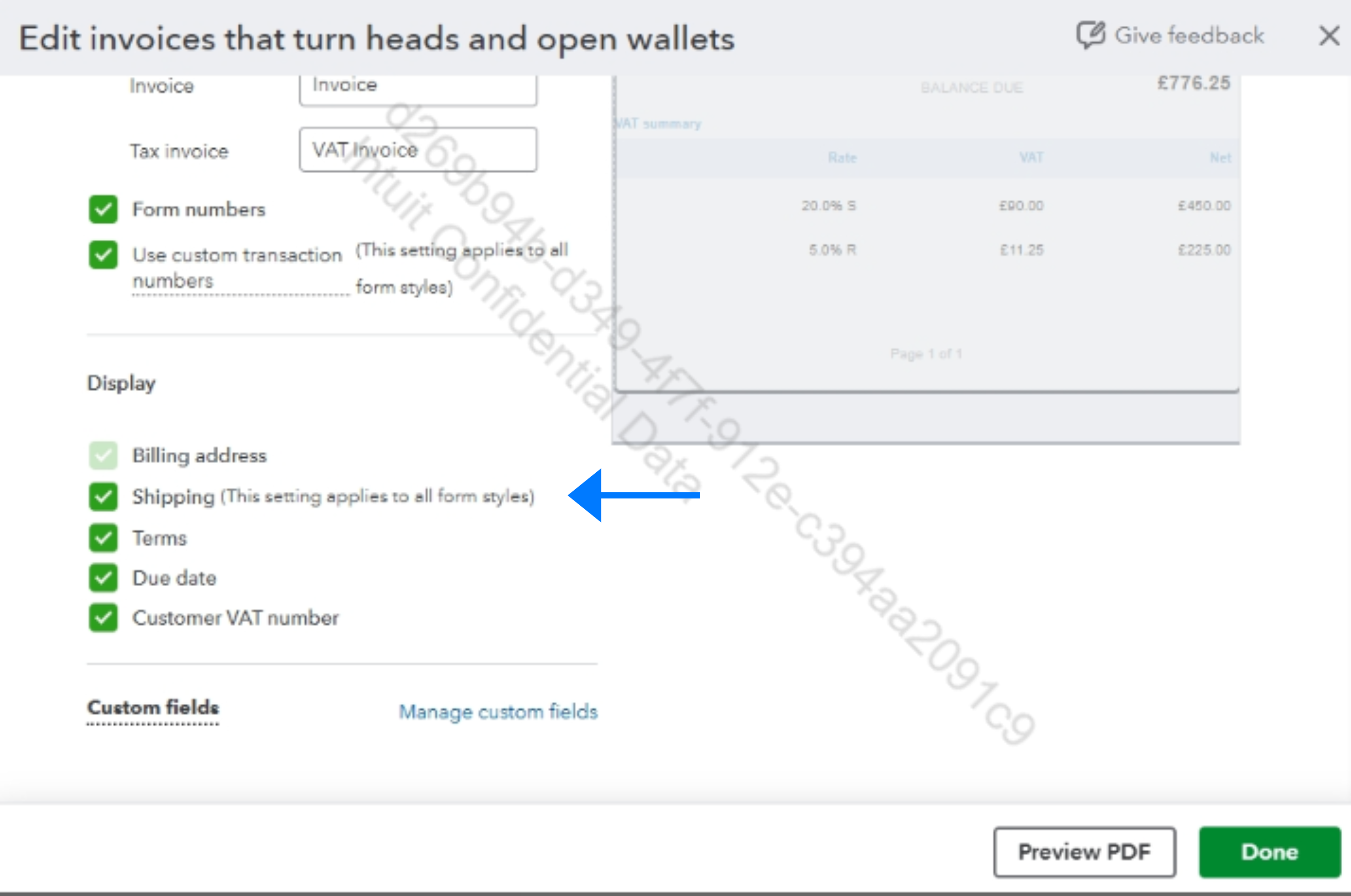


For any further questions, feel free to leave a comment below.

Need to get in touch?

Contact us
