Hi there, @mupfururirwawinfield.
To better understand what’s going on, I’d like to clarify a few things first. When you say the invoice is subtracting payments, do you mean that the payment is showing on the invoice PDF when you view or send it to your customer? Any additional details you can provide will help me pinpoint the issue and offer an accurate solution.
Based on your description, it seems like the invoice total is being affected by one of the following scenarios:
If there’s a deposit entered on the invoice, it will automatically subtract that amount from the overall total.
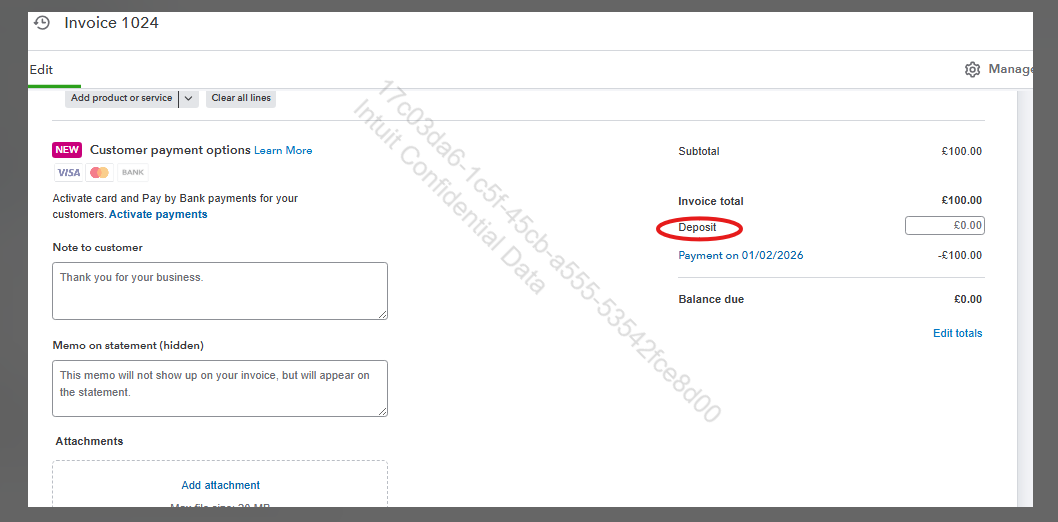
To fix this, open the invoice and remove the amount in the Deposit field.
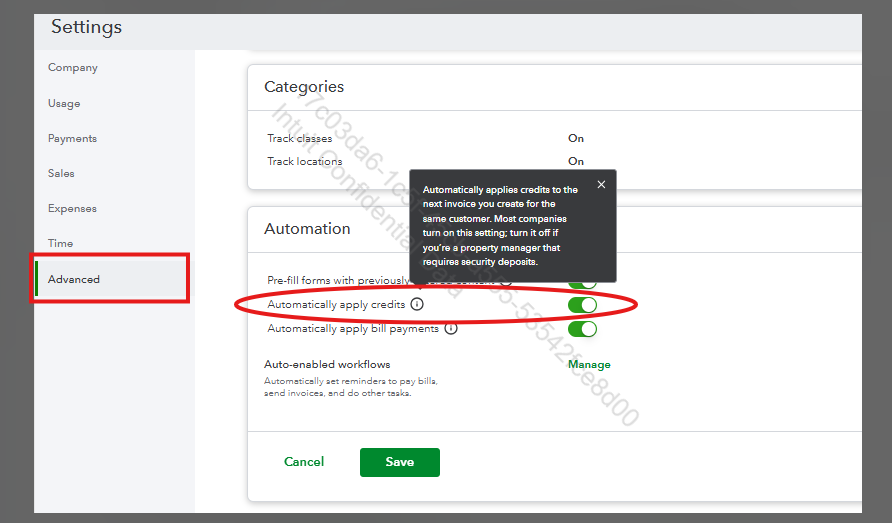
Or if the Automatically apply credits feature is turned on. This feature automatically applies credits (like credit memos) to invoices, which may be causing payments to subtract.
If you see a payment hyperlinked under the Deposit field in the invoice, that means the credit memo is auto-applied.
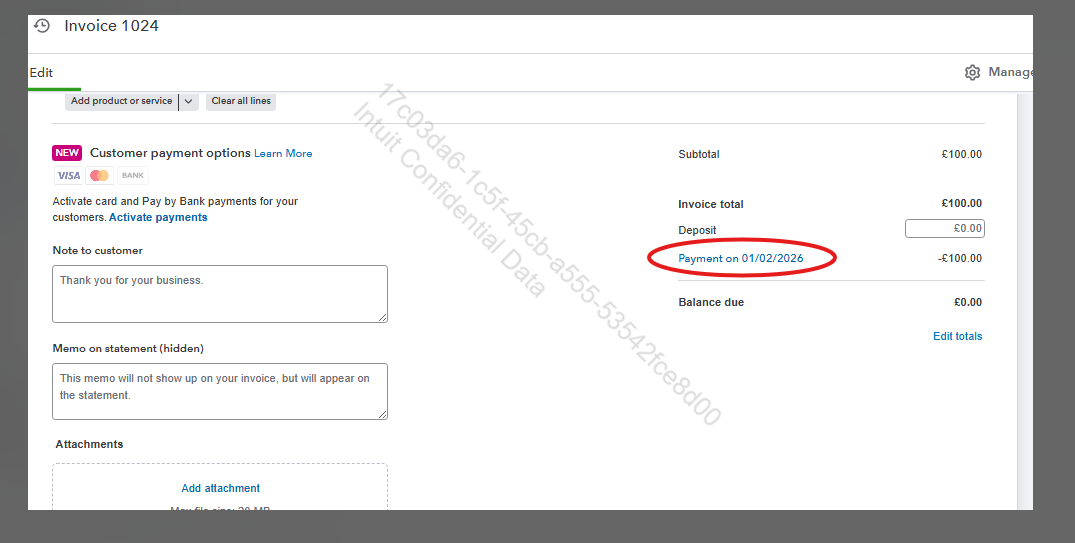
Here's how to turn off this feature:
- Go to the Gear icon.
- Select Account and settings.
- Scroll down to the Advanced tab.
- Find the Automatically apply credits option and turn it off.
Feel free to let us know if you have additional questions or need further assistance.


