Hello, bencappsound.
I'm on the case and help you bring back the missing Snap Receipt feature to the mobile app.
An outdated QuickBooks Online mobile app may not show all features, which includes the Snap receipt feature. In this case, make sure it is updated, so we can access all functions and features in the app.
We can get the latest version by opening QuickBooks Online's app page in Google Play Store or Apple App Store. Click on the Update button when available.
After updating, open the app, then navigate to the Menu option or the Quick actions section to check for the Snap Receipt feature.

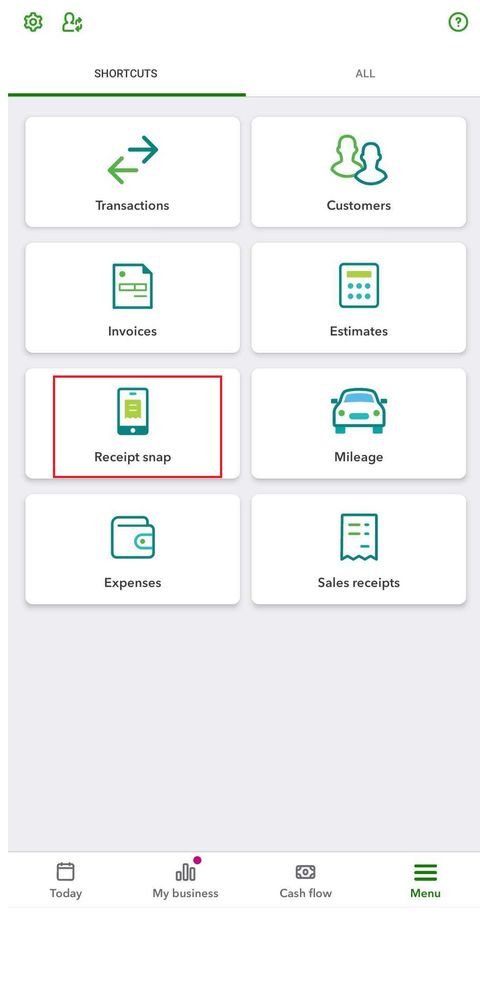
An app issue could also cause the Snap receipt feature to disappear. In this case, we can uninstall and reinstall the app from your phone.
We can download the app again from Google Play Store or Apple App Store.
After fixing the issue, do you also need to review your bank transactions within the mobile app? I'll add this article if you need help: Categorise bank transactions in the QuickBooks Online app.
Drop by again if you have more questions about managing your books. If you've come across any difficulties in entering a transaction, or when running reports, let me know, and I'll share a guide or two.


