- Start your business
- Run your business
- Grow your business
- Accountants and BookkeepersAccountants and Bookkeepers
- Updates










Need help?
We're here for you.
We're here for you.
Schedule call

product update
Introducing the GST AI Agent: BAS Made Simple
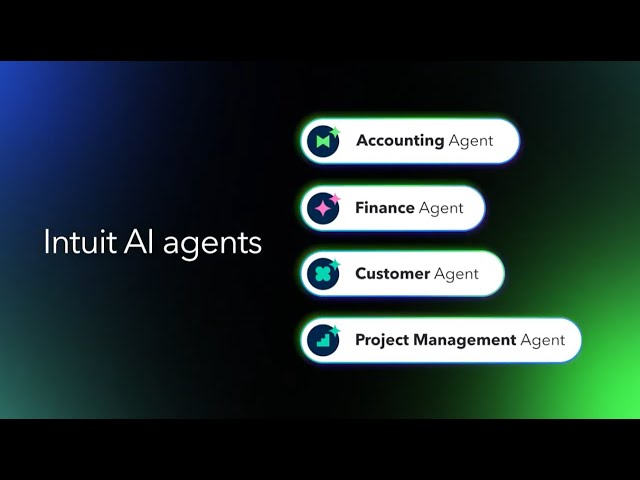
As a business owner, dealing with GST and preparing your Business Activity Statement (BAS) can feel like navigating a compliance minefield. You know accuracy is critical to avoid fines or headaches with the ATO, but finding time to double-check every figure is tough.
That’s why we’re introducing the QuickBooks GST AI Agent (BETA^).
Built right into QuickBooks, this AI agent reviews your GST data before you lodge. It’s like having a dedicated teammate double-checking your numbers, flagging any differences between your reports, and telling you exactly how to fix them. The GST AI Agent helps you achieve accuracy, compliance, and peace of mind.
Let’s dive into how the GST AI Agent works and how it helps you manage your BAS process confidently
What is the GST AI Agent?
The GST AI Agent (BETA^) is your trusted, automated teammate for managing Australian GST compliance. Available on all QuickBooks plans (Simple Start, Essentials, Plus, and Advanced), it simplifies the complex process of reconciling your financial reports with your BAS figures. Its goal is simple: to help you submit accurate returns to the ATO without the stress or manual searching.
How it works to keep you compliant:
1. Automated Error Catching:
- Pre-Lodgement Check: The Agent automatically performs a comprehensive check against your financial data. It identifies transactions or reporting methods that cause discrepancies between your Profit & Loss (P&L) figures and the numbers on your GST report.
- Flagging Key Issues: It flags common issues that lead to errors, such as transactions with missing or incorrect GST codes, or items that were excluded from the BAS incorrectly.
2. Clear Solutions, Not Just Warnings:
- Simple Explanations: If a difference is found, the Agent provides a straightforward explanation of the root cause. For example, it might tell you: "This transaction was incorrectly marked as GST Free, which caused a $50 difference on your sales."
- Actionable Steps: Crucially, it provides recommendations on how to correct the error immediately within QuickBooks, empowering you to fix the issue yourself quickly and accurately.
How Does It Benefit Your Business?
The GST AI Agent gives you confidence and time back by tackling one of the most critical compliance tasks.
1. Lodge Your BAS Accurately and Avoid Surprises
Mistakes on your BAS can lead to time-consuming queries from the ATO. The Agent acts as an automatic safety net, helping you catch and correct errors before you submit. This means less stress, fewer penalties, and total confidence that your lodgement is compliant.
2. Focus on Your Business, Not the Books
By automating the tedious process of cross-checking reports, the GST AI Agent saves you hours of manual review time. Instead of searching for tiny discrepancies, you can quickly address the flagged issue and move on, dedicating more time to growing your business or focusing on your customers.
3. Take Control with Transparency
You are always the boss. The Agent provides crystal-clear explanations for every issue it finds, giving you full understanding of your financials and empowering you to learn from past errors. You review and approve every correction before it's applied.
GST AI Agent FAQs
The GST AI Agent is here to take the stress out of tax compliance. It gives you the confidence to know your BAS lodgement is accurate and timely, allowing you to get back to the work you love - running your business.
**Feature availability varies by product. While available in all QuickBooks supported languages, the AI agent’s output will be English only at launch. We recommend you review all outputs carefully. This information is intended to outline our general product direction, but represents no obligation and should not be relied on in making a purchasing decision. Additional terms, conditions and fees may apply. Product offers, features, and functionality are subject to change without notice.
^[Beta] has limited availability and is subject to change. Features may be more broadly available soon.
Related Articles


TAKE A NO-COMMITMENT TEST DRIVE
Your free 30-day trial awaits
Our customers save an average of 9 hours per week with QuickBooks invoicing*
By entering your email, you are agree to our Terms and acknowledge our Privacy Statement.

Keep growing with Intuit Intelligence
Get started today and automate your path to growth with confidence.


Intuit helps put more money in consumers’ and small businesses’ pockets, saving them time by eliminating work, and ensuring they have confidence in every financial decision they make.
Award Winning Accounting Software


