Hi, rosespatisserie.
We can modify the prices of goods from the Products & Services section of your QuickBooks Solopreneur account. I'll guide you through the steps below:
- Log in to your QuickBooks Solopreneur account.
- Navigate to the Get Paid menu and select Products & Services.
- Locate the item or good you want to update and click Edit.
- Go to the Sales section, where you'll find the price/rate field. Update the price of your item as needed.
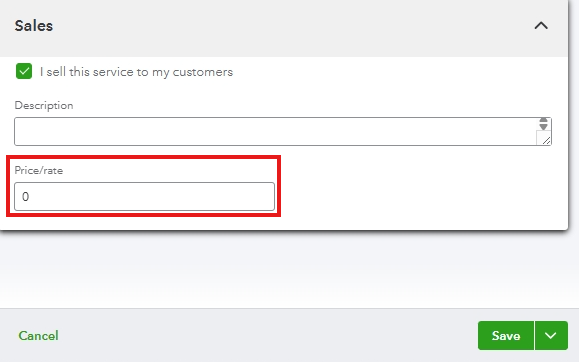
- Once you've made your changes, click Save to ensure the updates are applied.
Regularly updating prices is essential for ensuring business profitability and consistently communicating value to customers.
If you have any questions or concerns about QuickBooks, please leave them in the comments below. The community is always here to help.


