Hi there, Christian. The option to add bank details directly to your invoice is only available in the browser version of QuickBooks Online. I suggest adding them to the Message on the statement field of the invoice instead.
To add your bank details in the browser version, you'll need to edit your invoice template by going to Custom form styles. Here's how:
Here's how:
- Go to the Gear icon (:gear:), then select Custom form styles.
- Choose the template you want to add the bank details to.
- Click the Edit button under the Action column.
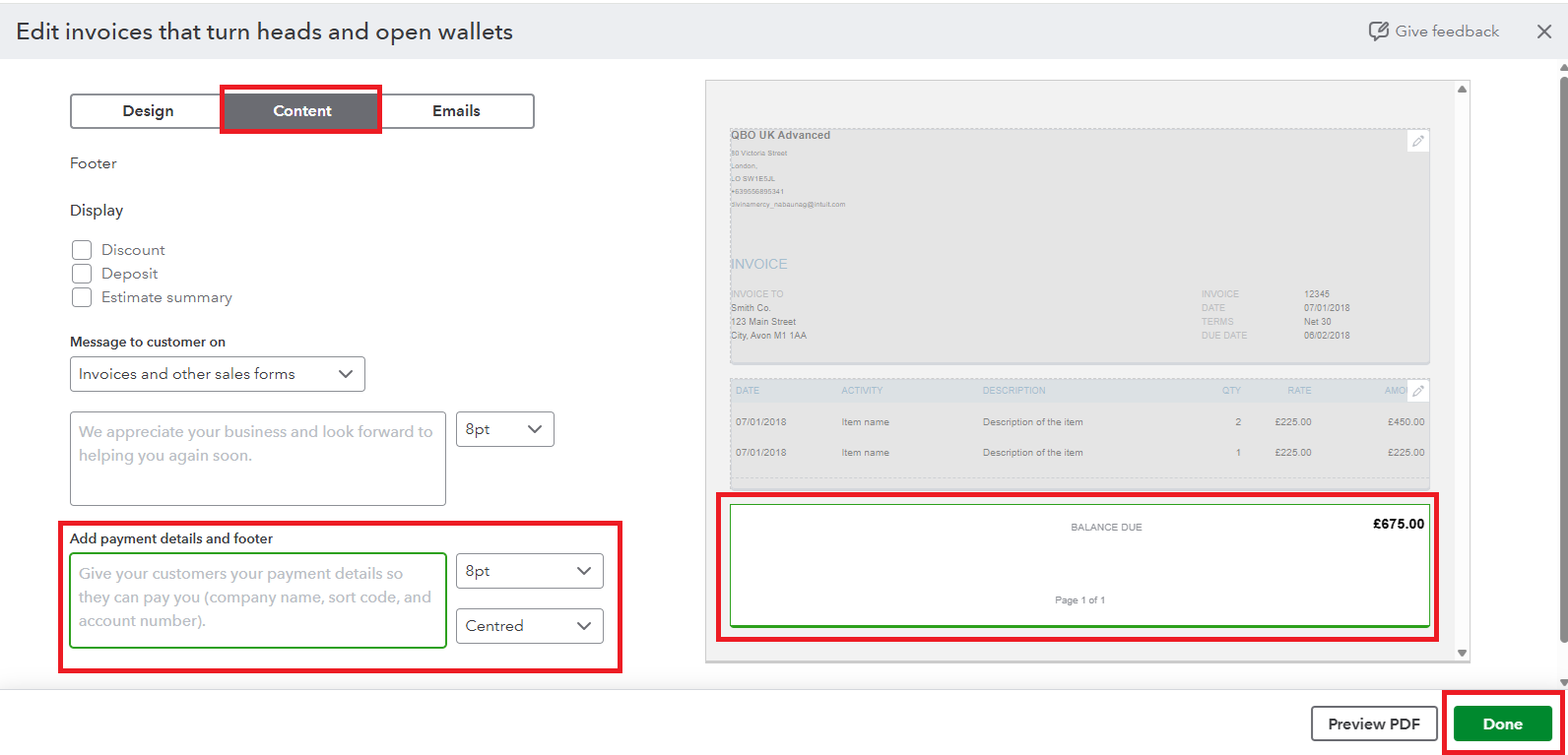
- Select the Content tab, then click the footer section.
- Enter your bank details in the Add payment details and footer field.
If you need any further assistance with QuickBooks, don't hesitate to reply. We're here to help.


