Hi there, office326.
You can access the Reports menu and look for Profit and Loss by Location. I'll walk you through the process below.
Here's how:
- Navigate to the Reports menu.
- Enter Profit and Loss by Location in the search bar.
- Ensure you choose the correct report period.
- Filter the necessary details you want to include in the report.
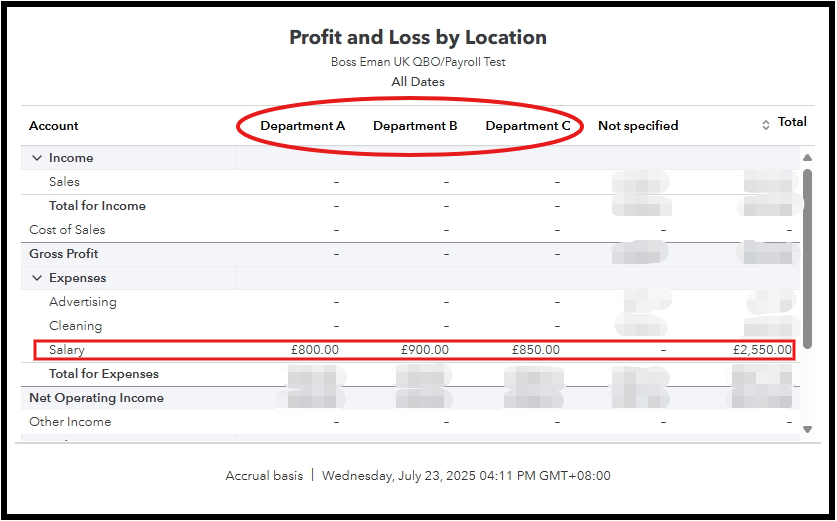
- Once done, select Save As to save changes.
Additionally, you can check out this article for further customisation of your report: Customise reports in QuickBooks Online.
Don't hesitate to leave a reply in this thread if you need help managing your financial reports in QuickBooks. The Community is always here to help you.


