I can help you sort this out, @ltgworcester.
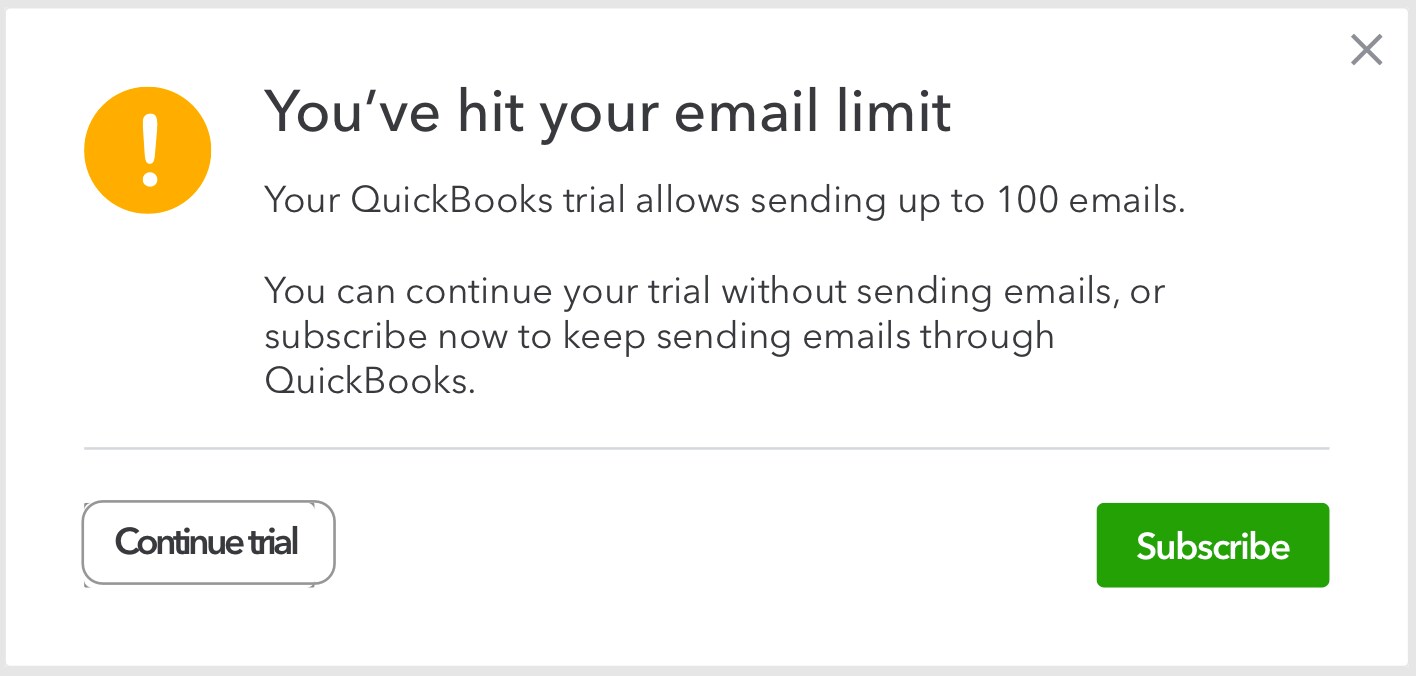
Let's isolate this unexpected prompt by accessing your account using a private or incognito browser. By doing this, we'd be able to make sure that this is not caused by your stored browsing history. You can use either of these keyboard shortcuts:
- Google Chrome, press CTRL + Shift + N
- Mozilla Firefox: press CTRL + Shift + P
- Safari: press Command + Shift + N
Once logged in, you can try sending multiple invoices, sales receipts, and estimates again. If it works successfully, you'd want to clear the cache of your regular web browser. Also, you can use other supported browsers. Lastly, you can run the Browser Health Checkup Tool to check any issues with your browser’s health and its compatibility with QuickBooks Online.
However, if the issue persists, I'd recommend contacting our Customer Care team. A specialist can securely look up your account and verify its status. Also, they have the tools to further check the root cause of the prompt you've received.
Keep me posted if you have other questions about emailing invoices and other sales forms from QuickBooks. I'm always here to lend a hand.


