Turn on suggestions
Auto-suggest helps you quickly narrow down your search results by suggesting possible matches as you type.
Showing results for
I appreciate all your efforts in dealing with this situation, @F33. No worries, I'm here to help you.
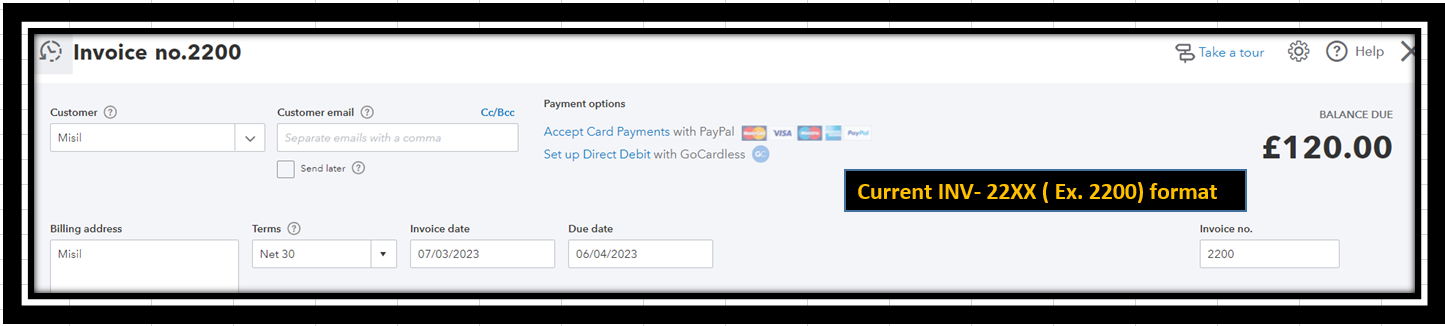
I have a workaround to ensure your invoice number will be in sequential order. This way, the numbering system will continue in QuickBooks.
We'll need to delete your invoice numbers sequence of INV-1XX. Then re-create it. Let me show you how:
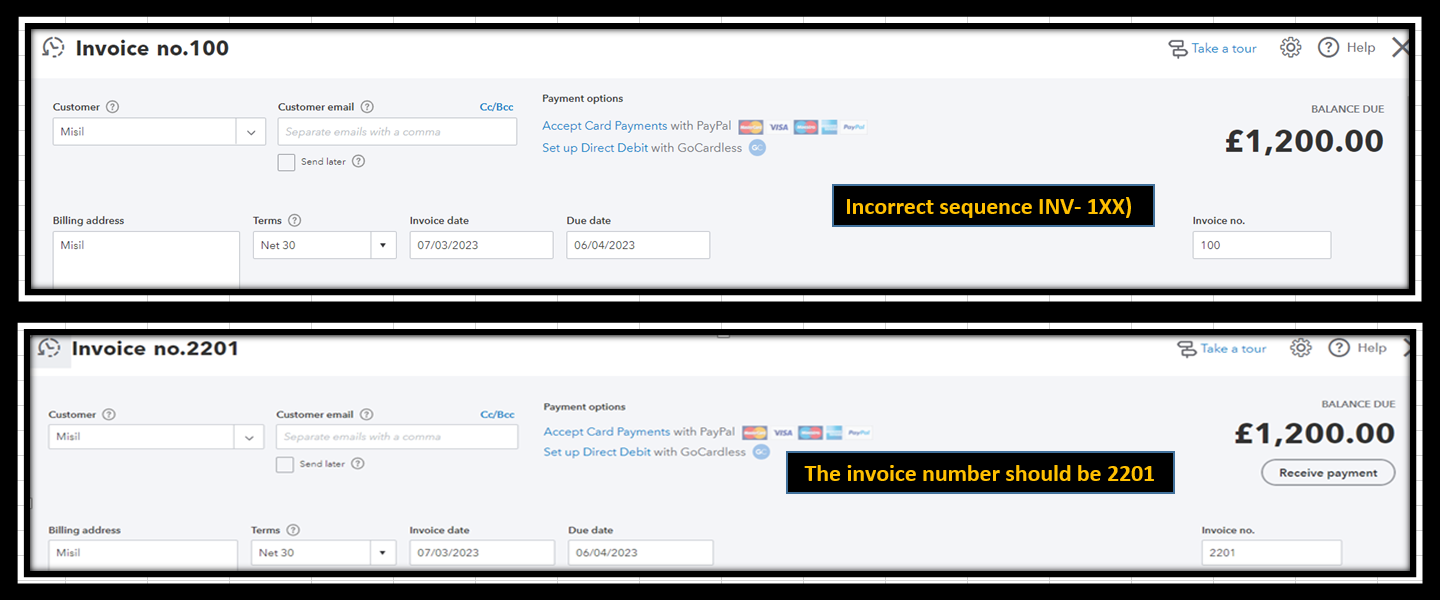
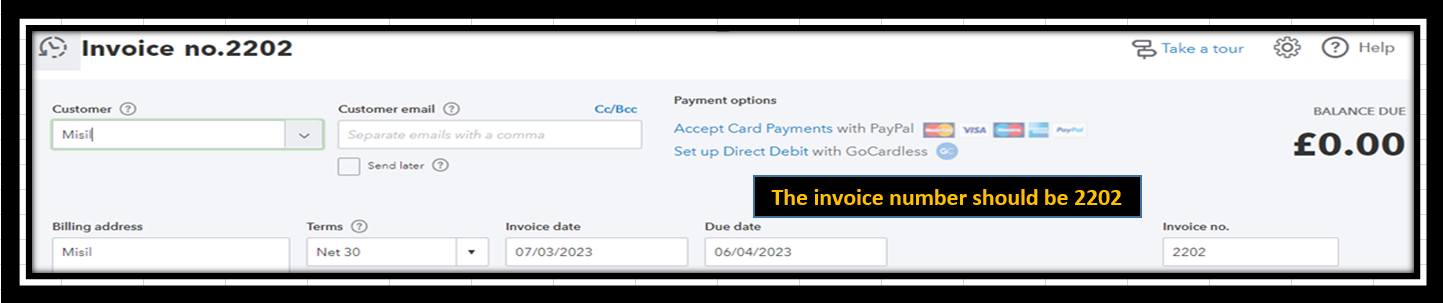
When you create another invoice in the future, the invoice number should be 2202. For reference, see the screenshot below:
Moreover, check out these articles below to learn how to record invoice payments and add bank details to the invoice forms:
I hope this response makes you happy. Please let me know if you have further questions about managing invoices in your account. I'm always available to assist you. Keep safe.

