QuickBooks Blog
Need help choosing a plan?
Created with Sketch. 1800 917 771 Schedule a call
Need help?
We're here for you.
Schedule call
Created with Sketch.
Business owner doing budget in fashion design atelier
taxes

Small Business Tax Offset: What is it & How to Maximise Your Tax Benefit

The Australian government offers a small business tax offset, designed to reduce tax obligations for smaller businesses that may struggle with the financial burden of paying high taxes.Β 


If you are a small business owner or sole trader earning less than $5 million per year, you could be eligible for this reduction in your tax. This guide will tell you everything you need to know about the offset, from your business’ eligibility to how you can claim and maximise your benefit.

What is a small business tax offset?Β 


The small business tax offset (or the unincorporated small business tax discount) is a tax incentive offered by the Australian government, designed to help businesses reduce their tax liabilities.Β 


This offset can reduce small businesses’ tax payments by up to $1,000 yearly, depending on whether they meet the criteria set out by the Australian Tax Office (ATO). It’s calculated based on the income tax payable on your business income, and is automatically applied when you lodge your return.

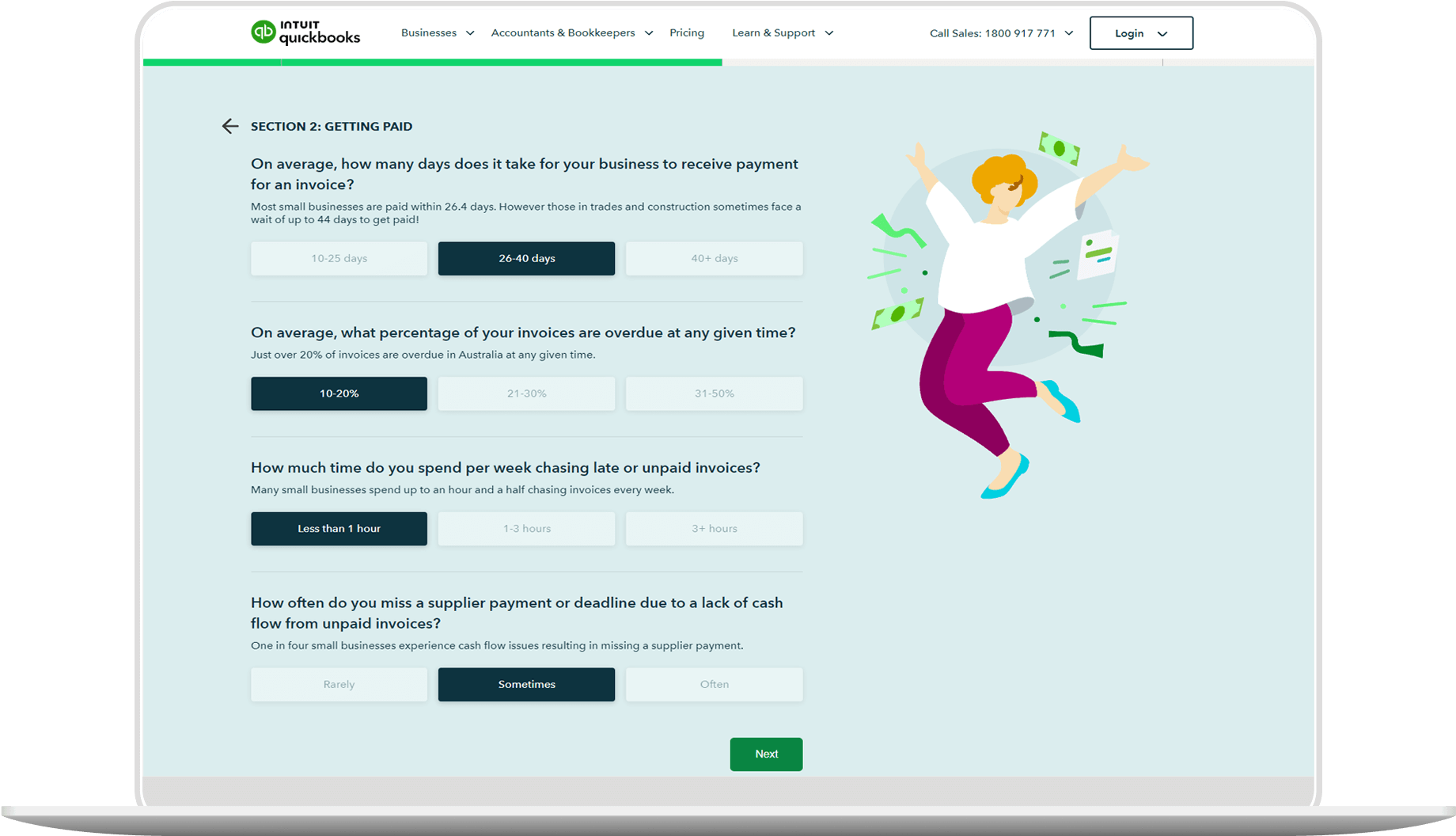
Laptop screen showcasing QuickBooks FREE Business Health Check
NEW!

FREE Business Health Check

Find out how your business is performing. Complete this short questionnaire to receive a free personalised Business Health Check report!

Eligibility and rate of offset

There are a few conditions you must meet to become eligible for the small business tax offset:


  • You must either be a sole trader, or have a share of small business income from a partnership or trust.
  • Your business must earn a turnover of less than $5 million per year.
  • You must be an Australian resident for tax purposes.

How much is the small business tax offset

As of the 2023 financial year, the small business tax offset is 16%. This means that you can reduce the amount of income tax you pay on eligible small business income by 16%, however this amount is capped at $1,000. As a result, if 16% of your business income tax came to, say $1,500, you’d still only get a $1,000 offset.


The ATO can review and change the offset amount at any time, and they will calculate the amount you can claim automatically based on the information in your tax return. To get an idea of your potential savings ahead of filing your tax return, you can see the latest offsets on the ATO website.Β 

How to calculate your small business tax offset

The ATO has made it very simple to calculate your savings, creating a small business income tax offset calculator that will give you an estimate based on the information you provide. To use it, you’ll need to gather specific financial details based on your business structure:


For sole traders

If you’re a sole trader, you’ll need details on:

For business owners, partners or beneficiaries

If you own or have any stake in a small business, you’ll need details on:

  • The net small business income from your distribution statement or your share (if a partner).
  • Deductions you’ve claimed against your share of net small business income.
  • Details of all business activities if your partnership conducted more than one.


You can also work out your small business tax offset manually if you prefer. To do so, follow these steps:


  • Determine your income: Work out how much of your taxable income comes from your small business, in the given financial year.
  • Calculate the tax payable: Using this net small business income, calculate the tax payable considering your tax bracket.
  • Apply the offset rate: Apply the current offset rate (16%) to the tax liability on your business income to work out how much you’ll get back.

Example:

Let’s look at this in practice. The formula for working out the small business tax offset is as follows:


0.16 (current business tax offset rate) x (small business taxable income) = small business tax offset.Β 


You first need to work out how much tax is payable on your small business income. Start with identifying the tax payable on your total income (for example, $12,000) and then identifying how much of this income comes from your small business (for example, 95%).Β 


To work out tax payable on your small business income in this example, work out 95% of $12,000. This leaves you with a payable tax amount of $11,400. Then you can use the above formula to calculate your small business tax offset:


0.16 (current tax offset rate) Γ— $11,400 (small business taxable income) = $1,824.


You can now see that you’re eligible for a small business tax offset of $1,824, but because the offset is capped at $1,000, you’ll only receive a $1,000 tax offset.


Grow Your Business with QuickBooks

How to claim the small business tax offset

It’s simple to claim the small business tax offset, as it happens automatically when you lodge your individual tax returnβ€”you don’t have to apply separately or submit any special requests. However, to ensure it all goes smoothly, make sure you do the following when filling in your return:


  1. Report your finances accurately: Make sure your business income and deductions are correctly reported in your return.
  2. Classify your business correctly: Make sure your business is correctly classified as a small business, otherwise you won’t be eligible.
  3. Check your Notice of Assessment: The offset will appear in your Notice of Assessment once the ATO has processed your return.

Benefits of the small business tax offset

Claiming the small business tax offset can be very helpful to your business in a few ways:


  • Reduce your tax payments: The small business tax offset could reduce your tax liability by up to $1,000.
  • Retain more income: By reducing your tax payments, the offset helps you save more of your small business income.
  • Encourage reinvestment: Keeping more of your income gives you the opportunity to reinvest more into your business.
  • Aids tax management and cashflow: Knowing how much tax you’ll owe helps you budget more confidently throughout the year.
  • No extra application: The small business tax offset offers relief without you needing to take extra steps to apply.

Common errors to avoid when claiming the tax offset

The claim process for the small business tax offset is simple, but there are some common errors businesses make that may create some obstacles. Here are some pitfalls to look out for to avoid having to repay incorrectly claimed offsets in the future:

  • Failing to report all business income.Β 
  • Incorrectly categorising personal income as business income.
  • Forgetting to include applicable deductions.
  • Not keeping accurate financial records.
  • Assuming eligibility without checking turnover and residency status.

Important dates and deadlines for claims

To claim your small business tax offset, you’ll need to lodge your tax return for the financial year as normal by the ATO’s deadline, usually the 31st October. The offset will be calculated automatically once you’ve submitted the return, so you don’t have to fill in any supplementary forms to claim it. Just make sure your business income and expenses are all accurately recorded in order to avoid any delays in the processing.

How QuickBooks can help

As a small business owner, staying on top of your tax obligations and filing returns accurately can be a time-consuming process. QuickBooks can simplify this for you, ensuring you don’t miss out on the extra cash the small business tax offset offersβ€”and saving you valuable time in the process.

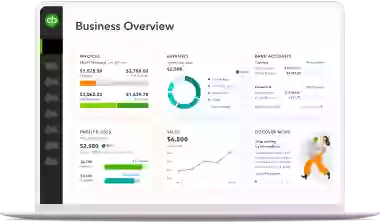
With the QuickBooks mobile app, you can make the end of the financial year a breeze, with plenty of features to streamline the process of filing an accurate small business tax offset:

  • Track business income and expenses in real-time.
  • Generate reports on the go.
  • Set reminders and alerts during the tax filing process.
  • Easily access data to estimate your small business tax offset.

Sign up for QuickBooks today and enjoy a 30-day free trial.

While every care has been taken to ensure the accuracy of the information presented as of 11 April 2025, Intuit is not providing you with professional advice. We recommend you obtain your own professional advice. Intuit is not liable for your use of the information presented.


Frequently Asked Questions


Related Articles

Looking for something else?

Get QuickBooks

Smart features made for your business. We've got you covered.

Help Me Choose

Use our product selector to find the best accounting plan for you.

QuickBooks Support

Get help with QuickBooks. Find articles, video tutorials, and more.

A computer screen showing a picture of a computer.

TAKE A NO-COMMITMENT TEST DRIVE

Your free 30-day trial awaits

Our customers save an average of 9 hours per week with QuickBooks invoicing*

No credit card needed

Cancel anytime

Unlimited support

By entering your email, you are agree to our Terms and acknowledge our Privacy Statement.