You've come to the right place for help with QuickBooks, barhovski.
If you're trying to mark an invoice as paid, you'll need to Receive Payment. To do this, you can open the invoice and click the Receive payment button and enter the full amount received to clear.
- Go to Sales.
- Click the Customers tab.
- Choose a Customer, and click Receive payment.
- Click Save and new.
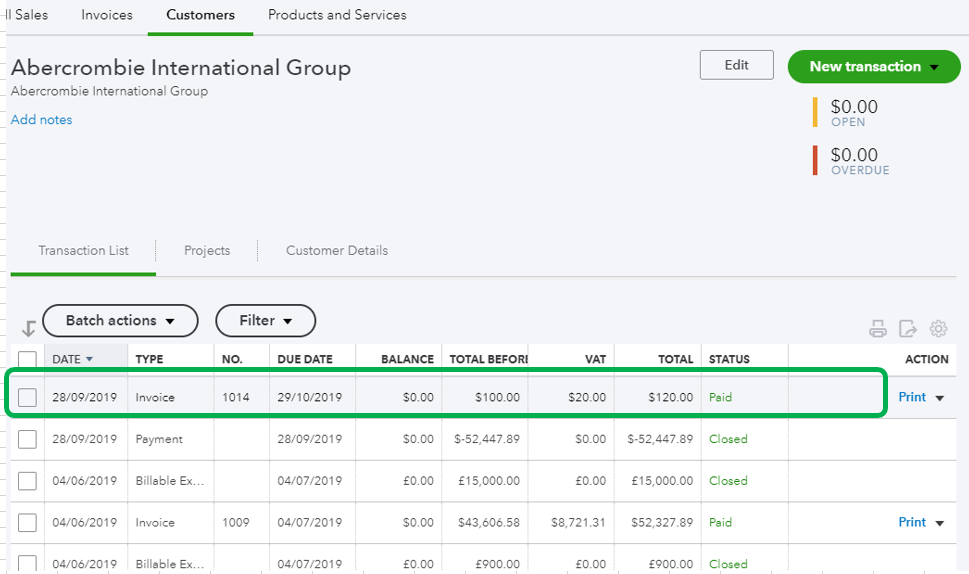
Once done, you'll now see the status of the transaction as Paid.
If you meant something else, please let me know. Any additional information will do and I'll take it from there. I'm always around to provide further assistance.


