
SALE

Get 70% off QuickBooks for 6 months

See plans and pricing

BAS for Australia lodgement/statement software

We’ve got your Online BAS Statement covered

Track GST and electronically lodge BAS statements directly from your QuickBooks account. No portals or complicated workarounds, simply prep, e-lodge your business tax, and exhale.

Image Alt Text
7 million
customers globally¹
4.3/5
Capterra reviews²
Winner of Canstar’s
Most Satisfied Customers³

It’s easy to e-lodge BAS statements in Australia with QuickBooks Online

Prepare and electronically lodge BAS directly from your QuickBooks account.

Stay on top of BAS and other obligations

QuickBooks Cash Flow can help you forecast tax liabilities like GST to make preparing and paying your BAS statements a breeze.
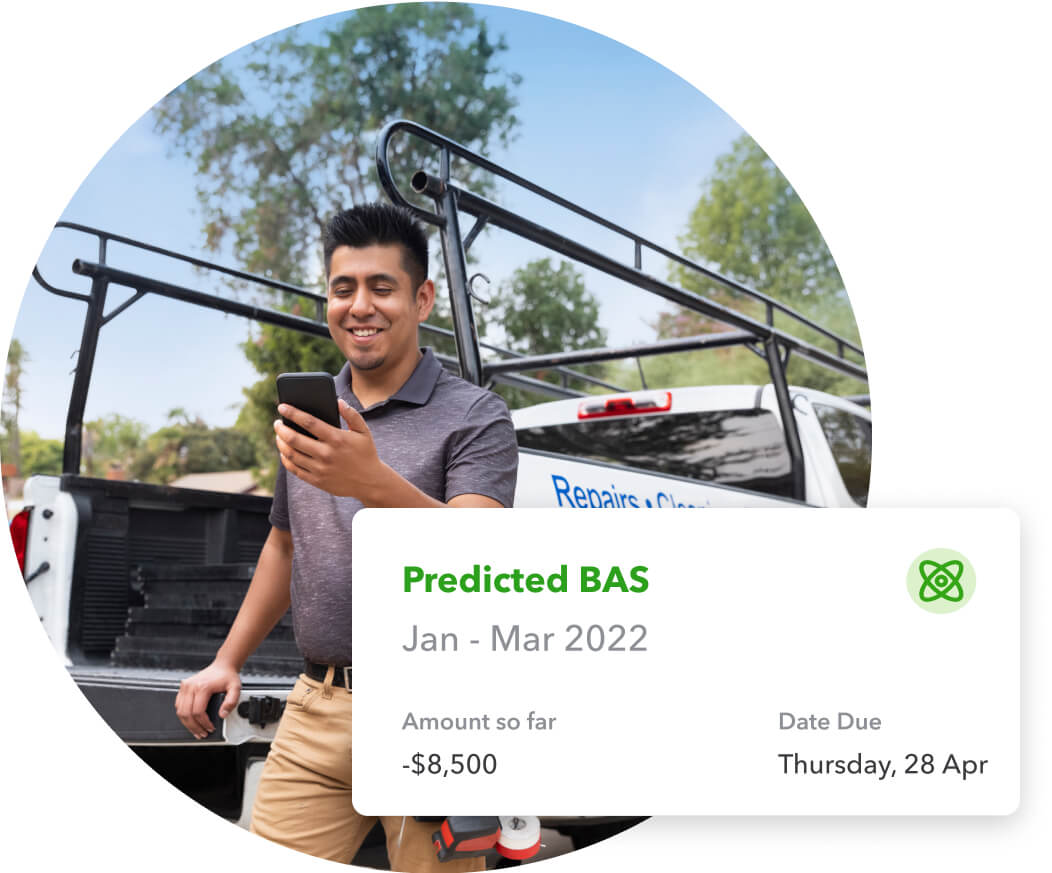
GST-predictedBAS-feature

Track, itemise, investigate

Every time you create an invoice or expense, QuickBooks will know if you should add GST. Investigate issues with your BAS, using reports like ‘Transactions without GST’ and ‘Transactions by tax code’.
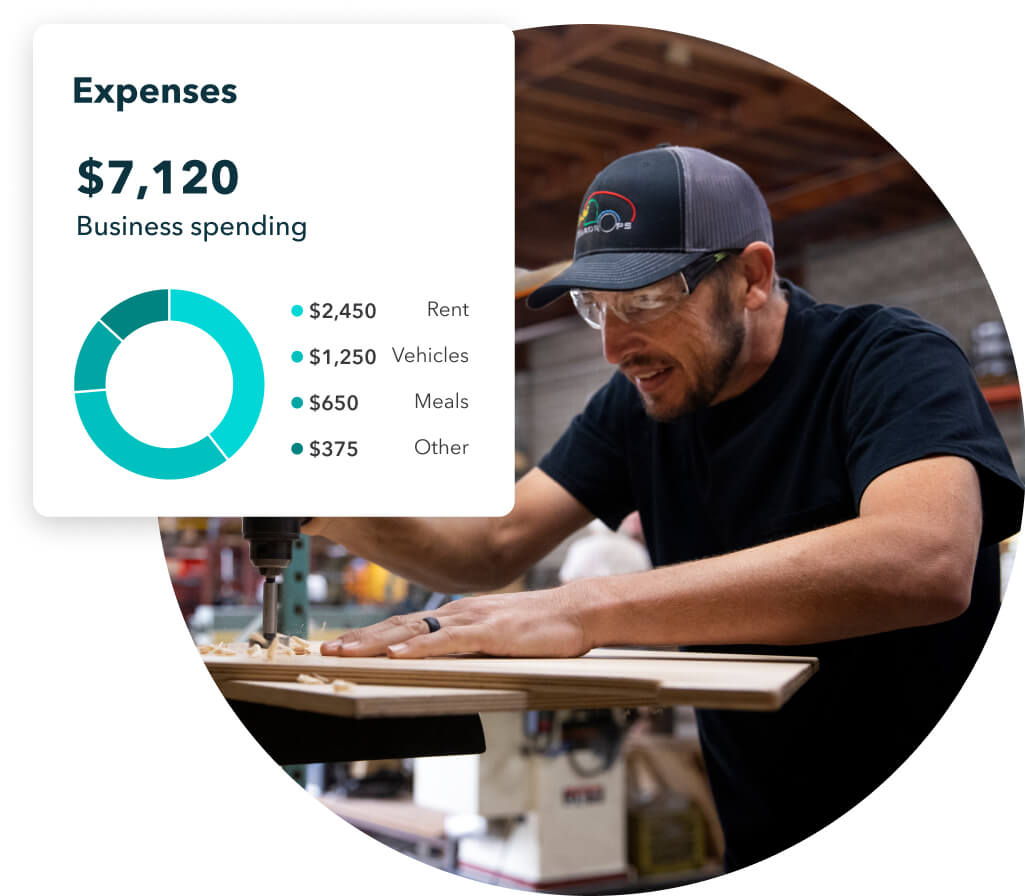

GST-expenses-feature

Calculate, organise, overcome

QuickBooks helps you cut activity statement stress by auto tracking and calculating your obligations. You’ll always know how much you owe and when it’s due, so you’re ready to lodge your BAS quickly and easily.


GST-transactions-feature

Lodge BAS statement without leaving QuickBooks

QuickBooks Online makes lodging BAS even easier with electronic lodgement. Now you can prepare and e-lodge activity statements directly from QuickBooks Online. No portals or complicated workarounds, simply prepare, e-lodge, and exhale.
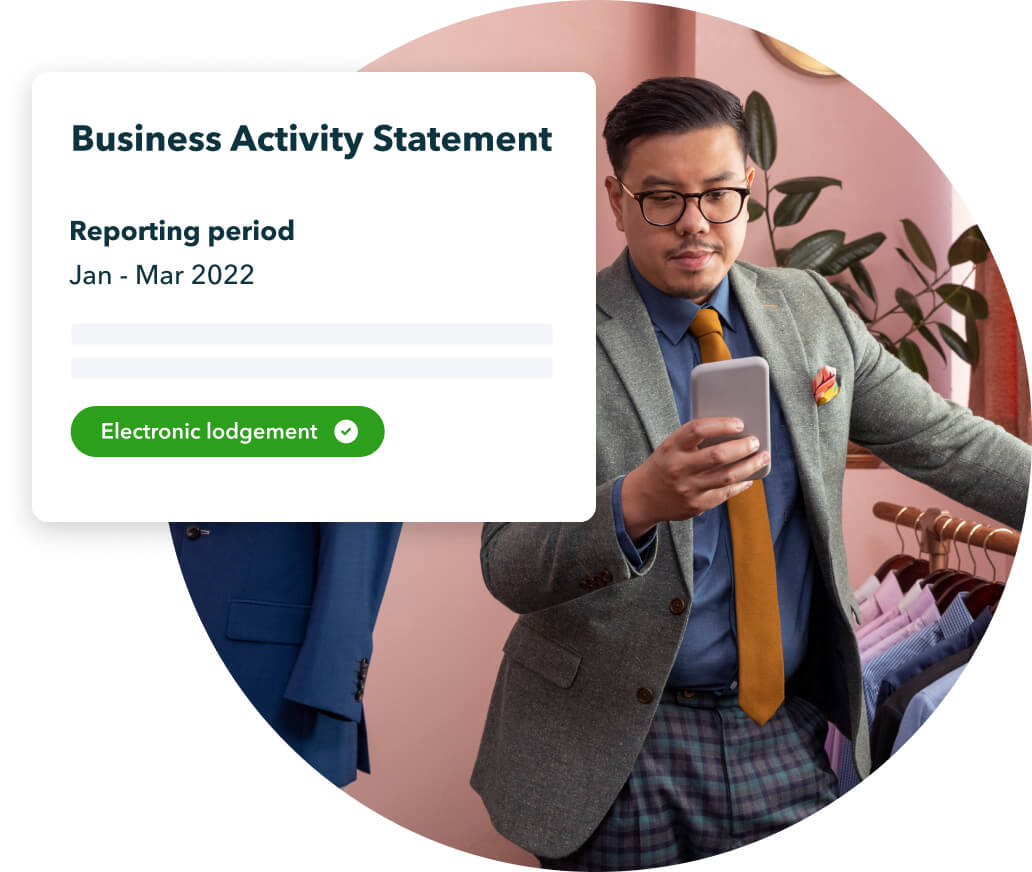

GST-Lodge-BAS-without-leaving-QuickBooks

Review, reconcile, rest easy

QuickBooks Online creates a BAS summary for you to review before you lodge. You’ll be notified of any changes to old transactions, and they will carry over to your next summary.
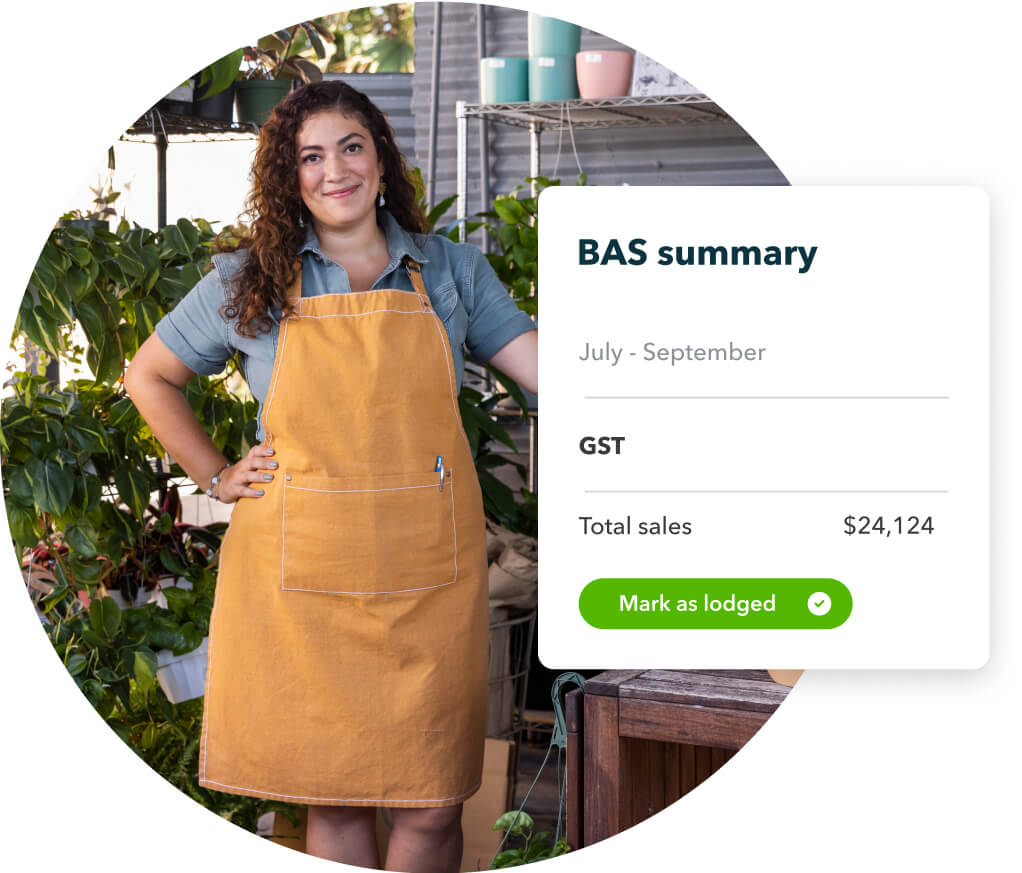
GST-BAS-summary-feature

Find a plan that’s right for you

Free unlimited support

No contract, cancel anytime

Simple Start
Build your financial foundation
1 user
Plus access for your accountant

Includes:
Intuit Intelligence
Chat for instant insights
limited queries per month
Delegate tasks to AI
Pre-lodgement check with GST AI
Checkmark Icon
Income and expenses
Checkmark Icon
Invoices and quotes
Essentials
Save time & focus on growth
3 users
Plus access for your accountant

Everything in Simple Start, and:
Intuit Intelligence
Easily share information with your accountant with Accounting AI
Checkmark Icon
Recurring transactions
Checkmark Icon
Multi-currency
Checkmark Icon
Supplier and bill management
Plus
Scale with greater clarity
5 users
Plus access for your accountant

Everything in Essentials, and:
Intuit Intelligence
Finds and fixes errors with Accounting AI
Sources leads & helps follow up with Customer AI
Checkmark Icon
Up to 40 classes and locations
Checkmark Icon
Project management
Checkmark Icon
Inventory tracking
Checkmark Icon
Budgeting
Unlock efficiency
Accelerate
Advanced
Boost efficiency & profitability
25 users
Plus access for your accountant

Everything in Plus, and:
Intuit Intelligence
Gives tailored financial insights with Finance AI
Pre-fills details to start work faster with Project Management AI
Checkmark Icon
Unlimited classes and locations
Checkmark Icon
Automated workflows
Checkmark Icon
Custom role permissions
Checkmark Icon
Custom reporting fields
Checkmark Icon
Data sync with Excel
Checkmark Icon
Backup and restore data

Compare all features

Simple Start
Essentials
Plus
Unlock efficiencyAccelerate
Advanced
Intuit Intelligence Icon
Intuit Intelligence
Chevron Icon
Intuit Intelligence chat
Beta
Checkmark Icon
Checkmark Icon
Checkmark Icon
Checkmark Icon
Accounting AI
Checkmark Icon
Checkmark Icon
Checkmark Icon
Checkmark Icon
GST AI
Checkmark Icon
Checkmark Icon
Checkmark Icon
Checkmark Icon
Customer AI
Dash Icon
Dash Icon
Checkmark Icon
Checkmark Icon
Finance AI
Dash Icon
Dash Icon
Dash Icon
Checkmark Icon
Project Management AI
Dash Icon
Dash Icon
Dash Icon
Checkmark Icon
Accounting Icon
Accounting
Chevron Icon
Automated bookkeeping
Checkmark Icon
Checkmark Icon
Checkmark Icon
Checkmark Icon
GST tracking & e-lodge BAS
Checkmark Icon
Checkmark Icon
Checkmark Icon
Checkmark Icon
Automated bank feeds
Checkmark Icon
Checkmark Icon
Checkmark Icon
Checkmark Icon
Smart expense categorisation
Checkmark Icon
Checkmark Icon
Checkmark Icon
Checkmark Icon
Multi-currency
Dash Icon
Checkmark Icon
Checkmark Icon
Checkmark Icon
Anomaly detection and resolution
Dash Icon
Dash Icon
Checkmark Icon
Checkmark Icon
Revenue recognition
Dash Icon
Dash Icon
Dash Icon
Checkmark Icon
Fixed assets
Dash Icon
Dash Icon
Dash Icon
Checkmark Icon
Classes and locations
Dash Icon
Dash Icon
Up to 40
Unlimited
Chart of Accounts
250
250
250
Unlimited
Expenses Icon
Expenses
Chevron Icon
Auto-match transactions
Checkmark Icon
Checkmark Icon
Checkmark Icon
Checkmark Icon
Expense tracking
Checkmark Icon
Checkmark Icon
Checkmark Icon
Checkmark Icon
Receipt capture
Checkmark Icon
Checkmark Icon
Checkmark Icon
Checkmark Icon
Kilometre tracking
Checkmark Icon
Checkmark Icon
Checkmark Icon
Checkmark Icon
Supplier and bill management
Dash Icon
Checkmark Icon
Checkmark Icon
Checkmark Icon
Sales & Get Paid Icon
Sales & Get Paid
Chevron Icon
Quotes
Checkmark Icon
Checkmark Icon
Checkmark Icon
Checkmark Icon
Invoice and payments
Unlimited
Unlimited
Unlimited
Unlimited
Recurring invoices
Dash Icon
Checkmark Icon
Checkmark Icon
Checkmark Icon
Customer Hub Icon
Customer Hub
Chevron Icon
Customer management
Checkmark Icon
Checkmark Icon
Checkmark Icon
Checkmark Icon
Notes and tasks management
Checkmark Icon
Checkmark Icon
Checkmark Icon
Checkmark Icon
Reputation management
Dash Icon
Checkmark Icon
Checkmark Icon
Checkmark Icon
Lead management
Dash Icon
Checkmark Icon
Checkmark Icon
Checkmark Icon
Contract upload and e-signature
Dash Icon
Dash Icon
Checkmark Icon
Checkmark Icon
Proposals
Beta
Dash Icon
Dash Icon
Checkmark Icon
Checkmark Icon
Appointments
Dash Icon
Dash Icon
Checkmark Icon
Checkmark Icon
Project Management Icon
Project Management
Chevron Icon
Project management
Dash Icon
Dash Icon
Checkmark Icon
Checkmark Icon
Project profitability
Dash Icon
Dash Icon
Checkmark Icon
Checkmark Icon
Inventory Icon
Inventory
Chevron Icon
Inventory tracking
Dash Icon
Dash Icon
Checkmark Icon
Checkmark Icon
Purchase orders
Dash Icon
Dash Icon
Checkmark Icon
Checkmark Icon
Sales orders
Dash Icon
Dash Icon
Checkmark Icon
Checkmark Icon
Business Intelligence
Chevron Icon
Insights & reports
Checkmark Icon
Checkmark Icon
Checkmark Icon
Checkmark Icon
Cash flow planner
Dash Icon
Checkmark Icon
Checkmark Icon
Checkmark Icon
Budgeting
Dash Icon
Dash Icon
Checkmark Icon
Checkmark Icon
Forecasting
Dash Icon
Dash Icon
Dash Icon
Checkmark Icon
Custom dashboards
Dash Icon
Dash Icon
Dash Icon
Checkmark Icon
Custom report builder
Dash Icon
Dash Icon
Dash Icon
Checkmark Icon
Custom fields
Dash Icon
4
4
12
Connected Platform
Chevron Icon
Data sync with Excel
Dash Icon
Dash Icon
Dash Icon
Checkmark Icon
Users
1 user
3 users
5 users
25 users
User management and role permissions
Dash Icon
Basic
Basic
Custom
Workflow automation
Dash Icon
Dash Icon
Dash Icon
Checkmark Icon
Mobile app
Checkmark Icon
Checkmark Icon
Checkmark Icon
Checkmark Icon
Integrate with hundreds of apps
Checkmark Icon
Checkmark Icon
Checkmark Icon
Checkmark Icon
Autosave with data protection
Checkmark Icon
Checkmark Icon
Checkmark Icon
Checkmark Icon
Backup and restore data
Dash Icon
Dash Icon
Dash Icon
Checkmark Icon
Free onboarding session
Checkmark Icon
Checkmark Icon
Checkmark Icon
Checkmark Icon
Phone & chat messaging support
Checkmark Icon
Checkmark Icon
Checkmark Icon
Checkmark Icon
Free data migration
Dash Icon
Checkmark Icon
Checkmark Icon
Checkmark Icon
Automated Payroll
Checkmark Icon
Checkmark Icon
Checkmark Icon
Checkmark Icon

FREE onboarding session for new customers

Our expert will walk you through the key features of QuickBooks, but they’re unable to offer business or financial advice. The QuickBooks features demonstrated can be tailored depending on your needs. The session can cover; invoicing, expenses and setting up bank feeds

Live chat person screen on a computer

More popular QuickBooks Online features

Image Alt Text

Create customised invoices

Customise the logo, colours and fields of your invoices. Generate invoices on the go with the mobile app.

Image Alt Text

More ways to accept payments

Use the mobile app to accept payments on the go. Accept PayPal and credit cards payments.

Image Alt Text

Use it on the go

See how your business is doing anytime, anywhere with QuickBooks Online on your phone and tablet.

Image Alt Text

Expenses: Go paperless

Use your phone to capture your receipts and manage your expenses.

Image Alt Text

Connect to your apps

Sync data from apps like PayPal, Receipt Bank and others into QuickBooks Online.

Image Alt Text

Know where your business stands

See your Profit & Loss, Balance Sheet and dozens of reports in one click.

Easy GST & BAS statement set up

How to set up GST tracking

  1. Log in to QuickBooks Online.
  2. Select GST from the menu on the left.
  3. Click the Update button in the top-right corner.
  4. Follow the directions to Connect to the ATO.
  5. Once connected, click on Prepare BAS, and you're good to go!
How to setup GST tracking

How to prepare BAS statements

  1. Log in to QuickBooks Online.
  2. Select GST from the menu on the left.
  3. Click on Prepare BAS.
  4. Confirm the details, and you're all set!
How to prepare BAS
Join # million QuickBooks customers worldwide