SMART TOOLS. GREAT PRICE.

90% OFF QuickBooks for 6 months*

Need help choosing?

Speak to a QuickBooks expert to find the right product for your business

Talk to sales: 0808 304 6205

9.00am - 5.30pm Monday - Friday

Get product support

Contact support   Visit support page

Making Tax Digital for VAT

Is your business registered for VAT? Making Tax Digital applies to you. Here's a guide to HMRC's latest rules, including the penalties, exemptions and how to comply.

Two people sitting on a couch with a laptop and a card.

What is Making Tax Digital for VAT?

Making Tax Digital (MTD) is a government initiative to digitise the tax system.

Introduced in 2019, MTD was made compulsory for VAT-registered businesses in April 2022, as the first phase of Making Tax Digital. If you’re VAT-registered, you must:

A laptop computer sitting on top of a wooden table.

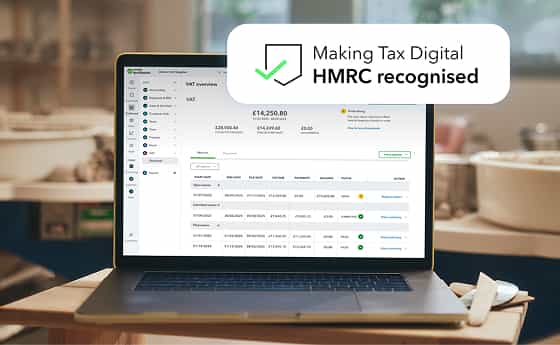
Submit your VAT returns to HMRC using a digital link

A laptop computer sitting on top of a desk.

Keep digital records using MTD-compatible software

This means that, if you have not already done so, you must move your financial records from a paper or spreadsheet system, to MTD-recognised software. You can then send your VAT returns to HMRC digitally.

HMRC now automatically signs up businesses for MTD if they’re registered for VAT.

Why is MTD for VAT important for businesses?

It’s important to comply with MTD rules if you are VAT-registered. Without MTD-compatible software, you won’t be able to submit VAT returns to HMRC and will face a penalty.

Under the new rules, businesses must keep and send digital records digitally to HMRC. These digital records will, in most cases, replace physical records entirely. This means that you won’t have to sort through reams of documents when filling out your VAT returns.

Prepare VAT return feature

Benefits of Making Tax Digital

Icon

Submitting regular updates helps you see tax owed in real time 

Icon

Modernising your records can help your business in the long run

Icon

Once set up, MTD can allow you to spend less time on admin

Who needs to comply with Making Tax Digital for VAT?

Making Tax Digital for VAT is currently compulsory for all VAT-registered businesses. However, there are some exceptions. You won’t have to follow the MTD rules if:

Icon

Your business is run entirely by practising members of a religious society whose beliefs are incompatible with the regulation’s requirements (for instance, using computers is not allowed).

Icon

You are undergoing bankruptcy procedures.

Icon

You can’t easily use digital tools to keep your business records or submit your returns - for instance due to age, disability or remoteness of location.

Be MTD for VAT confident with QuickBooks

VAT AI Agent BETA

Submit VAT Returns with confidence

The VAT App in Intuit QuickBooks comes with a built-in AI VAT Agent [BETA] for QuickBooks Simple Start customers and above. It identifies discrepancies between your profit and loss report and net sales figures, to help you file your VAT Returns with confidence.

Dates and deadlines for MTD for VAT

It’s important to follow the deadlines for MTD for VAT to avoid paying a penalty. Your VAT filing deadlines will remain the same as the previous VAT filing process and be either: monthly, quarterly or annually.

A sign that reads "Hannah Ramsay" on a building.

From April 2022, VAT-registered businesses must follow Making Tax Digital rules on their VAT return.

A person in a red shirt and glasses looking at a laptop.

If you’re VAT-registered, you need to ensure you’re using MTD-compatible software. HMRC will contact you, and you’ll automatically be signed up for the scheme.

How to get started with Making Tax Digital for VAT

All VAT-registered businesses should now be signed up for Making Tax Digital for VAT. You no longer need to sign up yourself, and HMRC should have contacted you about it.


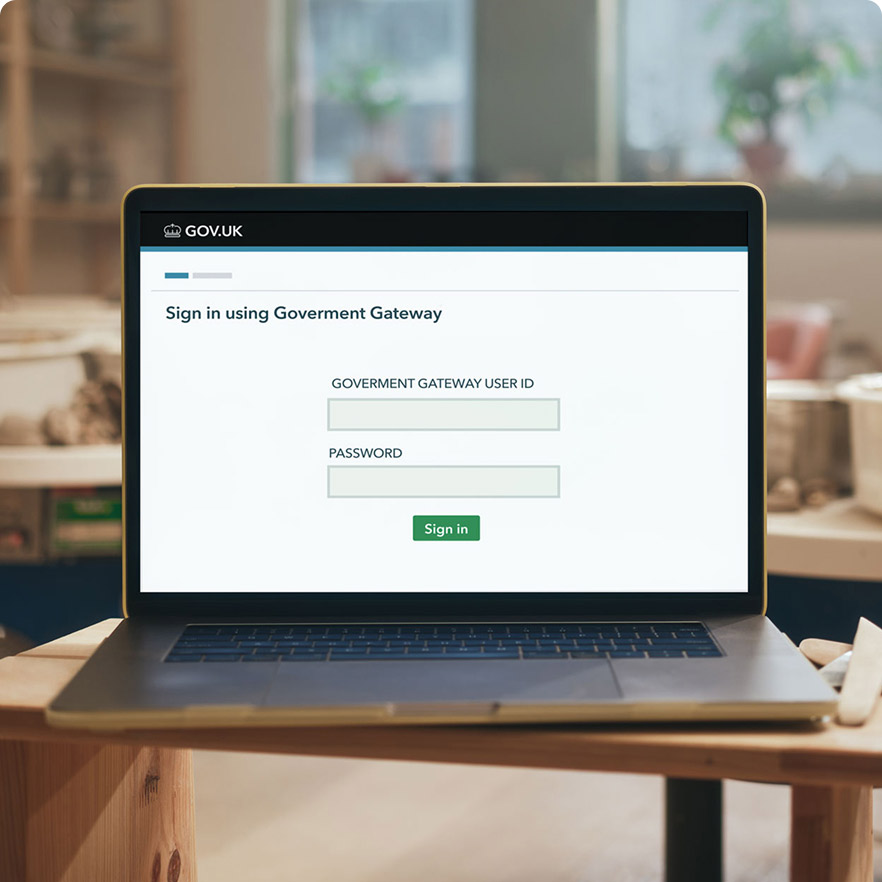
All businesses that earn over £90,000 have to register for VAT. You can register online through the government website, using your Government Gateway ID.


Read our helpful guide on how to register for VAT online here.

Making Tax Digital for VAT

Interested in more about MTD?

A green square with a white arrow on it.

Making Tax Digital Guide

Discover more about what MTD is and its impact on businesses.

Get started
A green book with a number of numbers on it.

MTD for Income Tax

Discover more information about MTD for Income Tax current guidelines and how it could affect you.

Find out more
A black and white photo of a person with a pair of scissors.

Get expert help from real people

New to QuickBooks? Book a free 45 minute onboarding session with one of our experts. They'll walk you through setting up QuickBooks and answer your questions. Your welcome email has all of the details.

Image Alt Text

Need help at any other time?

Get expert product help from real people 7 days a week.* We offer phone support, live chat and screen sharing all free of charge.


*Phone support available 8.00am - 7.00pm Monday - Friday or live message 8.00am - 10.00pm Monday to Friday, 8.00am - 6.00pm Saturday & Sunday

A computer keyboard with numbers and numbers on it.

Got a question about Making Tax Digital?

Call our MTD hotline on
0808 258 4614

Hotline hours:
Mon to Fri - 9am to 5.30pm

Frequently asked questions about Making Tax Digital for VAT

Trusted by millions of business worldwide

Important pricing details and product information

Stay informed and inspired

Subscribe to get our latest insights, promotions, and product releases straight to your inbox.

By signing up, you are agreeing that we can use your email address to send you marketing messages about Intuit products and services. You can unsubscribe from marketing emails at any time by using the link in our emails. For more information, please review our privacy statement.

Stay informed and inspired

Subscribe to get our latest insights, promotions, and product releases straight to your inbox.

By signing up, you are agreeing that we can use your email address to send you marketing messages about Intuit products and services. You can unsubscribe from marketing emails at any time by using the link in our emails. For more information, please review our privacy statement.