For accounting professionals. Not an accountant?
QuickBooks Online Accountant
Help get clients paid faster
With same-day invoice payment up to 4x more likely**, and payments instantly reflected in client books, QuickBooks payments is a game-changer for your clients.

Accepting payments made easy

Invoicing that gets results
Invoices are up to 4x more likely to be paid on the day they’re sent1.

Automatic reconciliation
Payments are automatically matched to invoices.

More ways to get paid
Online, on-site, over the phone—get your clients paid easily.
Simplicity at every stage
Help clients take control
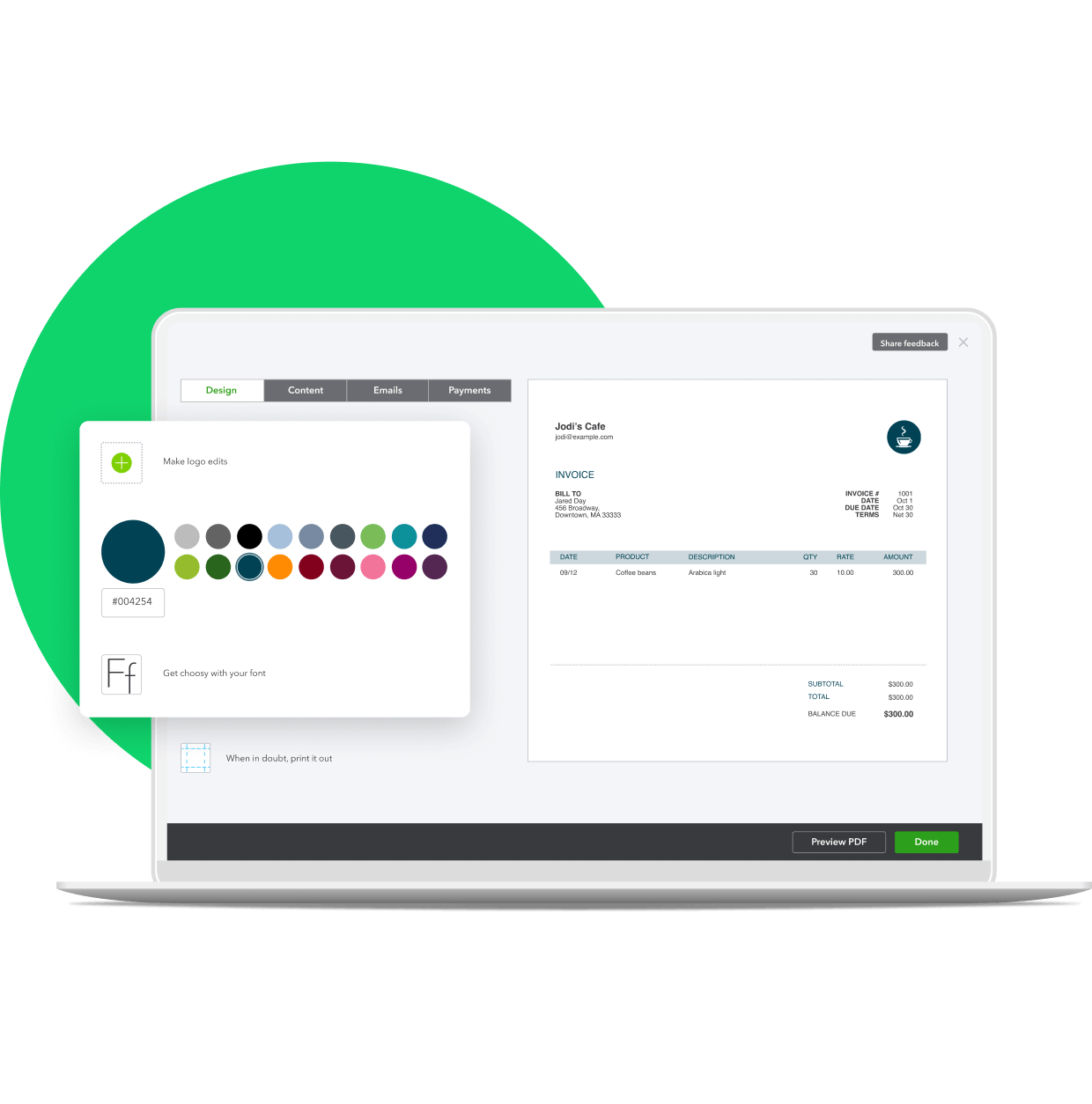
QuickBooks Payments gives your clients the tools and flexibility to get paid how they want.
• Your clients can create professional-looking invoices from any device.
• They can offer contactless payment options to their customers by allowing them to pay via credit card, Apple Pay, or bank payments.
• Bank payments have no daily limit and your client's customers can pay up to $50,000 per transaction, right from their bank account.
• Clients pay a 1% fee per bank payment transaction.
• They can manage invoicing and card processing all in one place.

Less follow ups, more getting paid
Reduce the time your clients spend reminding their customers payment is due.
• With a “Pay Now” button in their invoices, your client’s customers can pay quickly and easily.
• Credit card payments get deposited into your clients’ account the next business day, while bank payments take 3–5 business days.**
• They can send reminders and get real-time alerts when their invoices are viewed or paid.

Accurate, up-to-date books
QuickBooks Payments integrates with your clients’ books to make managing cash flow easy.
• Incoming payments are matched to invoices so reconciliation is done automatically.
• Every payment appears in your clients’ QuickBooks so nothing falls through the cracks.
• Your clients can record mobile sales in real-time, no adjustments needed.
Get paid with competitive rates
QuickBooks Online Payments
$0/month
Credit card: 2.9%+ 25¢ / transaction
Bank payments: 1%
- Accept credit cards, Apple Pay, & bank payments
- Get paid faster than with paper invoicing
- Auto-match payments to invoices
- Bank payments have no daily limit and allows your clients’ customers to pay invoices up to $50K per invoice at once.

Explore more

QuickBooks Payroll
Run payroll and track time right in QuickBooks, so all the data is in one place.

QuickBooks Online plans
Compare QuickBooks Online plans so you can find the one that’s best for your clients.

Connect with us
Reach out to a support agent to ask questions about QuickBooks for you, and your clients.
Frequently asked questions
Call Sales: 1 855-348-9670




